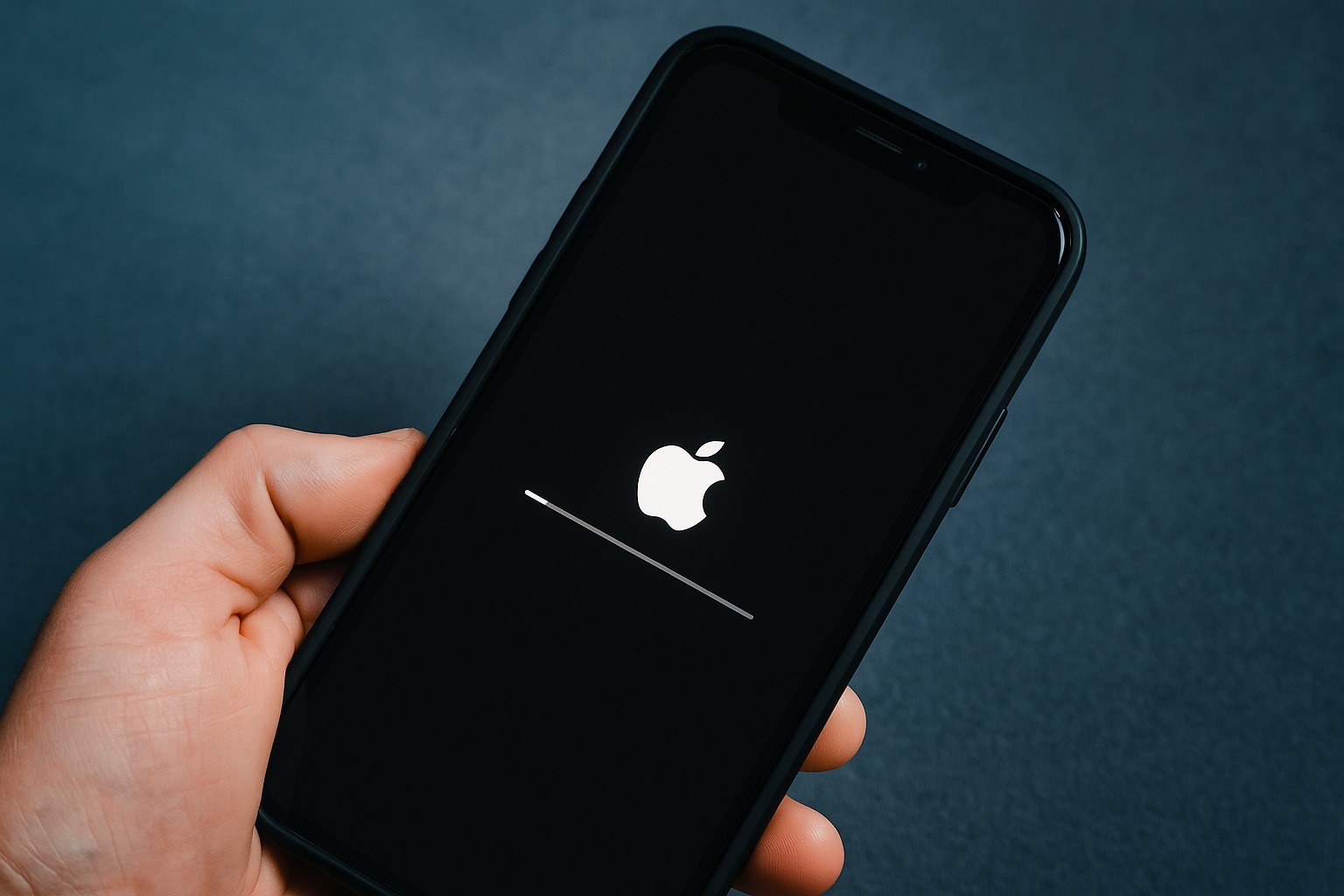

Apple has rolled out new software updates — iOS 18.7.2 for iPhones and iPadOS 18.7.2 for iPads — as an emergency measure to fix critical security vulnerabilities, including a potential zero-day exploit 9To5Mac Itpro. Released on November 5, 2025, these updates deliver “important security fixes” and are recommended for all users still running iOS 18 on older devices 9To5Mac Appleinsider. Apple is urging iPhone and iPad owners who haven’t upgraded to iOS 26 to install this update immediately to safeguard their devices from active threats.
Key Highlights
- Emergency Security Update: Apple issued iOS 18.7.2 and iPadOS 18.7.2 as urgent patches to address critical security flaws, one of which is a zero-day vulnerability already exploited in the wild Itpro. This underscores the importance of updating without delay.
- Older Devices Supported: The update targets iPhones and iPads unable to run iOS 26, ensuring continued protection for models like iPhone XR, iPhone XS, and iPad (7th generation) Appleinsider. Apple often provides such security updates for devices no longer eligible for the latest OS, so users aren’t left exposed .
- No New Features – Just Fixes: iOS 18.7.2 does not introduce any new features or visual changes, focusing entirely on security improvements Osxdaily Appleinsider. Apple’s brief release notes state only that the update “provides important security fixes and is recommended for all users.” Appleinsider
- Multiple Vulnerabilities Patched: According to Apple’s security content, these patches address issues across a wide range of system components – from the App Store and Camera to Notes, Find My, Safari, WebKit and more 9To5Mac. The fixes remedy flaws that could allow apps to leak sensitive data, fingerprint users, or execute malicious code via crafted images or web content, among other potential exploits Theregister .
- Coordinated Release: This rollout coincides with Apple’s broader security push. At the same time, iOS 26.1 and iPadOS 26.1 for newer devices were released with similar fixes, alongside updates for macOS (Tahoe 26.1 and Sequoia 15.7.2), watchOS 26.1, and tvOS 26.1 Osxdaily. Apple essentially backported many of iOS 26.1’s security improvements to iOS 18.7.2, so users who haven’t moved to iOS 26 can stay protected .
Critical Security Fixes for Older iPhones & iPads
Apple’s main focus is usually on its current-generation operating systems, but the company continues to support older iOS versions with vital patches when needed Appleinsider. iOS 18.7.2 and iPadOS 18.7.2 are specifically aimed at devices that cannot upgrade to iOS 26, such as the iPhone XR, iPhone XS, and 7th-gen iPad Appleinsider. These models, launched around 2018–2019, have been dropped from the latest OS compatibility list, yet Apple ensures they still receive critical fixes for known vulnerabilities. In Apple’s words, the update provides “important security fixes and is recommended for all users.” Appleinsider
Notably, Apple frequently issues such updates for legacy devices after ending their official OS support, a practice meant to extend the safety net for older hardware Appleinsider. By releasing iOS 18.7.2 now, Apple is addressing any serious security holes on those older iPhones and iPads, so users aren’t forced to choose between security and upgrading their device. If your iPhone or iPad is staying on iOS 18, Apple’s advice is clear: install this update as soon as possible.
Zero‑Day Exploit Patched & Vulnerabilities Addressed
This round of updates is classified as an “emergency” security release by experts because it squashes at least one critical zero-day exploit – meaning a security bug that was found being actively exploited by attackers before a fix was available Itpro. Apple’s security advisory doesn’t detail the specifics in the release notes (as is customary to protect users until patches are widely installed), but independent reports indicate that one patched flaw could allow bad actors to hijack a device simply by tricking a user into opening a malicious image file Theregister Theregister. This type of vulnerability in the Image I/O framework was previously used in targeted attacks, prompting Apple to respond quickly with a fix Theregister.
Beyond that headline-grabbing exploit, iOS 18.7.2/iPadOS 18.7.2 includes a broad array of security patches. Apple’s updated security content page lists dozens of CVE-listed vulnerabilities now resolved in iOS 18.7.2 9To5Mac. The issues span many system components, illustrating why Apple labeled the update as important for all users:
- App Store: Fixed a permissions issue that could allow an app to fingerprint the user’s device or identify installed apps without consent Apple .
- Camera: Closed a logic flaw where an app might glean information from the camera view before permission was granted .
- Find My: Patched a privacy bug in the Find My service that could let an app access or “fingerprint” sensitive location data Apple.
- Notes: Removed vulnerable code in the Notes app that might have allowed unauthorized access to sensitive user data Apple .
- Kernel: Addressed a kernel memory handling issue that could potentially be exploited to cause system crashes Apple .
- Safari & WebKit: Fixed multiple WebKit browser engine flaws. For example, visiting malicious websites could lead to address bar spoofing or app crashes, and a WebKit bug that might let an app monitor keystrokes without permission was patched Apple .
These are just a few examples among many. In simpler terms, the update hardens your iPhone/iPad against a variety of attacks – whether it’s rogue apps trying to snoop on your data, or web-based exploits that could corrupt memory and compromise your device. By delivering the iOS 18.7.2 update, Apple effectively brings the security of these older devices up to par with the fixes that newer devices received in iOS 26.1 .
How to Update to iOS 18.7.2 / iPadOS 18.7.2
Updating your device is quick and ensures you’re protected. Follow these steps to install iOS 18.7.2 (or iPadOS 18.7.2) on your device:
- Back Up (Recommended): Before updating, it’s wise to perform a backup via iCloud or your computer, to safeguard your data .
- Open Settings: On your iPhone or iPad, go to the Settings app.
- Navigate to General > Software Update: In Settings, tap General, then select Software Update.
- Download iOS 18.7.2: Look for the iOS 18.7.2 (or iPadOS 18.7.2) update in the list. Tap “Download and Install” (or “Update Now”) to begin the installation Appleinsider. If your device is eligible for iOS 26 but you prefer to stay on iOS 18, make sure to select the 18.7.2 update specifically – take care not to accidentally upgrade to iOS 26 if that’s not desired Osxdaily.
- Restart to Install: After the download completes, follow the prompts. Your device will reboot to apply the update.
Once restarted, you can confirm the installation by checking Settings > General > About, where the version should show iOS 18.7.2 (or iPadOS 18.7.2). The entire process only takes a few minutes, and it will patch the vulnerabilities described above. Apple notes that the update is “recommended for all users,” so it’s prudent not to delay Appleinsider.
No New Features, Just Essential Fixes
Users should not expect any new emojis, UI changes, or fancy features in iOS 18.7.2 – and that’s by design. This release is a pure security patch. Apple kept the release notes minimal, emphasizing only the importance of the security content 9To5Mac. As AppleInsider reports, such updates “don’t tend to include new features” but instead focus on behind-the-scenes protections and occasionally compatibility updates for newer hardware Appleinsider. The priority here is stability and safety over new functionality.
For iPhone and iPad owners who have been holding off on upgrading to iOS 26, iOS 18.7.2 ensures they aren’t left vulnerable. In fact, 9to5Mac points out that this update brings many of the same fixes from iOS 26.1 over to iOS 18 9To5Mac. So, while you won’t see anything visibly different after updating, under the hood your device will be much more secure.
Bottom Line: Update Now for Security
If your device is eligible for this update, install iOS 18.7.2 / iPadOS 18.7.2 as soon as possible. Cybersecurity threats can escalate quickly once vulnerabilities become public knowledge, and even if a flaw is only exploited in targeted attacks, it’s wise for all users to patch it. Apple’s swift move to push these fixes underscores how critical they are – the company rarely issues out-of-cycle “point” updates unless the risks are significant.
By updating, you ensure that your iPhone or iPad has the latest defenses against known exploits. In the past year alone, Apple has patched multiple zero-day vulnerabilities used by spyware and other malicious actors Theregister. Staying on the latest security update is the best way to keep your personal data and device safe. As Apple’s release notes state, this update is “recommended for all users” Appleinsider – a clear call that everyone running iOS 18 should take advantage of this critical patch. In short: don’t wait, update now, and keep your older Apple devices secure.