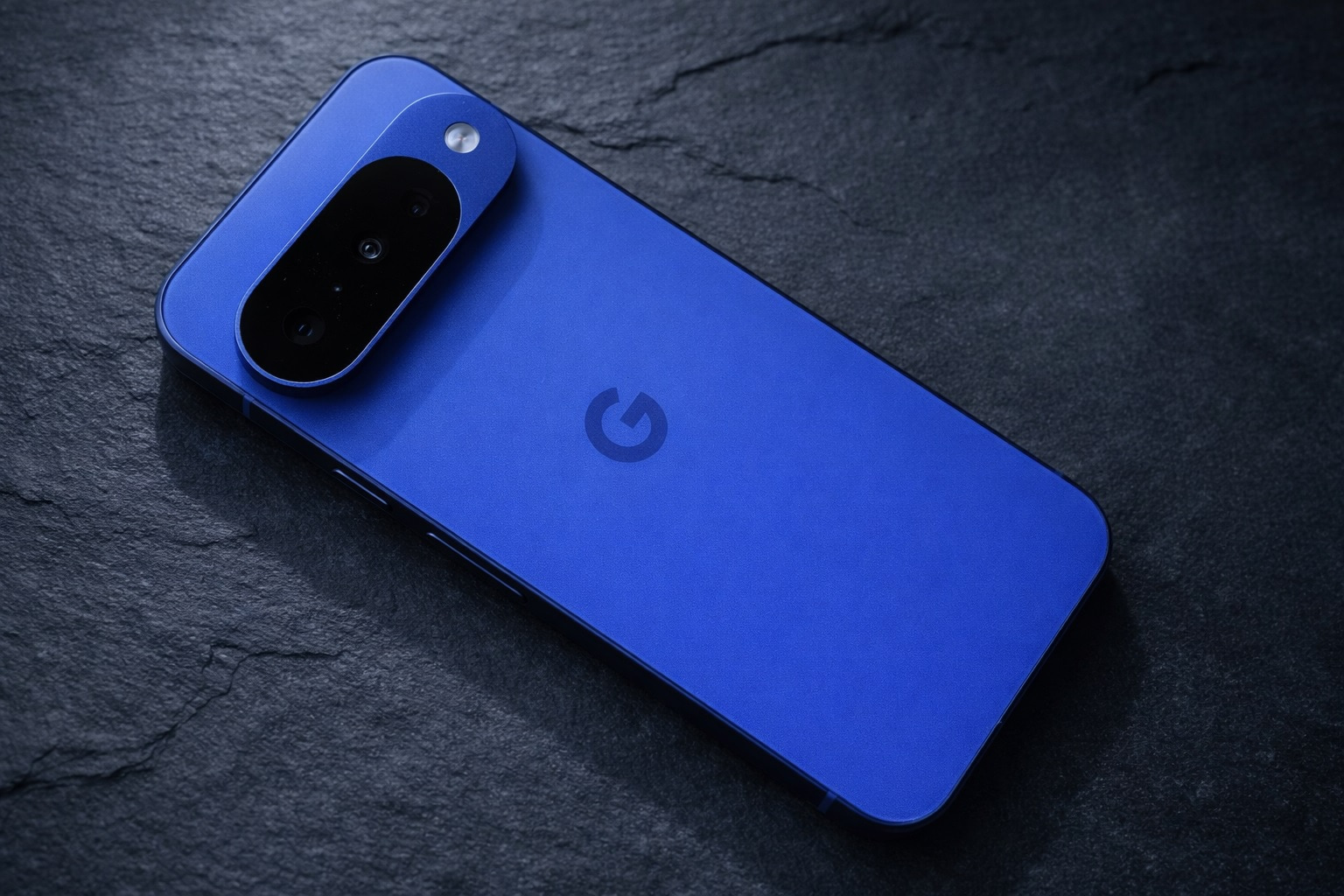
Google’s latest Android 16 quarterly beta is rolling out to Tensor-powered Pixel devices, and it’s a notable one. Android 16 QPR3 Beta 1 (build CP11.251114.006) brings a more transparent location privacy indicator, a long-requested option to flip the 3-button navigation order (Samsung-style), adjustable flashlight brightness controls, and Pixel Launcher refinements—while Pixel 10 owners finally get the GPU driver update many have been waiting for.
Below is everything that matters from today’s December 18, 2025 coverage—what’s new, why it matters, who gets it, and what to watch next.
What is Android 16 QPR3 Beta 1—and why it’s a bigger deal than a monthly patch
Quarterly Platform Releases (QPRs) are Google’s “Feature Drop” pipeline: they typically deliver larger UI and system changes than monthly patches, and they’re often the builds where Pixel-specific quality-of-life upgrades first appear before moving to stable. Android 16 QPR3 is expected to reach a stable release around March 2026, which should align with the next Pixel Feature Drop. 9to5Google
Official Android Developers release notes list QPR3 Beta 1 with:
- Build: CP11.251114.006
- Security patch level: 2025-12-05
- Google Play services: 25.41.31
(Separately, multiple outlets report the OTA rollout broadly hitting Pixel testers this week, which is why it’s dominating today’s Android news cycle.)
The headline privacy change: a tappable “blue chip” shows which apps are using your location
Android has long shown an icon when location is being used—but the experience has been inconsistent compared to camera/mic privacy indicators, where you can tap the green indicator to see which app is accessing sensitive sensors.
With Android 16 QPR3 Beta 1, location access becomes far more explicit: you’ll see a solid blue indicator in the status bar when location is actively being used, and tapping it opens a privacy dialog that lists the specific apps currently accessing location. If camera/mic are also active, the indicator can shift to green as part of the combined privacy signal.
Android Authority notes this feature is effectively a comeback: Google reportedly tested an “expandable” location indicator previously (without fully shipping it), and QPR3 Beta 1 brings it back in a more complete form. Android Authority
Why this matters
Location permissions are among the most sensitive on any smartphone—especially when apps run in the background. This update reduces the “guesswork” and makes it faster to identify an app that’s using location unexpectedly, without digging through multiple settings pages. Android Authority
Forbes’ “Your location is being tracked” warning—and how QPR3 Beta 1 responds
A Forbes report today frames the issue bluntly: Android may warn that location is being accessed, but users often still have to “play detective” to identify which app is responsible—putting the burden on the user rather than the OS. Forbes
That’s exactly the pain point QPR3 Beta 1 aims to fix: by making the location indicator actionable (tap → see apps), Google is moving location privacy closer to the transparency model it already uses for camera and microphone access.
Pixel finally gets Samsung-style 3-button navigation order (Recents–Home–Back)
For users who still prefer the classic 3-button navigation, Pixel phones have historically stuck to the “stock Android” order: Back – Home – Recents (left to right).
Android 16 QPR3 Beta 1 introduces a new toggle that lets Pixel users reverse that order to match Samsung’s default: Recents – Home – Back. Google’s own path to the setting (as surfaced in today’s beta coverage) is:
Settings → System → Navigation mode → 3-button navigation → Settings
This is a deceptively small change with outsized impact: it reduces friction for people switching from Galaxy phones to Pixel, and it’s also a quality-of-life win for anyone with years of muscle memory built around Samsung’s layout.
Adjustable flashlight brightness is finally built into Quick Settings
“Turn flashlight on/off” has been standard for years. Granular flashlight brightness control—without third-party apps—has not.
In QPR3 Beta 1, Pixel’s flashlight Quick Settings tile gains Flashlight Strength controls:
- With a larger tile, tapping one area toggles flashlight, while tapping another area opens the brightness panel
- With a smaller tile, a long-press opens the strength controls
- You can drag the slider; sliding fully down turns the flashlight off
This is the kind of everyday usability upgrade that tends to become a Pixel staple once it reaches stable.
Pixel Launcher tweaks: smoother folders, renamed “Minimal” icons, and more home screen flexibility
QPR3 Beta 1 also continues Google’s steady polishing of Pixel Launcher.
A new folder open/close animation
Google is adding a more stylized folder animation (described in coverage as a “Dolly Zoom”-like effect), giving folder interactions a smoother, more modern feel. 9to5Google
“Themed icons” are now called “Minimal”
The feature formerly labeled “Themed icons” is being presented as “Minimal” in QPR3 Beta 1, alongside other wallpaper/customization UI tweaks intended to make options easier to discover and switch between. 9to5Google
Removing “At a Glance” from the home screen (finally)
One of the most-requested Pixel Launcher changes—more control over the top-of-home-screen space—is also appearing in this beta. Business Standard reports that QPR3 Beta 1 adds a “Show on home screen” toggle that lets users remove the At a Glance widget area, freeing the space for other apps or widgets. Business Standard
Pixel 10 gets the GPU driver update it was promised—Vulkan 1.4 and Android 16 readiness
The other major story today is for Pixel 10 owners and mobile gaming watchers: QPR3 Beta 1 includes a significant PowerVR GPU driver update.
Android Authority reports that Pixel 10’s GPU driver moves:
- from 1.602.400
- to 1.634.2906
…and that the system’s driverInfo reports 25.1, aligning with Imagination’s August driver release and enabling Android 16 + Vulkan 1.4 support.
Notebookcheck similarly highlights the same version jump and frames it as a potential fix for compatibility/performance issues some users reported in demanding games.
Why Pixel 10 owners care
This isn’t just about benchmarks. Vulkan support and driver maturity can affect:
- game compatibility,
- graphical glitches,
- stability,
- and performance consistency under load.
Android Authority also cautions that real-world gains still need validation (driver updates don’t automatically translate to huge FPS jumps), but the update is a meaningful step toward modern graphics compatibility—and a sign that Google is continuing to invest in Pixel 10’s graphics stack beyond launch.
Eligible devices: which Pixels get Android 16 QPR3 Beta 1
Coverage today consistently describes QPR3 Beta 1 as rolling out to Tensor-powered Pixel devices, including Pixel Fold and Pixel Tablet. The OTA rollout list includes Pixel 6 through Pixel 10 families (and related A-series devices), plus the emulator.
How to install Android 16 QPR3 Beta 1—and the two big warnings you should read first
Most users will get QPR3 Beta 1 through the Android Beta Program as an OTA update. You can also install using Google’s official factory/OTA images.
But there are two important cautions in today’s reporting and documentation:
- Flashing between stable and beta requires a full device reset.
Android Developers explicitly warns that moving from production to beta (or back) requires wiping user data, so backups matter. - Google warns about potential data corruption when exiting after installing QPR3 Beta 1.
9to5Google highlights a Google warning advising users who plan to leave the beta program to do so before installing QPR3 Beta 1—or to wait for a later beta build.
PhoneArena also underscores the practical takeaway for regular users: if you install QPR3 Beta 1, you’re likely committing to staying on the beta track until the stable QPR3 release arrives around March 2026.
What happens next: what to expect between now and March 2026
Android 16 QPR3 Beta 1 looks like a “quality-of-life and foundations” release: it adds daily-driver conveniences (flashlight strength, navigation button order), meaningful privacy UX (tappable location indicator), and under-the-hood readiness work (Pixel 10 GPU drivers and Vulkan support).
If history holds, the next steps look like:
- More betas to stabilize features and fix regressions
- A stable QPR3 release around March 2026 (likely bundled with a Pixel Feature Drop)
And the most important part: features that debut in Pixel’s QPR cycle often influence broader Android directions—whether through upstream Android changes or OEM adoption over time.