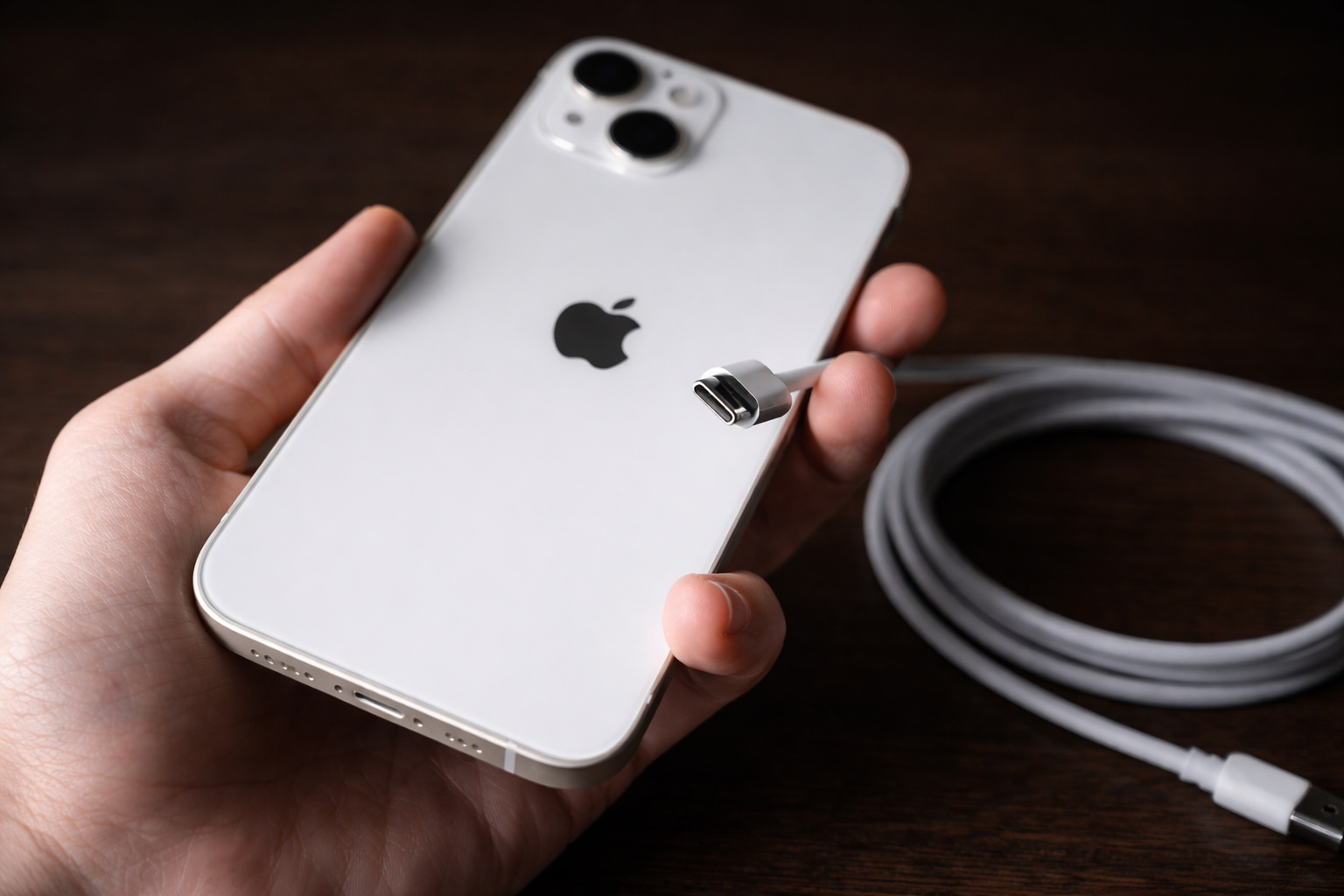

A viral headline claims Apple says charging your iPhone overnight is “dangerous.” Here’s what Apple actually warns about, why fire officials are sounding alarms today, and the safest way to charge while you sleep.
A headline making the rounds this week says Apple has issued a “major warning” for people who charge their iPhones while they sleep. The core message isn’t that you must never plug in overnight—it’s that where and how you charge matters, especially around bedding, heat, and cheap or damaged accessories. UNILAD
That distinction is important because Apple separately says it’s generally safe to keep an iPhone connected to a charger overnight—the device stops charging once it’s full and can resume later if the battery level drops.
So why is this topic spiking again on December 30? Partly because of renewed attention from first responders: Colorado fire officials warned today that lithium‑ion battery fires are becoming more common, citing a Lakewood home destroyed after a phone left charging was suspected to have overheated and ignited nearby items.
And it’s not only about charging habits. A separate viral story published today reported a smartphone battery incident in which a Motorola device allegedly failed and burned through a man’s pocket, putting fresh focus on lithium‑ion battery risks and the importance of using quality chargers and undamaged devices.
Today’s key headlines on battery and charging safety (Dec. 30, 2025)
1) Fire officials: don’t charge phones in beds, under covers, or under pillows
In a Dec. 30 report, Denver7 cited West Metro Fire Rescue after a Lakewood family’s home was destroyed in a blaze where a phone left on a charger was suspected to have overheated, igniting surrounding items. A captain emphasized charging on non‑flammable surfaces and avoiding bedding because these fires can spread quickly.
2) Viral smartphone failure renews lithium‑ion concerns
Moneycontrol reported a Dec. 30 incident involving a Motorola G‑series phone that allegedly failed while idle, burning clothing. The report notes that lithium‑ion failures are commonly linked to battery defects, physical damage, or poor‑quality chargers—exactly the factors safety guidance tries to reduce.
These stories don’t mean every overnight charge is a ticking time bomb. But they do underline why Apple (and fire officials) keep repeating the same practical rule: avoid heat, avoid insulation, avoid questionable accessories.
What Apple actually warns about when charging iPhone while you sleep
Apple’s official iPhone safety guidance includes several charging points that matter most at night:
- Ventilation matters: Apple says to keep the iPhone, charging cable, power adapter, and any wireless charger in a well‑ventilated area while charging.
- Avoid bedding contact: Apple advises you should not sleep on a device, power adapter, or wireless charger, and you should not place them under a blanket or pillow while connected to power.
- Avoid prolonged skin contact: Apple also notes you should avoid prolonged contact with charging cables/connectors and explicitly says sleeping or sitting on the cable/connector should be avoided.
- Use safe, compliant accessories: Apple warns that some third‑party adapters may not meet safety standards, and charging with such adapters could pose a risk of injury; damaged cables or charging around moisture can also create fire/shock hazards.
Apple’s safety language also flags a group that should take “special care”: people with conditions that reduce their ability to feel heat against the body. Apple Support
In plain English: the danger isn’t the clock hitting 2 a.m. It’s the combination of heat + insulation (blankets/pillows) + flammable surfaces + damaged/cheap accessories.
Is charging an iPhone overnight dangerous?
For most people, overnight charging isn’t inherently dangerous—and Apple’s own battery guidance states:
- You can charge your iPhone every night, even if it’s not fully depleted.
- iPhone stops charging when it’s fully charged, so it’s safe to keep it connected to a charger overnight.
- Charging can resume automatically if the level drops (Apple notes below 95%).
That said, “safe to stay plugged in” is not the same as “safe in any place.” Overnight charging becomes riskier when you:
- charge on soft, flammable surfaces (beds/couches),
- cover the device/charger (trapping heat),
- use damaged cables or bargain adapters that run hot, or
- charge near clutter (paper, clothing, bedding).
Why beds and pillows are a bigger problem than “overcharging”
Modern iPhones and reputable chargers are designed to manage charging intelligently. The bigger night‑time hazard is thermal management:
- A battery warms as it charges; heat contributes to wear and can contribute to unsafe situations if it can’t dissipate.
- Bedding acts like insulation. Heat can build up around a charger, cable, or battery—especially if anything is damaged or running out of spec.
Fire officials quoted by Denver7 put it bluntly: “Avoid charging a device, like a phone, in your bed, under covers, under your pillow.” Denver 7 Colorado News (KMGH)
The safest way to charge your iPhone overnight: a practical checklist
If you want a phone that’s ready in the morning without inviting unnecessary risk, use this “set it and forget it” routine:
1) Put the phone on a hard, open surface
Nightstand, dresser, or desk is better than a mattress. Avoid soft surfaces that trap heat and burn easily.
2) Keep blankets, pillows, laundry, and papers away
Leave space around the phone, charger, and cable so heat can dissipate.
3) Use the right charger and cable (or reputable certified alternatives)
Apple warns that non‑compliant adapters may pose safety risks; Denver‑area fire officials also recommend using manufacturer‑intended chargers and being wary of cheap third‑party options.
4) Don’t charge with damaged gear—ever
If a cable is frayed, a plug is bent, or the adapter feels loose or excessively hot, replace it. Apple warns damaged chargers/cables can cause fire or electric shock.
5) Keep charging away from moisture
Even “just a little” moisture can be a problem. Apple explicitly warns about charging when moisture is present. Apple Support
6) If you use a wireless charger, remove metal objects and avoid interference
Apple notes metallic cases/foreign objects can warm up or interfere with charging on wireless pads.
7) Use iPhone’s charging features to reduce time spent at full charge
Two Apple features can help your battery spend less time sitting at (or near) 100%:
- Optimized Battery Charging can pause around 80% and finish closer to when you usually unplug.
- Charge Limit (iPhone 15 and later) lets you set a max level (80–100% in steps).
These are primarily battery-health features, but they also reduce the amount of time the device is held at peak charge overnight—often the exact scenario people worry about when they hear “overnight charging.” Apple Support
8) Don’t sleep on or tangle yourself in charging cables
Aside from heat, cables can create mechanical wear and snag hazards. Apple’s guidance explicitly says sleeping or sitting on the charging cable/connector should be avoided.
Warning signs you shouldn’t ignore
Even if you follow best practices, stop charging and take action if you notice:
- unusual heat that feels new or extreme,
- swelling or warping of the phone/power bank,
- a burning smell, hissing, or popping,
- melted plastic or discoloration around plugs.
If there’s smoke or an active fire risk, prioritize safety and contact emergency services.
Don’t forget the accessory ecosystem: power banks and recalls
Nighttime charging isn’t just wall adapters anymore—many people charge through portable power banks or magnetic battery packs. Those can carry their own risks when something goes wrong.
For example, the U.S. Consumer Product Safety Commission posted a recall for INIU BI‑B41 10,000mAh power banks, warning their lithium‑ion batteries can overheat and pose fire/burn hazards; the notice lists identifying serial numbers and advises proper disposal (not in regular trash or recycling).
If you rely on a power bank at night, it’s worth checking whether your model is under any active recall before you put it under your pillow “just for a quick top-up.”
Bottom line
- Overnight charging, by itself, is not the core danger—Apple says iPhone stops charging when full and can remain connected overnight.
- The real risk comes from charging in places that trap heat (beds, couches, under pillows) and using damaged or low-quality accessories.
- Today’s reports—from a house fire investigation in Colorado to a viral smartphone battery failure—are a timely reminder that lithium‑ion safety is practical, not hypothetical.
If you want, paste the name of your iPhone model (e.g., iPhone 15 Pro) and how you charge at night (wired vs MagSafe vs power bank), and I’ll tailor a short “safe overnight setup” checklist for your exact scenario.