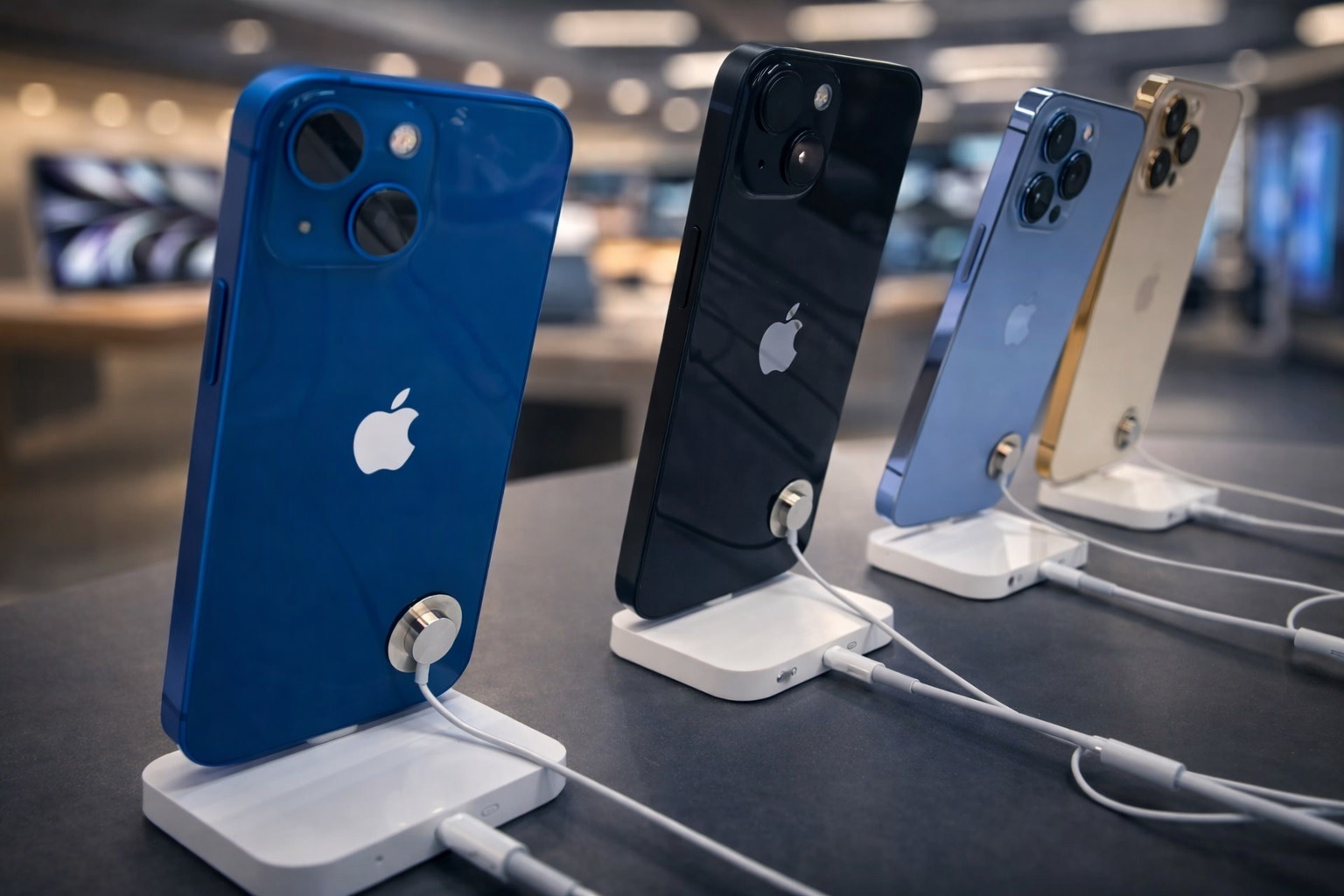

Apple is facing fresh scrutiny today, January 14, 2026, after multiple outlets and security researchers urged iPhone owners to update immediately and restart their devices—a simple two-step action that could reduce exposure to actively exploited WebKit “zero‑day” vulnerabilities linked to mercenary spyware. Apple Support
The underlying fixes aren’t new: Apple shipped them December 12, 2025, in iOS 26.2 (and iPadOS 26.2), and Apple’s security notes say the bugs were used in “extremely sophisticated” attacks against targeted individuals. The problem is that millions of eligible iPhones still haven’t moved to iOS 26, leaving a large portion of devices exposed—especially because WebKit is a core component used far beyond Safari. Apple Support
What happened, and why this is getting louder today
Today’s headlines (Jan 14) are essentially a “second wave” of urgency around a patch that many users still haven’t installed:
- The Standard reports that Apple has confirmed iPhones are at risk from mercenary spyware, while a significant share of eligible users remains unprotected—citing estimates that suggest a very large number of devices are still not on iOS 26.
- The Independent’s Bulletin is amplifying the same core message: WebKit security issues and confirmed attacks have triggered renewed calls to upgrade and restart.
- Malwarebytes adds the practical security angle: updating closes the holes, and restarting can disrupt certain memory‑resident malware behaviors that rely on phones staying powered on for long periods.
The timing matters because these aren’t theoretical vulnerabilities. Government advisories note Apple is aware both CVEs are being exploited, and CISA added them to its Known Exploited Vulnerabilities (KEV) catalog in December—one on Dec 12 and the other on Dec 15.
The vulnerabilities: WebKit zero-days tied to targeted attacks
Apple’s official security documentation for iOS 26.2 describes two WebKit vulnerabilities:
- CVE-2025-43529 — a WebKit issue where “maliciously crafted web content” could lead to arbitrary code execution; Apple says it’s aware of reports that it may have been exploited in an “extremely sophisticated” targeted attack, and credits Google Threat Analysis Group. Apple Support
- CVE-2025-14174 — another WebKit issue where malicious web content could lead to memory corruption, also associated with “extremely sophisticated” targeted attacks, credited to Apple and Google Threat Analysis Group. Apple Support
In plain English: a booby‑trapped webpage (or embedded web content) could be enough to trigger an exploit chain in real-world, high-end surveillance operations—without the victim doing anything obviously “dangerous.”
Why WebKit makes this bigger than “just Safari”
A key reason security teams are taking this seriously is that WebKit isn’t optional on iPhone:
- WebKit powers Safari, and on iOS it also underpins the web-rendering components used by many apps (think: in-app browsers, web views, HTML emails, and login screens).
- That means avoiding Safari alone is not a reliable mitigation. If WebKit is vulnerable, a lot of everyday workflows become potential exposure points.
This is also why government guidance and Apple’s own messaging typically boils down to one primary action: patch fast.
Which iPhones need to update right now
Apple’s security releases page lists the current “latest version” of iOS and which devices receive the fixes:
- iPhone 11 and later: Apple lists iOS 26.2 as the latest version for iPhone and iPad, and it includes the WebKit fixes.
- iPhone XS / XS Max / XR: Apple shipped iOS 18.7.3 on the same date (Dec 12, 2025), which also includes fixes for these exploited WebKit vulnerabilities for devices on that branch.
What about older iPhones?
Apple’s security releases page highlights iOS 26.2 and iOS 18.7.3 as the relevant iPhone lines for the December fixes. If your device can’t update to either of those, you may not have an Apple-delivered patch for these particular exploited WebKit CVEs—meaning hardware upgrade planning becomes part of the security conversation.
“No fix for most users”? The upgrade pressure behind the warning
This is the nuance driving a lot of today’s anxiety.
Both Malwarebytes and The Standard describe a reality that many users are now bumping into: if your iPhone is capable of running iOS 26, the practical path to the fix is upgrading to iOS 26.2. In other words, staying on older major versions may leave you without the same security coverage.
A separate report from 9to5Mac also discusses how Apple appears to be limiting access to the iOS 18.7.3 update on devices that can run iOS 26—effectively nudging those users to the latest OS line to receive the patch.
The security implication is straightforward: if you’re eligible for iOS 26.2 and you haven’t installed it, you’re potentially leaving known exploited vulnerabilities unpatched.
Why restarting your iPhone matters (and what it does not do)
A reboot is not a substitute for patching—but it can still be useful.
Security researchers point out that some high-end spyware and in-memory malware techniques attempt to avoid persistence (writing to storage) to reduce forensic traces. In those cases, a restart can disrupt what’s currently running. Malwarebytes explains that restarting flushes memory-resident malware unless it has achieved persistence, and notes that sophisticated spyware may rely on victims not rebooting regularly.
The Standard reports a similar point: rebooting can clear certain malware that exists only in temporary memory, while more advanced spyware designed to survive reboots would remain.
Bottom line:
- Restarting helps reduce risk from some non-persistent behaviors.
- Updating is the actual fix for the exploited WebKit vulnerabilities.
How to update to iOS 26.2 (and confirm you’re protected)
If you have an iPhone 11 or newer:
- Open Settings
- Tap General
- Tap Software Update
- Install iOS 26.2 (if offered)
- Turn on Automatic Updates if you can (same screen)
If you’re on an iPhone XS/XR line:
- Follow the same path and look for iOS 18.7.3.
Quick check: what’s the “latest” today?
Apple’s official security releases page lists 26.2 as the current latest version of iOS and iPadOS.
How to restart your iPhone safely (the quick way)
- Hold the side button + volume button until the power slider appears, then power off, wait ~10 seconds, and power back on.
- Alternatively: Settings → General → Shut Down.
(Exact button combos vary slightly by iPhone generation, but either method achieves the same “memory reset” effect.)
Extra protections if you think you’re a higher-risk target
Most people won’t be targeted by mercenary spyware. But “targeted” doesn’t always mean “famous”—it can mean anyone involved in sensitive work, activism, legal cases, journalism, politics, or executive roles.
If that sounds like you, consider layering defenses:
- Lockdown Mode (Apple’s extreme protection mode) can reduce exposure to certain attack vectors, especially those common in mercenary spyware campaigns.
- Treat unexpected security prompts with skepticism: Malwarebytes emphasizes that Apple threat notifications won’t ask you to click links, open files, install apps, or provide passwords/verification codes.
- Be stricter than usual about links and attachments, even from known contacts—especially because the vulnerable component is web content processing.
Why so many people still haven’t upgraded
The short answer: iOS 26’s rollout has been unusually slow.
Malwarebytes cites estimates that only a small share of active iPhones are running iOS 26.2, and a minority are on any iOS 26 version at all—leaving many users on older releases like iOS 18. Malwarebytes
TechRadar similarly reports iOS 26 adoption hovering around the mid‑teens (based on StatCounter-style analytics), a sharp contrast to typical iOS adoption patterns in prior years.
Some of that hesitation is about design changes (the “Liquid Glass” redesign), performance concerns on older phones, or just update fatigue—but security professionals warn that delaying security updates has real consequences when exploitation is confirmed. The Standard
The takeaway for iPhone users today
If you’re on iPhone 11 or newer, the most important action on January 14, 2026 is still the same:
- Update to iOS 26.2
- Restart your iPhone
- Enable Automatic Updates so you don’t have to rely on headlines for the next patch
Apple has already acknowledged active exploitation, and government advisory channels have flagged these CVEs as exploited in the wild—meaning this is not a “wait for the weekend” update. Apple Support