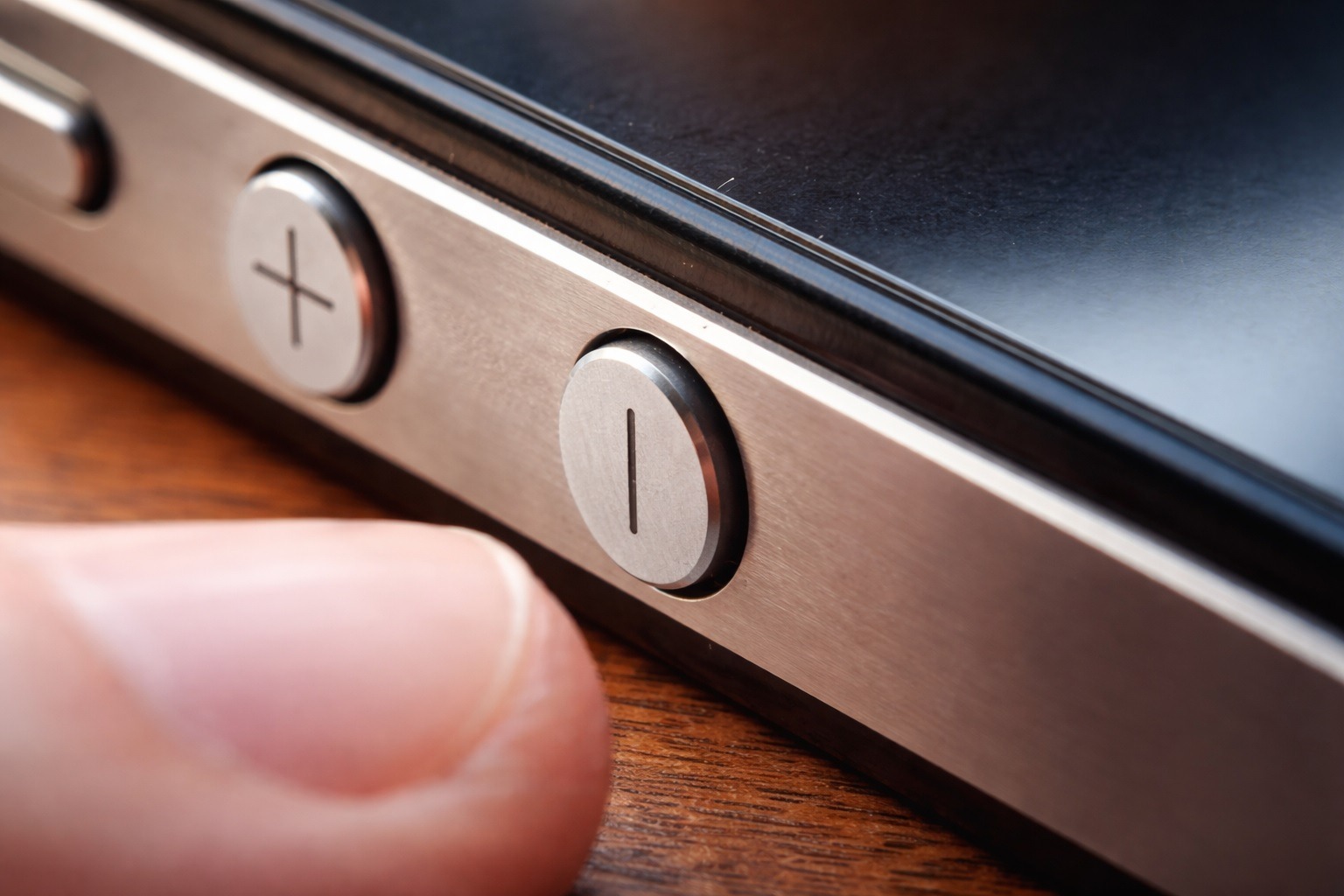

A frustrating Android volume glitch has been making the rounds this week: you press the physical volume buttons expecting to change media volume, but the phone adjusts the Accessibility volume instead. Even worse, some users say the volume keys stop working as a camera shutter shortcut, leaving them tapping the on‑screen button just to take a photo.
Now Google has officially acknowledged the problem and says it’s working on a fix. Until that arrives, the company is recommending a simple (but not ideal) workaround: turn off the “Select to Speak” accessibility feature. Android Authority
What’s going on with Android’s volume keys right now?
Google’s confirmation centers on Select to Speak, an accessibility service that reads selected text aloud and can describe on‑screen elements—especially helpful for people with low vision, dyslexia, or reading comprehension challenges.
According to Google’s support messaging (as quoted by multiple outlets), the bug appears when Select to Speak is enabled, causing volume keys to behave “not working as expected.” In practical terms, that can look like:
- Volume buttons changing Accessibility volume instead of Media volume
- Volume button presses failing to trigger photo capture in the Camera app, where many people use the rocker as a shutter shortcut
This isn’t being treated as a hardware failure. Google describes it as a software issue tied to an accessibility feature, and it’s actively being investigated.
Google’s statement and current fix status
Google has publicly acknowledged the bug and says a fix is in progress, but has not provided an ETA or clarified exactly which Android versions/devices are impacted.
As one report summarizes Google’s position, the company has received reports of volume keys malfunctioning on devices with Select to Speak enabled—specifically noting the wrong volume slider being adjusted and camera shutter behavior breaking.
Why “Select to Speak” is at the center of this
Select to Speak is not a niche add‑on: it’s part of Android Accessibility Suite, Google’s bundled accessibility app that includes TalkBack and other assistive tools.
The Google Play listing for Android Accessibility Suite describes Select to Speak as a feature that lets you “select items on your screen and hear them read aloud.” It also shows the app was updated on Jan. 12, 2026, which lines up with the timing of many new complaints surfacing in early January. Google Play
Importantly, this is why the situation is more complicated than a typical “toggle it off and move on” bug: for many users, Select to Speak is essential. Disabling it can make a phone harder—or impossible—to use independently.
How to tell if you’re affected
You’re likely seeing this specific Select to Speak bug if:
- Pressing volume up/down changes the Accessibility slider instead of Media while music, video, or social apps are playing.
- Pressing a volume key in the Camera app no longer snaps a photo.
- The issue started recently and doesn’t feel like a stuck button or physical damage.
If you’re unsure whether Select to Speak is enabled, the quickest approach is to open Settings and search for “Select to Speak.”
The official workaround: disable Select to Speak shortcut
Until Google rolls out a permanent fix, the company’s recommended workaround is straightforward:
- Open Settings
- Tap Accessibility
- Tap Select to Speak
- Turn off the Select to Speak shortcut (or disable Select to Speak)
Google’s own Select to Speak help documentation also outlines where the feature lives in Settings and how it relies on an accessibility shortcut when enabled.
What changes after you turn it off?
For many users, disabling Select to Speak (or its shortcut toggle) restores “normal” behavior—volume keys return to controlling media volume, and the camera shutter shortcut can work again. That’s the goal of the workaround Google is circulating. BleepingComputer
If you rely on Select to Speak, here are safer ways to cope (for now)
If Select to Speak is something you need day‑to‑day, the official workaround can feel like losing a key feature just to make basic buttons behave again. While waiting on Google’s fix, here are a few practical alternatives that avoid fully depending on the rocker:
- Use on‑screen volume controls: press a volume button once to open the volume panel, then use the on‑screen slider(s) to adjust the right channel.
- Use the on‑screen camera shutter button: not ideal, but reliable while the volume‑as‑shutter behavior is broken.
These won’t be as fast as hardware controls, but they can keep you functional without disabling accessibility features entirely.
Unofficial community fixes people are trying (use caution)
Outside of Google’s recommended workaround, some users have reported success with more aggressive steps—particularly force‑stopping Android Accessibility Suite or uninstalling its updates. This has been discussed heavily in user communities like Reddit.
Be careful here:
- Rolling back Android Accessibility Suite could remove improvements or fixes in TalkBack/Select to Speak.
- If you depend on accessibility services, changing them can seriously impact usability and safety.
If you do try anything beyond Google’s official guidance, consider doing it only if you have another way to navigate the phone (or someone available to help restore settings if something breaks).
When will Google fix the Android volume bug?
As of Jan. 14, 2026, Google says a fix is coming but hasn’t provided a timeline.
One reason this story is worth watching closely is that the fix could plausibly arrive in different ways:
- A Play Store update to Android Accessibility Suite (since Select to Speak lives there)
- A system update (Google notes it often pushes bug fixes through regular system updates over time)
Until Google clarifies the delivery path, the best move is simply to keep both your system software and Play Store apps up to date—and check release notes when updates land.
Why this bug matters beyond “annoying buttons”
Volume buttons are among the most universal “muscle memory” interactions on a phone. When they suddenly control the wrong slider—or stop working as a camera shutter shortcut—it disrupts daily tasks instantly.
But the bigger issue is the accessibility angle: the bug is triggered by a feature designed to help users with reading and vision challenges, and the current workaround is effectively “turn off the helpful thing.” That’s a tough tradeoff—and it’s why this fix can’t come soon enough. Android Authority