
SAN FRANCISCO, Jan 29, 2026, 01:25 PST
- Google has broadened “Identity Check” to include more apps protected by biometrics, adding extra layers of anti-theft security.
- Remote Lock has added an optional security question to help prevent misuse
- For new Android devices activated in Brazil, Theft Detection Lock and Remote Lock will be enabled by default
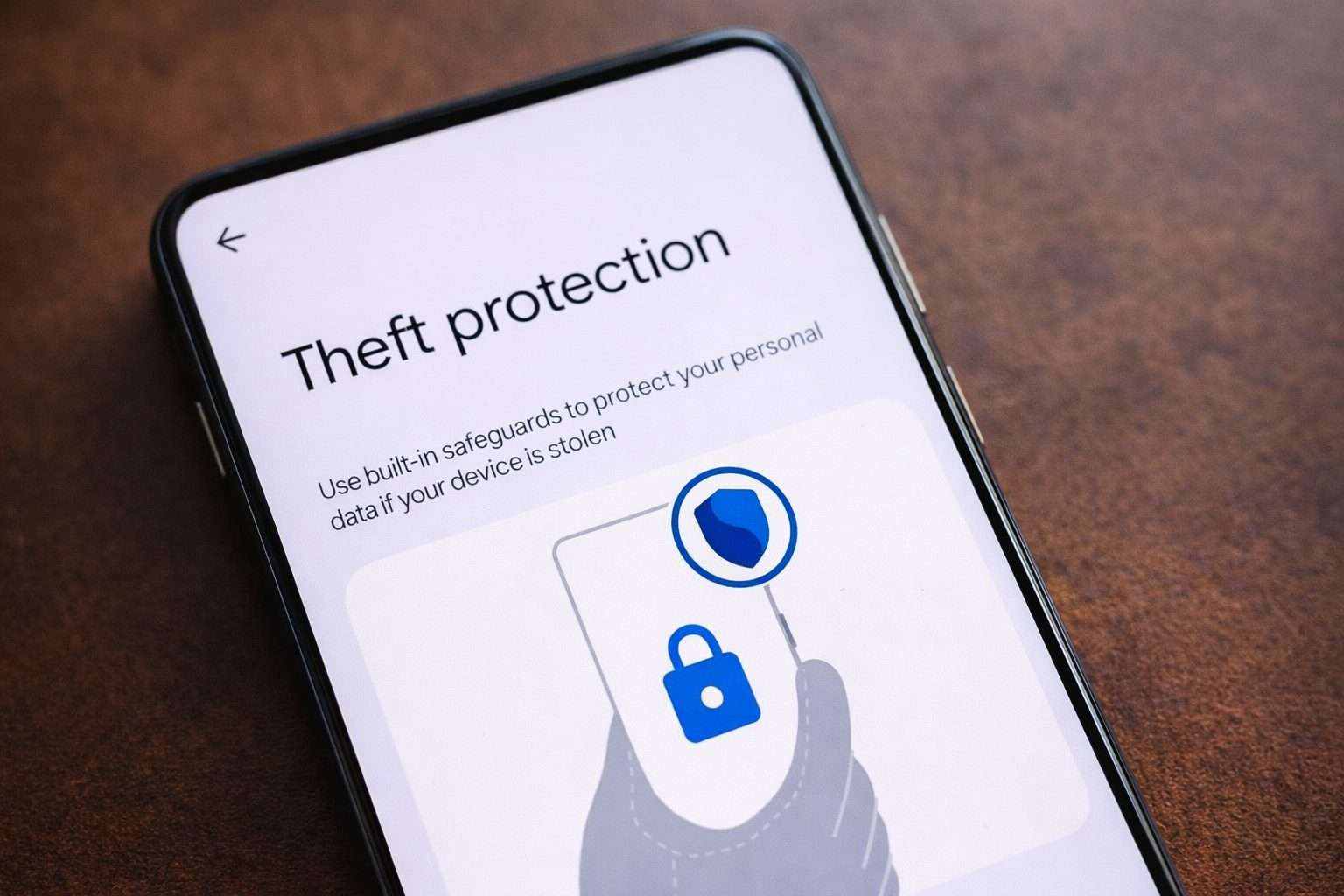
Google has released new Android Theft Protection updates that expand “Identity Check” to additional apps and introduce an optional security question for Remote Lock. The move aims to curb phone thefts that swiftly lead to account takeovers. Google Online Security Blog
The changes are crucial since a stolen phone rarely marks the final act of theft. Once an attacker bypasses the screen lock, banking apps, password managers, and account settings can be compromised quickly—often before victims realize funds have been transferred.
Google’s Android security team described the issue as financial fraud, emphasizing the need for safeguards that operate “before, during, and after” a theft, rather than only once the device has disappeared.
Android 16 devices are gaining tighter control over the Failed Authentication Lock feature, which activates after multiple unsuccessful sign-in attempts. Google is extending the lockout duration following incorrect PIN, pattern, or password entries and tweaking the system so repeated identical wrong guesses don’t add to the retry count.
Identity Check is expanding its reach. It uses “trusted places” like home or work as safe zones, but once you step outside, it can demand biometric verification—fingerprint or face—for sensitive tasks, no matter if the passcode is known.
Google announced that the expanded coverage now includes features and apps using Android’s Biometric Prompt—the system pop-up requesting fingerprint or face verification. This now covers third-party banking apps as well as Google Password Manager.
Google is rolling out an optional security question for Remote Lock, its browser-based feature that locks lost or stolen phones via a verified phone number. According to Google’s support page, Remote Lock still relies on fundamentals like having a screen lock set and an active internet connection. The security question is optional, not mandatory.
Google is rolling out Theft Detection Lock and Remote Lock by default on new devices activated in Brazil. The move aims to have protection ready before anything goes wrong. According to the company, Theft Detection Lock leverages on-device signals to identify a “snatch-and-run” scenario and then locks the screen. Android Authority
Since at least 2024, Google has been stacking theft protection features like Theft Detection Lock, Offline Device Lock, and upgrades designed to prevent resale following forced factory resets.
Different ecosystems have tackled this issue in their own ways. Apple’s Find My features Activation Lock to prevent unauthorized reactivation of lost or stolen iPhones. It also introduced “Stolen Device Protection,” which steps up security when you’re outside usual spots. Wsparcie Apple
There are some catches. The latest safeguards depend heavily on Android version support and how quickly device makers push updates. Google itself warns that anti-snatch features might activate during regular use, requiring a fast unlock to keep things moving. As for Remote Lock, it won’t work if the stolen phone is offline or missing a functional SIM.
Google expects these updates to turn devices into “harder targets for criminals” and hinted at further adjustments as theft tactics evolve. Helpnetsecurity