SAN FRANCISCO, January 20, 2026, 04:21 (PST)
- NOAA reported that a coronal mass ejection hit Earth late on Jan. 19, triggering severe geomagnetic storm conditions
- 9to5Google recommends Android users try long-exposure features like Pixel Night Sight and Astrophotography modes
- Forecasters also warned of an unusually intense solar radiation storm capable of interfering with satellites and radio communications
The U.S. Space Weather Prediction Center reported that on Jan. 19, a severe G4 geomagnetic storm kicked in after a coronal mass ejection—a burst of solar material and magnetic field—struck Earth. This kind of event can extend the northern lights far beyond their usual high-latitude zones. 1
This is significant because forecasters predict the aurora might be visible throughout Canada and much of the northern U.S., and maybe even further south, with heightened activity expected to continue into Tuesday. “The intensity of this storm has not been seen in more than two decades,” said Shawn Dahl, a service coordinator at the NOAA center. 2
The same solar event triggered another serious concern: NOAA reported an S4 (severe) solar radiation storm underway, a level not seen since October 2003. This raises risks like increased radiation on polar flight routes and greater threats to satellites and space launches. The agency has notified airlines, the FAA, NASA, and power-grid operators as the situation developed. 3
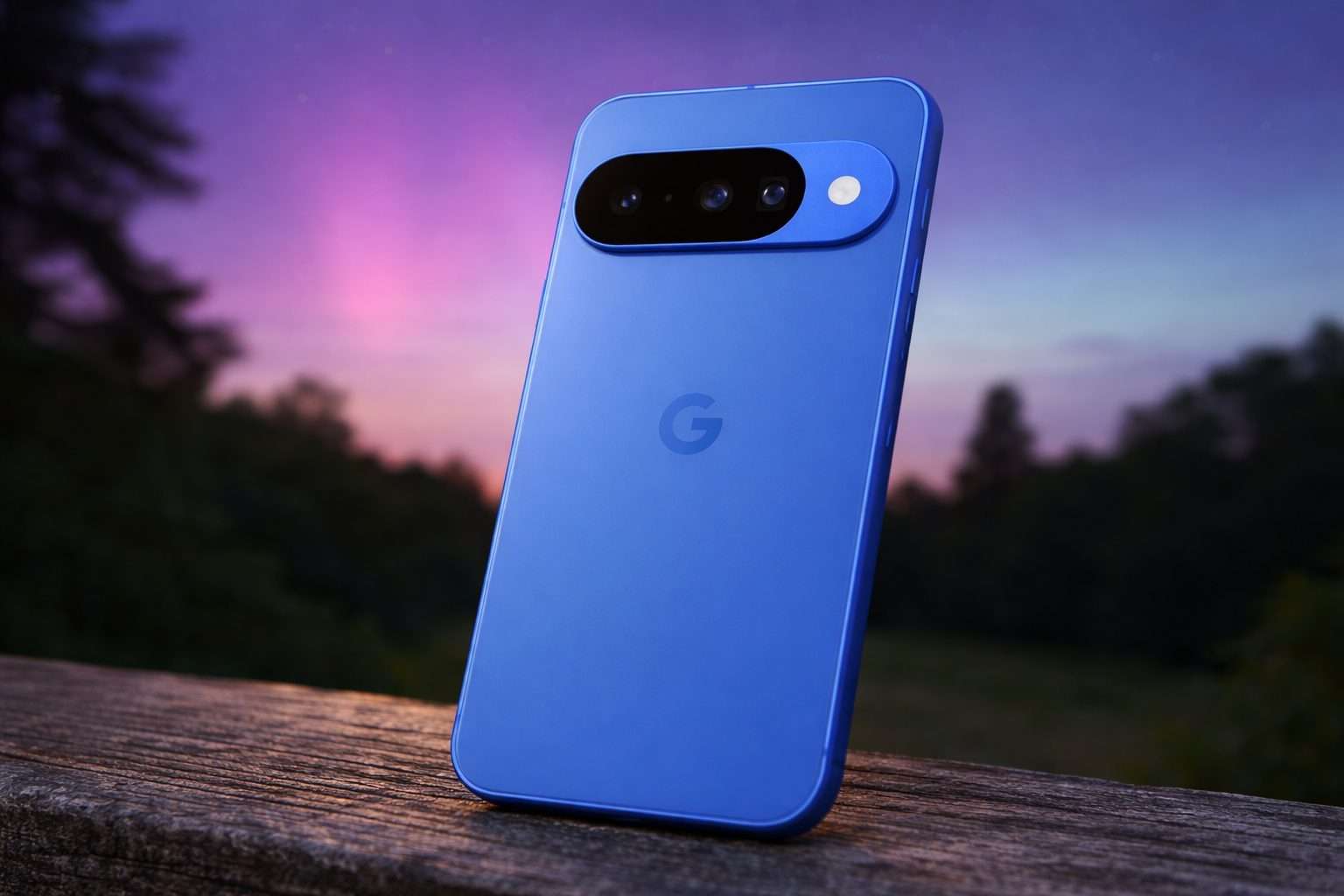
As talk of auroras picked up, 9to5Google dropped a quick guide for Android users. Key essentials? Find a dark spot far from city lights and bring a tripod. For Pixel phones, they suggested activating Night Sight and letting the camera shift into Astrophotography mode—look for the star icon on the shutter. The shot can take up to four minutes, capturing both a still photo and a time-lapse. Samsung Galaxy users can bump exposure by setting Night mode to “Max” or tweaking shutter “Speed” in Pro mode to around 5–6 seconds, the site noted. 4
Google’s Pixel Camera support page explains that Astrophotography kicks in when the phone is completely still—usually mounted on a tripod or resting on a solid surface. You can also activate it manually by swiping Night Sight to “Astro,” which starts a brief countdown, giving you time to set the phone down before the shot. This feature is available on the Pixel 4a (5G) and newer models, but on those devices, you have to set the zoom to at least 1x. 5
Meteorologist Callie Zanandrie from CBS News Colorado highlighted the Kp index — a scale from 0 to 9 measuring geomagnetic activity — noting that forecasts near 8 could bring auroras to areas that seldom see them. She cautioned viewers not to expect a flawless display. “Auroras, however, remain notoriously unpredictable,” Zanandrie wrote, pointing out that even faint lights might look clearer through smartphone night or long-exposure settings. 6
Across devices, the core trade-off remains: longer exposure lets the sensor gather faint light, but any movement blurs the aurora. Using a tripod, a sturdy railing, or even a flat rock can mean the difference between a clear shot and a noisy mess.
But the storm often falls short for viewers on site. Clouds can block the view entirely, and the aurora might appear faint to the naked eye even if a camera captures vivid colors. Bright streetlights or car headlights can also ruin the shot just when the sky clears briefly.
For now, forecasters keep an eye on how long the severe conditions last, while phone users take the easier task: spotting a dark horizon and holding their phone steady long enough for the exposure to work.