- Google is now rolling out native call recording to Pixel 6 and newer phones via the November 2025 Pixel Feature Drop and an updated Phone by Google app. 1
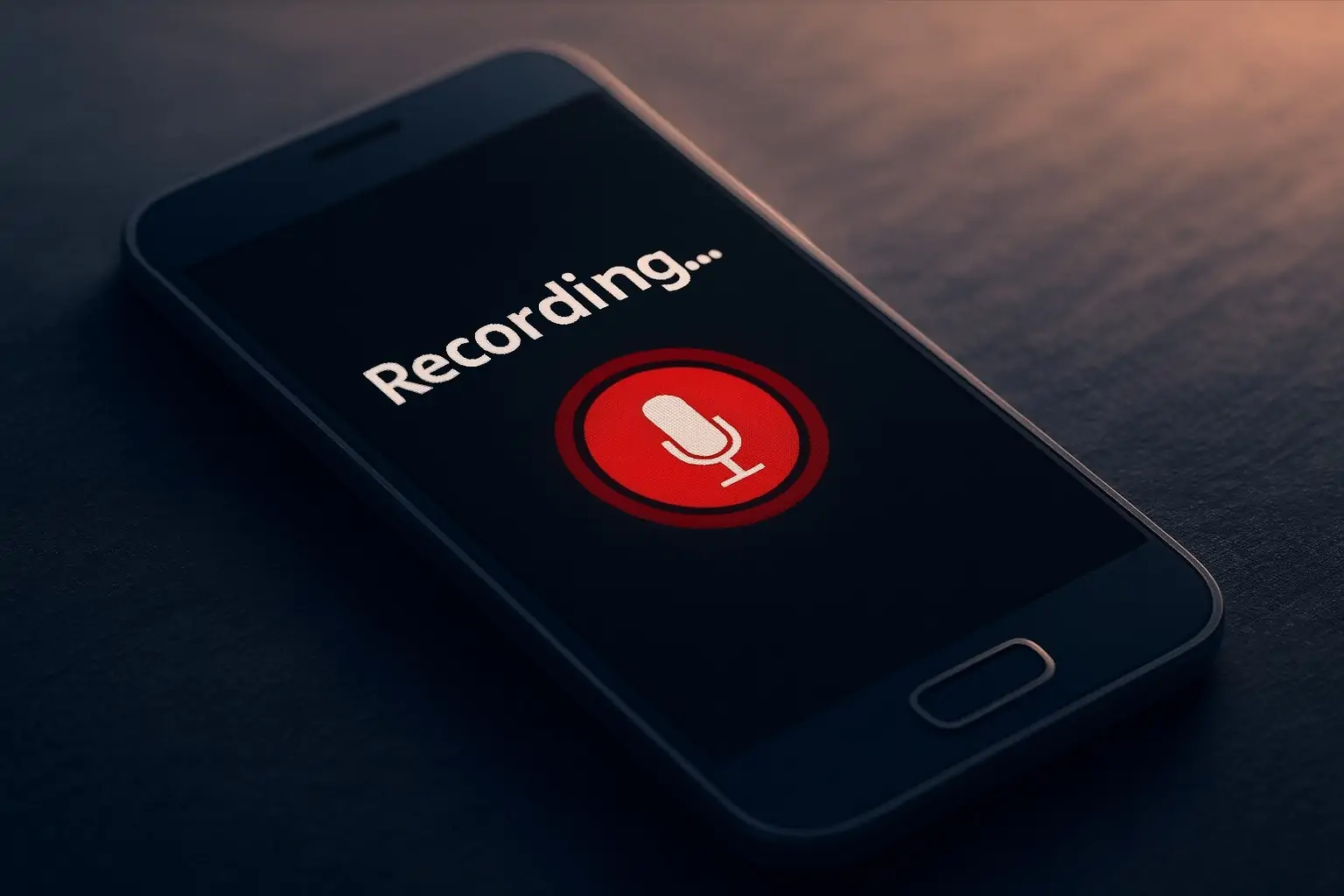
- The feature lives in the Call Assist → Call Recording menu, with a clear in-call button, red recording indicator, and automatic announcements so everyone knows the call is being recorded. 2
- Availability still depends on local law — in some regions the toggle may not appear at all, and Google explicitly reminds users that it’s their responsibility to obey call‑recording rules. 1
What’s new: Pixel finally gets a proper, built‑in call recorder
After years of workarounds, region-locked tricks, and broken third‑party apps, Google has quietly flipped the switch on native call recording for Pixel phones.
Reports from 9to5Google, Android Authority and Android Central all confirm that the Phone by Google app now exposes a “Call Recording” option under Call Assist, with the rollout landing alongside the November 2025 Pixel Feature Drop. 2
Coverage from outlets like The Verge, Gadgets360, and The Times of India shows a consistent picture:
- The feature is meant for Pixel 6 and newer devices that don’t support the AI-powered Call Notes feature found on the Pixel 9 and Pixel 10 series. 3
- It’s rolling out worldwide, but may be disabled in some markets depending on local call‑recording laws. 1
In short: if you have a modern Pixel and you’re up to date on software, you probably just gained a built‑in call recorder — no root, no shady APKs.
Supported devices and requirements
Across today’s coverage, this is the rough support matrix as of 15 November 2025:
Pixel models confirmed or expected to get Call Recording
- Pixel 6 / 6 Pro / 6a
- Pixel 7 / 7 Pro / 7a
- Pixel 8 / 8 Pro / 8a
- Pixel 9a
- Pixel 10, Pixel 10 Pro, Pixel 10 Pro Fold (already had advanced Call Notes, but now also expose Call Recording in many regions) 4
Software requirements (Pixel):
- Android 14 or later on supported Pixel models 5
- November 2025 Pixel Feature Drop / system update
- Phone by Google app v198+ (some beta users see it from v200, but stable 198 is enough in many reports) 4
Non‑Pixel Android phones
The Verge notes that non‑Pixel devices using the Phone by Google app can also use Call Recording on Android 9+, again subject to regional restrictions. 3
So if you’ve updated everything and still don’t see the toggle, it’s almost certainly either:
- Not yet rolled out to your account/region, or
- Disabled due to local law (Google simply hides the feature in some countries).
Call Recording vs Call Notes: what’s the difference?
Google now has two different ways to record calls in its Phone app, and the naming is confusing:
Call Notes (Pixel 9 & Pixel 10 series)
- Uses on‑device Gemini Nano AI to record, transcribe and summarise calls into bullet‑point “next steps”.
- Available only on Pixel 9 and Pixel 10 devices in select countries (US, Canada, UK, Ireland, Australia, Japan, India and more after the recent Feature Drop). 6
- Heavier on processing, but extremely convenient if you live in your phone calls.
Call Recording (Pixel 6 and newer)
- New feature rolling out now, primarily for Pixel 6–8 and 9a devices that don’t have Call Notes. 4
- Records audio only — no transcript, no summaries.
- Files are stored locally on your phone; you can play them back in the Phone app or export them to other apps/services for transcription. 1
Think of Call Notes as the full AI assistant that joins your call, and Call Recording as the simple, old‑school voice recorder that finally lives where it always should have.
How Pixel call recording works in practice
Multiple reports describe the same in‑call experience: 2
- When Call Recording is enabled, a “Call Assist” menu appears during the call.
- Inside that menu, you’ll see a “Call Recording” button.
- Tapping it starts a short countdown, then the phone plays an audible message or beep to everyone on the line telling them the call is being recorded. 5
- While recording, a red dot appears next to the call duration, and the button changes to Stop. 2
After the call:
- The recording shows up in the Phone app’s Home / Recents tab, marked with a microphone icon.
- Tapping it opens a built‑in audio player so you can scrub through the call.
- You can set automatic deletion after 7, 14, or 30 days, or keep recordings indefinitely. 1
All of this is handled on‑device — the audio is not uploaded to Google’s servers by default, which is a key privacy point repeated in Android Central and Times of India’s coverage. 1
How to enable call recording on your Pixel
Assuming you’re in a country where the feature is allowed, here’s how to get it working.
1. Update your Pixel and the Phone app
- Update Android
- Go to Settings → System → System update and install the November 2025 update / Feature Drop. 6
- Update the Phone by Google app
- Open the Google Play Store, search for “Phone by Google”, and tap Update.
- Most reports say you need version 198+, with some beta users seeing the toggle appear around v200.0. 4
2. Turn on Call Recording in settings
On a supported Pixel:
- Open the Phone app.
- Tap ⋮ (More) → Settings.
- Go to Call Assist → Call Recording (on some devices it may be under Call recording directly). 2
- Toggle Call Recording on.
- (Optional) Choose:
- Always record numbers not in your contacts
- Always record selected contacts
- How long to keep recordings (7, 14, 30 days, or “Forever”). 7
3. Record your first call
- Place or receive a call.
- Tap the Call Assist button, then Call Recording.
- You’ll hear (and the other person will hear) an automatic disclosure message that the call is being recorded. 7
- Tap Stop to end the recording before hanging up, or just end the call normally.
Android’s own support page stresses that you’ll see a legal notice the first time you use call recording, reminding you that many places require consent from all participants. 7
Is it legal to record calls on your Pixel?
This is the big question — and the reason Google has moved slowly and built in audible warnings.
What Google says
In its official help document for call recording, Google repeats the same warning several times:
- “It’s up to you to follow all laws on recording phone conversations.”
- Automatic recording and deletion “aren’t available in all markets”.
- Both parties are notified via a spoken disclosure when recording starts and stops. 7
Guides like ZDNET’s how‑to — “How to record a call on your Pixel phone (and check if it’s even legal to do so)” — emphasise the same point: the feature is easy, but you still need to confirm that you’re allowed to use it where you live. 8
One‑party vs all‑party consent
Globally, laws tend to split into two broad camps: 9
- One‑party consent
- Only one person on the call has to agree to recording — and that can be you.
- Large parts of the US and some other countries follow this model, though details differ.
- All‑party / two‑party consent
- Everyone on the call must know about and agree to being recorded.
- This is common in several US states and in many regions with strong privacy protections.
On top of that, some countries tightly restrict or outright ban call recording outside of very narrow circumstances, or impose rules on how recordings may be stored and shared.
Because of this patchwork, Google uses three layers of protection:
- Automatic announcements or beeps when recording starts. 10
- Local feature restrictions — the toggle simply doesn’t appear in some countries. 1
- On‑device storage, so recordings aren’t automatically shipped to the cloud. 1
Important: This article is informational, not legal advice.
If you’re unsure whether you can record a call, check your country or state’s specific rules — often called “telephone recording laws” or “wiretapping laws” — or talk to a legal professional. 9
Why this rollout matters
For years, Android users have relied on increasingly fragile third‑party call recorder apps. As Google removed access to call‑recording APIs and enforced Play Store restrictions, those apps became unreliable or had to resort to hacks like accessibility overlays.
By bringing call recording back as a first‑party, device‑level feature, Google is:
- Giving users a reliable way to document important conversations — from customer service calls to verbal agreements.
- Letting users “level the playing field”, as one popular Pixel community post put it, when companies routinely record calls “for quality and training purposes.” 11
- Doing so in a privacy‑aware way, with transparent warnings and on‑device storage.
It’s also a competitive move: nothing beats having a cleanly integrated call recorder when rivals like Samsung and various Android skins have offered some form of this for years.
Best practices for using Pixel call recording
If you plan to leave call recording enabled, a few simple habits go a long way:
- Tell people anyway
- Even where only one‑party consent is required, explicitly saying “I’m recording this call so I don’t miss any details” avoids awkwardness and builds trust.
- Use auto‑recording sparingly
- Consider limiting automatic recording to unknown numbers or a small list of specific contacts where you genuinely need a log. 7
- Set a sensible deletion window
- For most people, 7–30 days is enough; it reduces the risk of old recordings being exposed if your phone is lost or stolen. 1
- Protect your phone
- Use a strong screen lock and enable features like Find My Device so someone can’t just browse recordings if they get hold of your Pixel.
- Be extra careful with sensitive calls
- Think twice before recording conversations containing medical, financial, or other highly personal data — and never share recordings lightly.
Quick FAQ
Which Pixels can record calls natively now?
As of mid‑November 2025, all indications are that Pixel 6 and newer models—including the 6/7/8 families, 9a and the 10 series—either already have or are in the process of receiving Call Recording, depending on your region and update status. 4
Why don’t I see the Call Recording toggle on my Pixel?
Most likely:
- You’re missing the November 2025 Feature Drop,
- Your Phone by Google app isn’t updated to v198+, or
- Local laws mean Google has disabled the feature in your country. 5
Do I still need a third‑party call recording app?
In most supported regions, no. The built‑in recorder now covers manual and automatic recordings, with retention controls and clear indicators. Third‑party apps may still offer extras like cloud sync or advanced tagging, but they’re no longer your only option. 4