SAN FRANCISCO, Jan 18, 2026, 14:22 PST
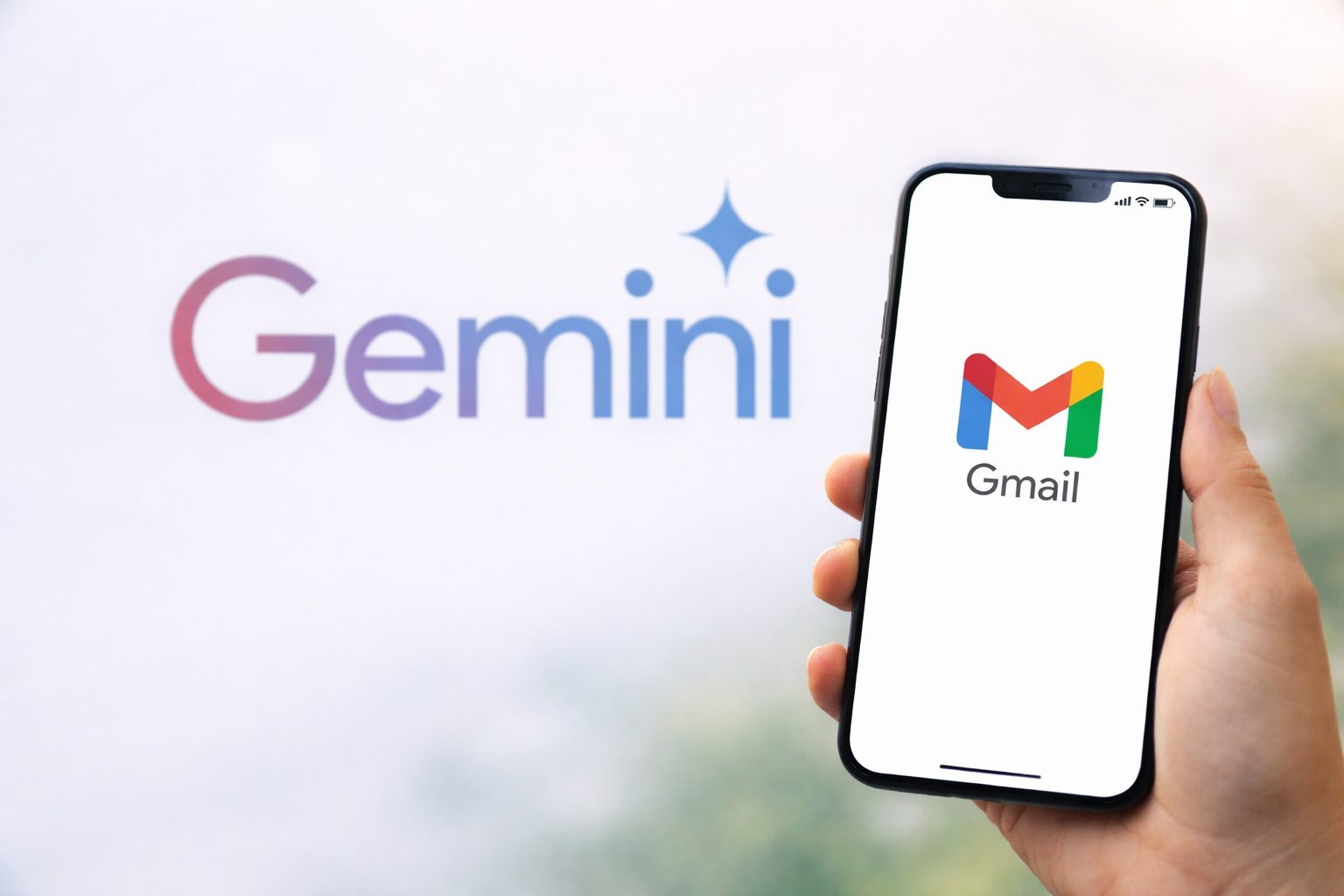
- Google is rolling out Gemini-powered AI features in Gmail, such as email thread summaries, AI-assisted drafting, and a new AI-driven “Inbox” view that’s currently in testing.
- Basic features come at no cost, but advanced inbox Q&A and proofreading require subscribing to Google’s paid AI plans.
- This change raises fresh privacy concerns, since AI tools now analyze email content and metadata.
Google is rolling out new AI features in Gmail powered by Gemini, inviting users to balance ease of use with the extent of their inbox data being analyzed. Turning these tools on allows Google’s AI to scan both the email content and metadata—details like sender and timestamp. 1
The timing is crucial since Gmail ranks among the globe’s largest communication platforms, and Google aims to shift it from just a message inbox into more of an assistant. “Today, 3 billion users rely on Gmail,” the company noted in a blog post unveiling what it dubbed the “Gemini era” for the service. 2
This comes amid a surge of tech companies rushing to embed generative AI—tools capable of writing text and summarizing content—directly into common software. When it comes to email, the promise is clear: fewer tabs open, fewer searches, fewer overlooked bills. The catch? These tools require access to your inbox to function effectively.
Among the standout new features is “AI Overviews,” which create brief summaries at the start of lengthy email threads. Google is also introducing a natural-language query feature in Gmail search—letting users track down things like an old contractor quote without relying on exact keywords. However, this inbox Q&A function is limited to subscribers of Google AI Pro and Ultra, according to Google.
Writing tools are also evolving. The “Help Me Write” feature can generate or revise emails based on a prompt, and “Suggested Replies” offers one-click responses tailored to a user’s conversational style. Additionally, a new “Proofread” option delivers enhanced grammar and tone corrections, much like third-party apps such as Grammarly.
Google is rolling out a revamped “AI Inbox” tab that moves away from the standard chronological email list. Instead, it highlights “Suggested to-dos” and “Topics to catch up on,” like an upcoming bill or a package tracking update. Blake Barnes, Google’s VP of product for Gmail, told reporters this new layout is optional, with the classic inbox still accessible. The AI Inbox is initially available to trusted testers and will expand “in the coming months.” 3
If you’re not interested in any AI features, the settings become crucial. According to a consumer guide from The Star, Gmail users need to head into their settings and fully disable the relevant “Smart” options instead of just leaving them partially turned on.
The bigger issue arises when an AI system misinterprets an inbox. Summaries might overlook subtle details, suggested replies could come off as off-base, and priority sorting might hide something crucial. Privacy adds another layer of concern: although users can opt in, these features analyze personal messages, and a slip-up could spark backlash.
Google insists these AI tools are optional and claims it doesn’t use personal Gmail content to train its core models, handling data in a separate environment. Yet, the company is asking users to trust that the boundary between useful automation and invasive scrutiny remains exactly where they say it does.
Google announced that Gmail’s AI features will debut initially in the United States, available in English. Additional languages and regions are expected to get access throughout 2026.