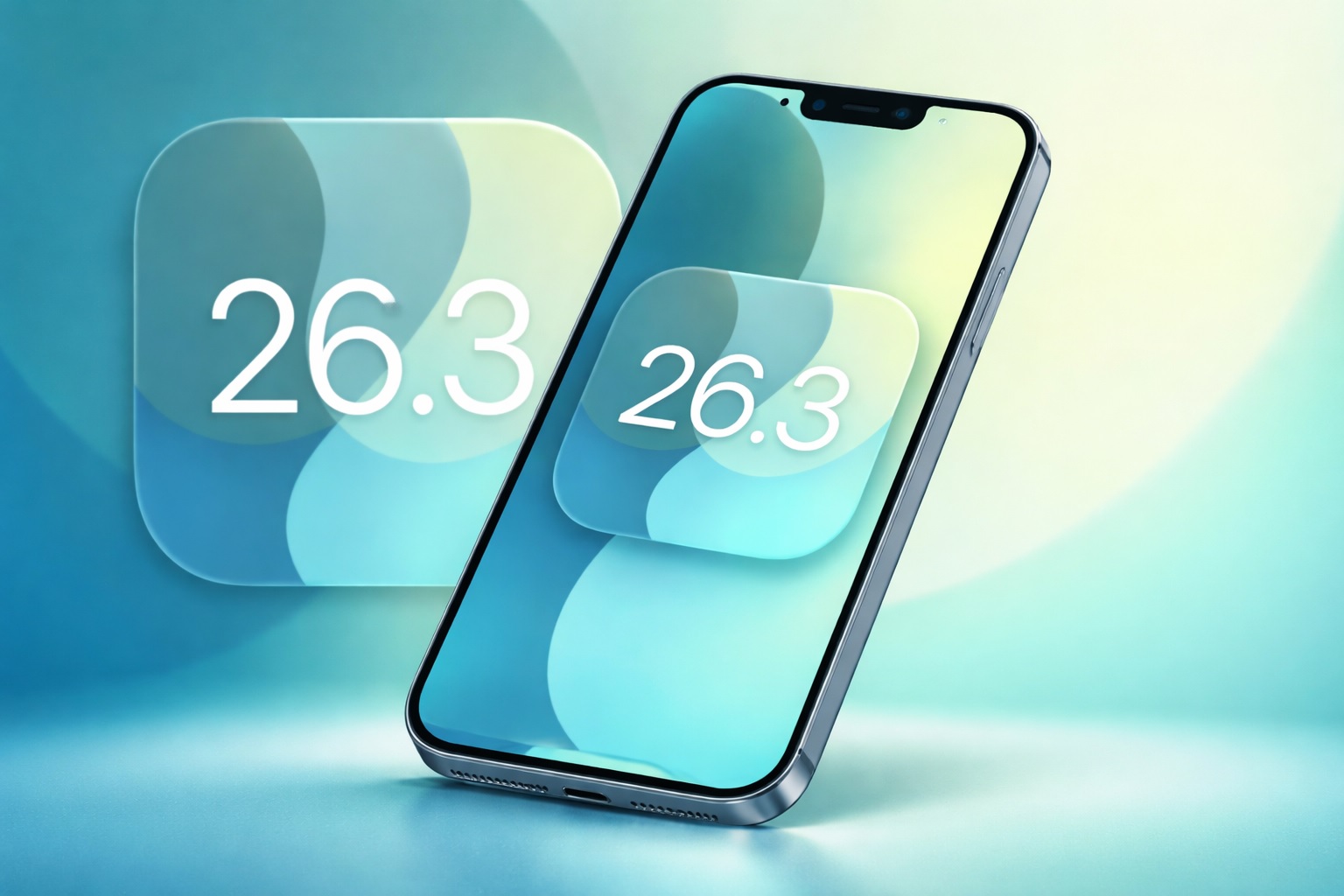
Apple’s iOS 26.3 public beta is now live, spotlighting cross‑platform moves: a built‑in iPhone‑to‑Android transfer tool, EU‑only notification forwarding to third‑party wearables, and refreshed Weather wallpapers. Here’s what’s new, how to install it, and what it signals about Apple’s regulatory roadmap.
Apple’s latest iPhone update is less about flashy redesigns and more about something Apple rarely leads with: interoperability.
As of this week’s rollout, iOS 26.3 public beta 1 is available for testers, arriving shortly after the first developer beta. Apple is also seeding iPadOS 26.3, tvOS 26.3, and watchOS 26.3 public betas—though the most notable early changes so far are concentrated on iPhone. 1
Today’s Dec. 18 coverage has largely converged on three themes inside iOS 26.3: a new “Transfer to Android” workflow, EU-specific notification forwarding for third‑party wearables, and a small but meaningful reorganization of Weather wallpapers. 2
What’s new in iOS 26.3 public beta 1
1. Transfer to Android brings iPhone switching tools closer to Android-style migration
The headline feature in iOS 26.3 is a new “Transfer to Android” system designed to make switching platforms less painful. Instead of relying on separate apps and multi-step workarounds, iOS 26.3 adds a built-in workflow that prompts you to place an Android phone next to the iPhone to begin the transfer. 2
Early reporting indicates the transfer can include major everyday data categories like:
- Photos
- Messages
- Notes
- Apps and app-related data
- Passwords
- The user’s phone number
There are guardrails. Apple notes that some sensitive or device‑bound items are not part of the transfer, including Health data, Bluetooth-paired devices, and protected content like locked notes. 2
Several outlets also describe this as a joint effort between Apple and Google to make cross-platform switching smoother in both directions—iOS-to-Android and Android-to-iOS—rather than a one-off concession. 2
How the transfer connects in practice: Today’s reporting also suggests the wireless transfer depends on having up-to-date software, with Wi‑Fi and Bluetooth enabled, and may use QR codes or pairing codes/session IDs to establish the link. 3
Why it matters: Apple historically made it easier to enter the iPhone ecosystem (think “Move to iOS”), not leave it. A first‑party “Transfer to Android” workflow is a notable philosophical shift—one that aligns with the broader regulatory and competitive pressure Apple is facing globally.
2. Notification Forwarding lets iPhone alerts reach third-party wearables — but EU-only for now
The second major change is Notification Forwarding, a new setting intended to let iPhone notifications appear on third‑party wearables (including Android smartwatches). The switch lives inside Settings under Notifications, and Apple’s own copy emphasizes a key limitation: notifications can be forwarded to only one accessory at a time—and if forwarding is enabled, Apple Watch notifications won’t appear. 2
MacRumors adds an important nuance: while the menu item may appear broadly in iOS 26.3, the feature is described as available only for users in Europe, tying it directly to EU regulatory requirements. 4
There’s also early detail on controls: users can choose to forward notifications from selected apps, rather than everything, and forwarded alerts include the app name and the notification content. 4
This is one of the clearest examples of Apple building a feature that looks less like a consumer “nice-to-have” and more like compliance engineering. 9to5Mac explicitly frames it as preparation for upcoming EU Digital Markets Act requirements around third‑party device interoperability, while Apple continues to argue that expanded notification access creates privacy and security risks. 2
3. Weather wallpapers get their own lane with new preset layouts
The third notable change is smaller but very visible: Apple has reorganized the wallpaper selector so Weather is separated from Astronomy, and iOS 26.3 introduces new pre-built Weather wallpaper layouts meant to better showcase fonts and widget styles. 2
MacRumors and other outlets note that there are now three pre-designed Weather wallpaper options, each presenting different clock typography and widget arrangements. 5
Business Standard adds that these Weather wallpapers retain the “live” behavior—reflecting real-time conditions for the user’s location. 3
What about iPadOS 26.3, watchOS 26.3, and tvOS 26.3
Apple’s public beta wave includes iPadOS 26.3, tvOS 26.3, and watchOS 26.3 alongside iOS 26.3. But as of now, MacRumors reports no newly discovered headline features in the other platform betas. 1
That could change as more testers install and dig through settings during the beta cycle.
How to install iOS 26.3 public beta
If you want to try iOS 26.3 public beta 1 today, the basic flow is the standard Apple public beta route:
- Enroll in Apple’s Beta Software Program
- On iPhone: Settings → General → Software Update
- Tap Beta Updates and select the iOS public beta channel
- Return to Software Update and download/install
Before you install: Back up your iPhone first. Public betas are generally more stable than early developer seeds, but they can still introduce app issues, battery drain, or unexpected bugs. 3
iOS 26.3 eligible iPhones
iOS 26.3 is expected to run on all iPhones that support iOS 26. 5
Business Standard’s compatibility rundown includes iPhone 11 and newer families (plus iPhone SE 2nd generation and later), extending through the newest iPhone lineups. 3
iOS 26.3 release date expectations
If Apple follows its usual “.3” cadence, iOS 26.3 is likely a late-January release.
MacRumors explicitly points to “around the end of January” for iOS 26.3 and the related platform updates. MacRumors
NDTV Profit echoes that expectation and notes the next beta may not arrive until early 2026, consistent with Apple’s typical holiday slowdown. 6
Why this beta feels bigger than it looks
On paper, iOS 26.3 is a small mid-cycle update. In context, it reads like a chapter in a larger story: Apple is being pushed—market by market—toward openness and interoperability, and iOS is increasingly where that change shows up first.
- In the EU, Notification Forwarding is being framed as part of the DMA interoperability runway. 2
- In Japan, Apple is simultaneously rolling out major iOS changes tied to the Mobile Software Competition Act. In a newsroom post, Apple says these Japan-specific updates create new options for alternative app marketplaces and payment processing outside Apple’s in-app purchase system, alongside new protections like notarization and marketplace authorization. 7
- Reuters reports Apple is opening iPhones in Japan to alternative app stores under the new rules, describing reduced fees for some sales through those marketplaces and updated terms around payments and links to external checkout. 8
Put together, iOS 26.3’s “Android-friendly” moves look less like Apple suddenly changing its philosophy—and more like Apple building the technical plumbing to meet new competition frameworks without fully surrendering its security model.
What to watch next in iOS 26.3
Based on what Apple and reporters are seeing so far, these are the likely areas of change as the beta continues:
- More transferable data types in Transfer to Android as Apple and Google iterate through the testing cycle 2
- More clarity on regional rollout for Notification Forwarding, especially whether the UI remains visible globally while functionality stays EU-restricted 4
- Additional tweaks or small features that often land in “.3” updates once testing resumes after the holidays 6