
SAN FRANCISCO, Jan 26, 2026, 04:05 PST
- Fresh guides explain how to bring back the classic layouts in Safari and the Phone app following iOS 26’s redesign.
- Users can now disable features such as Apple Music’s AutoMix-style transitions and the chat backgrounds in Messages.
- iOS 26 introduces handy features like a Preview app for PDFs and a fresh sleep score, though many users aren’t keen on the default settings.
Apple’s iOS 26 redesign is pushing iPhone users to dive into Settings just to retrieve controls they once found familiar, with several how-to guides over the weekend detailing fixes for Safari, the Phone app, and other default settings.
This scramble is crucial since iOS updates don’t just bring new features — they reshape user habits across hundreds of millions of devices and redefine the game for app developers. When the “new look” demands extra taps, complaints hit quickly, and even minor toggles become significant.
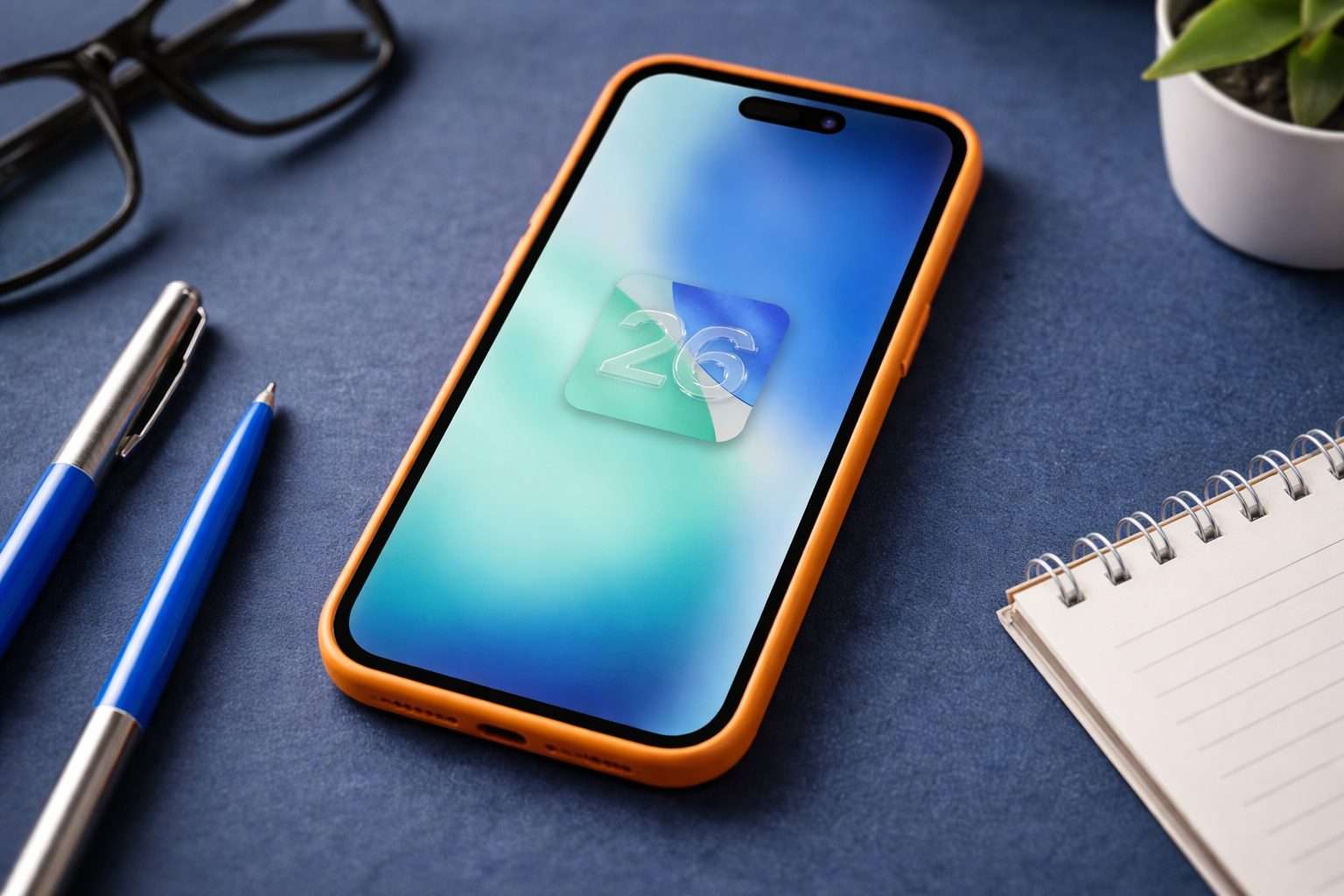
Apple unveiled iOS 26 last year, introducing “Liquid Glass,” a translucent interface design, and integrating Apple Intelligence—its proprietary AI—more deeply into core apps. “iOS 26 shines with the gorgeous new design and meaningful improvements to the features users rely on every day,” said software chief Craig Federighi. Apple
Safari’s so-called “compact” design has sparked a lot of complaints, with users arguing it hides essentials like tabs and bookmarks in extra menus. Supercar Blondie highlighted a detailed guide from the Proper Honest Tech channel that walks through switching Safari off the default Compact Tab setting in Settings. Supercarblondie
Some tweaks focus less on appearance and more on habit. Users can revert to the old Phone layout, switch off Apple Music’s DJ-like AutoMix transitions, and stop Messages conversation backgrounds from letting one person alter the entire chat’s wallpaper. Apple says AutoMix uses “intelligence” to blend songs “like a DJ,” adjusting timing and beats between tracks. Apple
The Preview app, a longtime Mac favorite, has now split into a different path. Tom’s Guide points out features like document scanning, PDF signature additions, password protection, and background removal for images. Yet some users reportedly delete Preview just to get PDFs to open back in the Files app.
Not all the buzz has been about reversing changes. gHacks highlighted four iOS 26 features that have quickly become daily essentials, including a more adaptive toolbar in Notes, a clearer sleep score in the Health app, and what it calls Apple Intelligence-powered search upgrades in Maps.
This tug-of-war isn’t just Apple’s game. Competitors like Google’s Android ecosystem and Samsung’s One UI have also doubled down on AI features and revamped interfaces, banking on fresh software to drive hardware sales.
Still, there’s only so far you can go with the “make it like it used to be” strategy. Apple rarely makes it simple to downgrade iOS once you’ve updated, and tricks like removing built-in apps might cost you handy features. It’s the same old balance: updating keeps you secure, but holding off can save you from early bugs. Apple
For now, iOS 26 caters to both sides — those eager to try new features like AutoMix and chat backgrounds, and others toggling settings just to restore their tab bar. The upcoming Apple updates will reveal how much longer this balance lasts.