
SAN FRANCISCO, Feb 4, 2026, 02:25 PST
- Meta’s Horizon OS v85 beta introduces an experimental “Surface Keyboard and Touchpad” feature for Quest 3 users
- The update begins phasing out the Horizon Feed and introduces a fresh Navigator interface
- Meta is rolling out new security features, such as malware scanning and support for passkeys during login
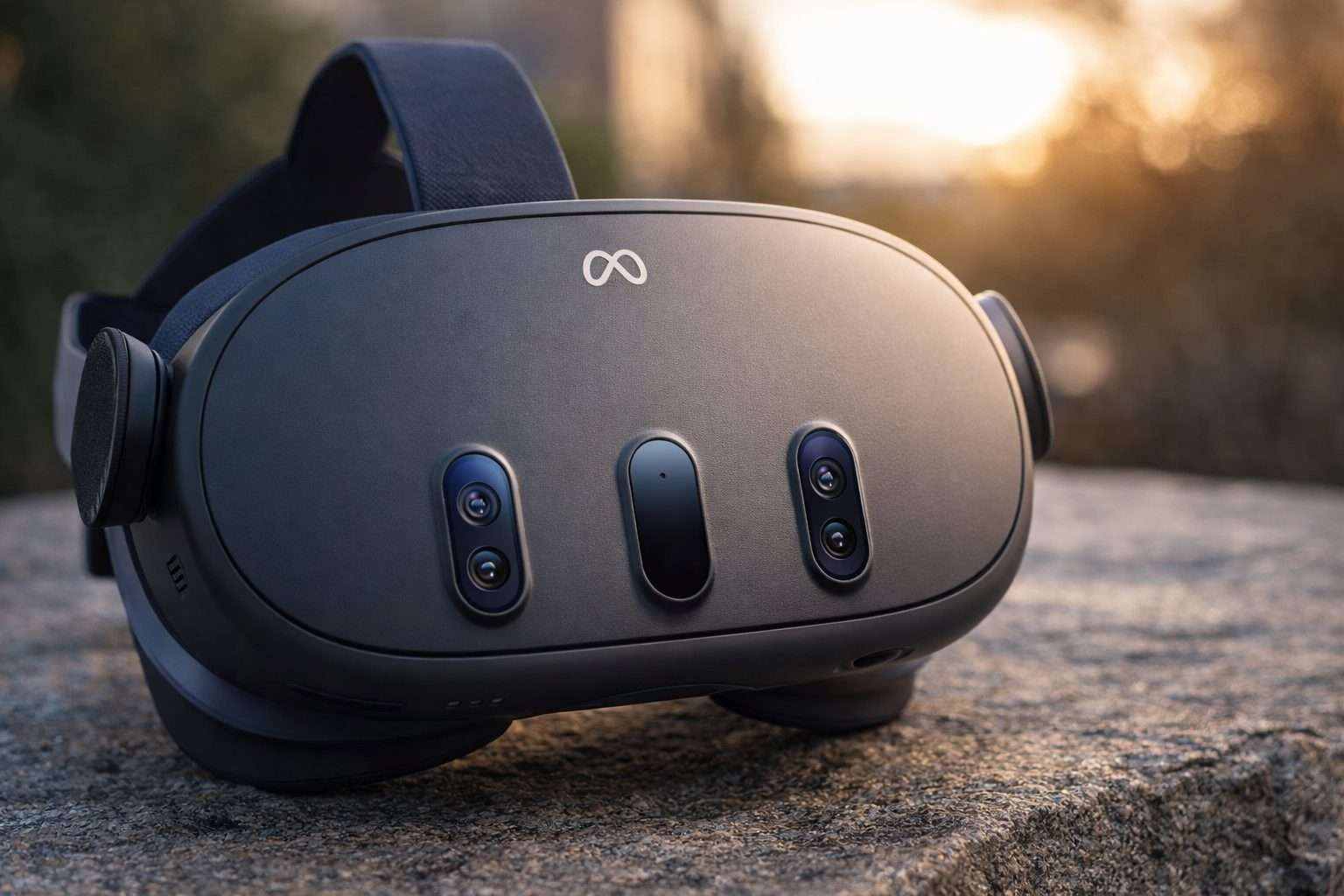
Meta Platforms is rolling out a new feature called “Surface Keyboard and Touchpad” on its Quest 3 headset, letting users pin a virtual keyboard to a desk or table. This comes with the Horizon OS v85 update, now hitting the Public Test Channel (PTC), a beta program for early access. Alongside that, the update ditches the Horizon Feed panel and introduces a fresh Navigator interface. It also brings security upgrades, including automated malware scanning and passkey support, Android Central reports. Android Central
Timing is crucial since typing still lags behind on virtual and mixed reality headsets, particularly as companies market these devices for work, messaging, and browsing—not just gaming. Meta rolls out frequent software updates, yet input and navigation remain the bottlenecks that determine if a headset can really be worn comfortably for extended periods.
Meta’s v85 update arrives as the company pushes Quest to reach beyond hardcore VR fans, even as Apple and others race to expand their “spatial computing” ecosystems. Improved text entry might not grab headlines, but it’s exactly the sort of upgrade that makes daily use smoother.
Windows Central reports the Surface Keyboard is currently being tested in the v85 PTC build, but it’s exclusive to the Quest 3—not the cheaper Quest 3S. Yoon Park, principal designer at Meta Reality Labs, posted a video showcasing the feature, saying: “Excited to share that Surface Keyboard & Touchpad is now available on Meta Quest 3 via the v85 PTC channel under Experimental Features!” Windows Central
Gizmodo’s James Pero tested the feature and reported that the keyboard pops up once users activate it in settings and rest their hands on a flat surface. The headset uses its external cameras to line up the keys precisely. Pero found typing to be quicker and more accurate than air-typing on a floating keyboard, though the built-in touchpad was hit-or-miss, working properly only “about 40% of the time.” Gizmodo
Jason England from Tom’s Guide gave it a spin, noting the keyboard was accurate once the headset locked onto the surface. But he flagged that typing on hard desks quickly turns uncomfortable. He found the touchpad less dependable than the keyboard, recommending it only for brief use rather than extended typing sessions.
Beyond the keyboard, v85 brings a major overhaul. Meta is rolling out a privacy indicator and a malware scan that kicks in after app installs, plus it’s adding passkeys — a password replacement using device PINs or biometrics — to the Quest browser, Android Central reported.
Meta’s latest update rolls back its effort to prioritize Horizon content by default. The company confirmed it’s ditching the Horizon Feed panel after seeing weak entitlement conversion, according to Android Central. Instead, Meta plans to streamline home screens with a simpler Navigator layout in the weeks ahead.
Rivals tackle the same challenge from varied angles. Apple’s Vision Pro relies on eye and hand tracking for input, whereas other headset makers favor Bluetooth keyboards, controller typing, or voice dictation. Meta seems to be trying to ease the pain of having “no keyboard nearby.”
The catch? This feature is still experimental, running on beta software, so performance will fluctuate depending on lighting, surfaces, and tracking conditions. Reviewers also pointed out that PTC builds can be unstable. Meta hasn’t revealed if or when Surface Keyboard will roll out beyond the test channel.