
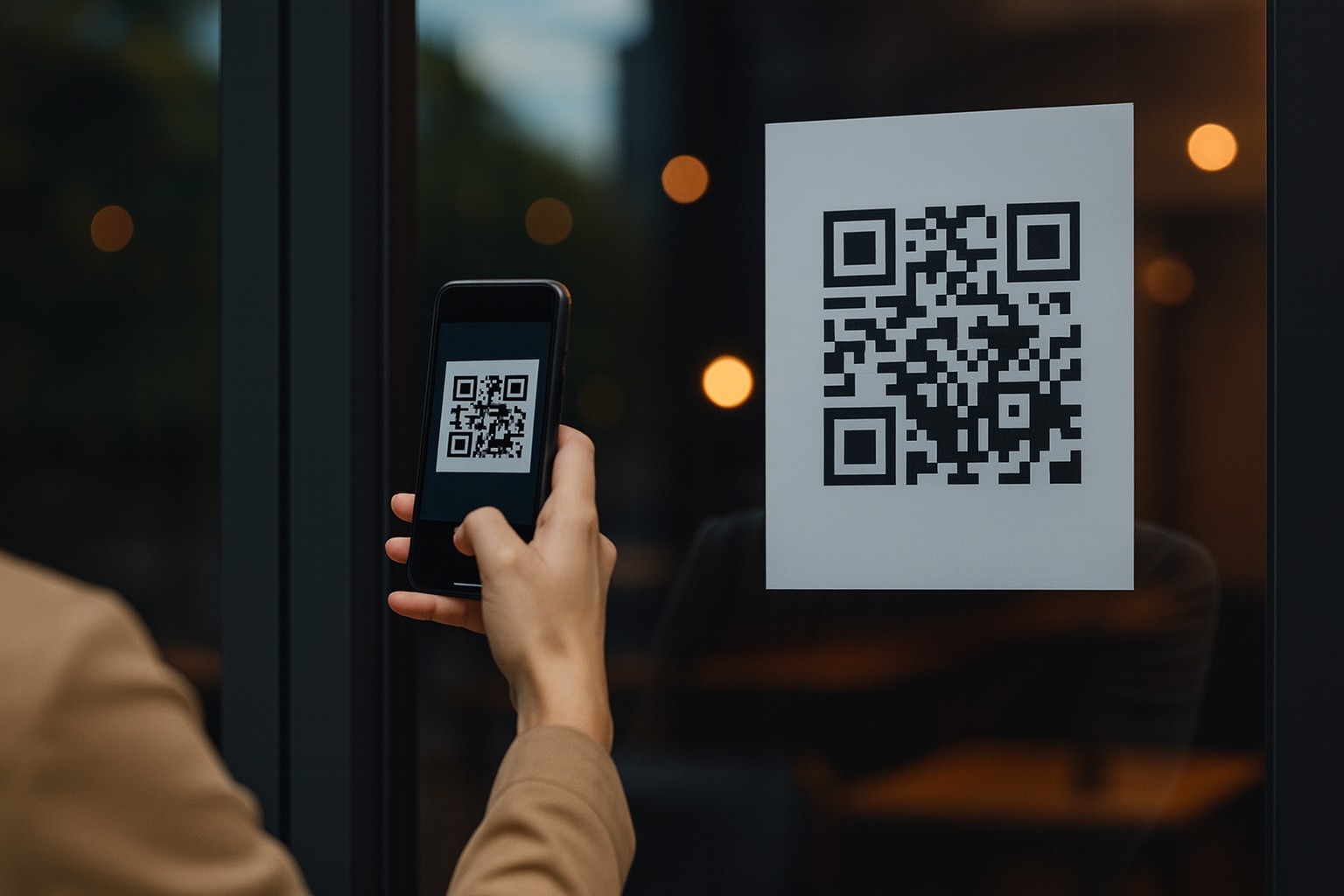
Android’s built‑in QR code scanner is getting a makeover again. After being briefly launched and then quietly pulled earlier this year, Google is now rolling out the refreshed interface once more via a new Google Play Services update — and it’s starting to pop up on more phones as of December 3, 2025. [1]
- Google has restarted the rollout of its redesigned Android QR code scanner after previously rolling it back. [2]
- The new UI is tied to Google Play Services version 25.46.32, though not every device on that version is seeing the change yet. [3]
- Controls like flash, file picker, and feedback now live in a pill-shaped bar at the bottom of the screen for easier one‑handed use. [4]
- The redesign follows Google’s broader Material 3 Expressive visual push, which is also arriving in Android’s new document scanner. [5]
- Rollout is server‑side and gradual, so some users (including Pixel owners) still haven’t received the updated scanner yet. [6]
A quick history: how we got to the “new” QR scanner (again)
Google’s QR code scanner lives behind the Quick Settings tile and lockscreen shortcut on modern Android phones, giving you a fast, camera‑based way to scan codes without opening the full Camera app or Google Lens. [7]
The redesign that’s rolling out today has been in the works for a while:
- April–May 2025: Google’s own system release notes for Play Services v25.19 mention that the QR code scanner UI has been updated to improve the overall user experience, hinting at a bigger visual overhaul behind the scenes. [8]
- July 2025: 9to5Google and other outlets documented a new QR scanner design that consolidated controls into a pill-shaped bar at the bottom of the screen and added a playful animation when the scanner opens. [9]
- Late July 2025: That redesign was rolled out more widely — then suddenly pulled, with Google reverting users to the old interface. [10]
- December 1–2, 2025: 9to5Google reported that the refreshed design is rolling back out with Google Play Services 25.46.32, and Android Central followed up confirming that some users are seeing the update while others are still waiting. [11]
As of December 3, 2025, the picture is clear: the QR scanner revamp is officially back, just on a controlled, staggered rollout.
What’s new in Android’s QR scanner redesign?
The latest QR scanner interface is less about brand‑new features and more about making the things you already do much easier and faster.
A bottom “control pill” for one‑handed use
Previously, basic actions like toggling the flash or picking an image from your gallery were scattered around the screen. In the new design, Google tucks them into a single pill‑shaped bar at the bottom of the viewfinder, which is much easier to reach with your thumb on taller phones. [12]
That pill contains:
- A flash toggle, so you can quickly brighten a dim QR code.
- A system file picker shortcut that lets you scan QR codes from saved photos or screenshots.
- A feedback shortcut so you can quickly report issues with scanning or the UI. [13]
For users on large‑screen devices or Pro‑size flagships, this sounds minor but makes a big daily difference: no more finger gymnastics just to turn on the flash.
Cleaner scanning view and playful animation
When you open the QR scanner from Quick Settings or the lockscreen, you still get a fullscreen camera preview, but the on‑screen text prompt to “Scan QR code” is shrunk and moved to the top, giving more space to the actual content. There’s also a subtle crosshair‑style animation as the scanner comes into view, reinforcing that you’re in a focused, dedicated scanner mode rather than the normal camera. [14]
A Material 3 Expressive results sheet
Once a code is recognized, the scanner now overlays the result in a rounded Material 3 card with clear action buttons. [15]
Depending on the type of QR code, you’ll typically see:
- The URL or data extracted from the code
- One‑tap options to Open, Share, or Copy the content
The layout matches Google’s newer Material 3 Expressive language, the same design language being rolled out to the Android document scanner and other Google apps. [16]
Part of a bigger “scan everything” visual refresh
This isn’t the only scanner Google is modernizing right now.
On December 1, 2025, Google also began widening the beta of a redesigned Android document scanner that appears in apps like Google Drive and Files by Google. That new scanner also uses a rounded Material 3 viewfinder, vertical pill buttons for controls, and a prominent expressive capture button — again tied to Play Services 25.46.32. [17]
Taken together, Google is clearly trying to make all its “point‑the-camera-at-something” tools feel consistent:
- QR code scanner
- Document scanner
- Other camera‑adjacent utilities inside Play Services
This improves usability, but it also subtly encourages users to rely on built‑in system scanners instead of random third‑party QR apps, which can sometimes be spammy or unsafe.
Who is getting the new QR scanner UI today?
Here’s the slightly frustrating bit: updating to Google Play Services 25.46.32 doesn’t guarantee the redesign is live on your device yet.
Reports from both 9to5Google and Android Central suggest:
- The redesign is tied to Play Services 25.46.32, but
- A server‑side flag controls whether the new UI is actually enabled on any given phone. [18]
Even one Android Central writer notes that despite being on the correct Play Services version on a Pixel 10 Pro, the phone is still using the old scanner interface as of December 2–3. [19]
In practice, that means:
- The update is live “in the wild”, but
- Google is slowly widening access across different markets and devices over days or weeks, not hours.
So if you don’t see it yet on December 3, it doesn’t mean your phone is excluded — just that the switch hasn’t flipped for your account or region yet.
How to check if you have the redesigned QR scanner
Want to see whether your phone has the new look? Here’s a simple checklist.
1. Make sure Google Play Services is up to date
- Open the Play Store on your Android device.
- Search for “Google Play services” and open its listing, or tap a direct link if you have one. [20]
- If you see an Update button, tap it and wait for the update to install.
- Once done, reopen the listing and confirm that you’re on version 25.46.32 or later. [21]
(Some manufacturers hide the Play Services listing by default; in that case, your device will usually update it in the background automatically.)
2. Launch the built‑in QR scanner
After updating:
- Pull down the Quick Settings shade.
- Look for a tile labeled “Scan QR code” or similar. If it’s not visible, tap the edit pencil icon and drag the QR scanner tile into your active set. [22]
- Tap the QR scanner tile to open it.
- Alternatively, on some phones you can long‑press the lockscreen shortcut (often a little QR icon) to launch the scanner directly. [23]
If you see:
- A pill‑shaped control bar at the bottom,
- A compact “Scan QR” label at the top, and
- A rounded card for results
…then you’ve got the new UI.
If controls are scattered and the layout feels more dated, you’re still on the old design and will have to wait for Google’s server‑side rollout to reach you.
What if you still don’t have it?
If, as of December 3, 2025, you’ve updated Play Services but still only see the old scanner:
- Double‑check your version: Ensure you’re really on 25.46.32 or newer from the Play Services app listing or from Settings → Apps → Google Play services. [24]
- Restart your phone: Some UI changes only appear after a reboot.
- Wait for the server‑side toggle: Unfortunately, there’s no supported way to manually force the server flag. Google usually enables these gradually by region, device, and account. [25]
Tech‑savvy users sometimes sideload Play Services APKs from third‑party sites, but that can introduce security and stability risks, and it doesn’t guarantee you’ll get the new UI any faster. Sticking to the official update path is the safest route.
Why this redesign matters
QR codes are now baked into everyday life — from restaurant menus and transit tickets to two‑factor logins and smart home setups. A smoother built‑in scanner means:
- Fewer accidental mis‑taps when you’re trying to quickly toggle flash or pick a saved image.
- Faster interactions thanks to bottom‑aligned controls.
- A more consistent look and feel with other Google apps adopting Material 3 Expressive designs, like the revamped Android document scanner. [26]
Most importantly, making the system scanner more capable and pleasant to use gives users less reason to install sketchy third‑party QR apps, which have historically been a vector for ads, trackers, and sometimes malware.
The bottom line
As of December 3, 2025, Google is actively rolling out the new QR code scanner UI to Android devices around the world via Google Play Services 25.46.32, restoring a redesign that was briefly deployed and then withdrawn earlier this year. [27]
If you rely on QR codes a lot — for payments, logins, or travel — it’s worth checking your phone today. Update Play Services, launch the Quick Settings QR scanner, and see whether the pill‑based controls and Material 3 results sheet have arrived. If not, don’t worry: all signs point to a gradual but ongoing rollout over the coming days.
References
1. www.androidcentral.com, 2. www.androidcentral.com, 3. www.androidcentral.com, 4. www.androidcentral.com, 5. 9to5google.com, 6. www.androidcentral.com, 7. 9to5google.com, 8. support.google.com, 9. 9to5google.com, 10. 9to5google.com, 11. 9to5google.com, 12. www.androidcentral.com, 13. www.androidcentral.com, 14. 9to5google.com, 15. www.androidcentral.com, 16. www.androidcentral.com, 17. 9to5google.com, 18. 9to5google.com, 19. www.androidcentral.com, 20. www.androidcentral.com, 21. apkpure.net, 22. 9to5google.com, 23. 9to5google.com, 24. apkpure.net, 25. 9to5google.com, 26. 9to5google.com, 27. www.androidcentral.com
