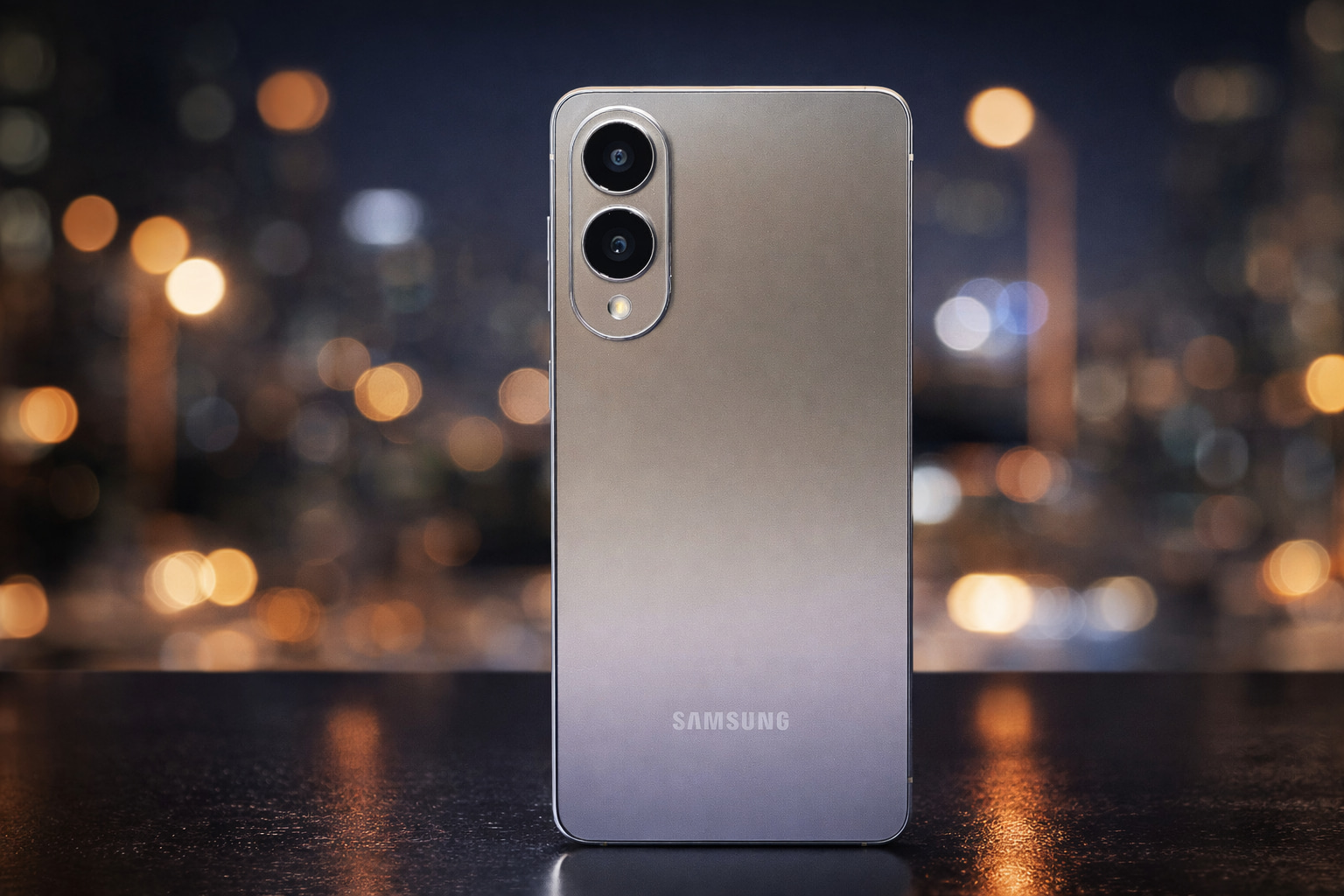
Your Android phone hides powerful sensors you rarely use—like the ambient light sensor, accelerometer, magnetometer, and even temperature sensors. Here’s what they do, how to try them today, and the latest sensor news shaping 2026–2027 smartphones.
Modern Android phones are packed with sensors—many of them quietly working in the background so your screen rotates, brightness adapts, maps point the right way, and calls don’t get “cheek-tapped” into hang-ups.
But as of today, December 29, 2025, two things are happening at once:
- Consumer tech sites are reminding people that their phones already contain “hidden” sensors they don’t take advantage of day-to-day. [1]
- The smartphone industry is moving in the opposite direction—replacing physical sensors with software-defined, AI-powered “virtual sensors” that do the same job without dedicated hardware. [2]
That combination makes today a great moment to re-learn what your phone can sense, what it can infer, and what it might stop including as hardware in the next generation.
Today’s sensor-related developments (Dec 29, 2025)
Here are the most relevant sensor stories and documents dated for today:
- A practical reminder of “hidden” Android sensors you probably already have: ambient light sensor, temperature sensor, 3‑axis accelerometer, and magnetometer. [3]
- Elliptic Labs announced a contract expansion with an existing top‑5 global smartphone manufacturer, covering an expected 20+ smartphone models scheduled across 2026–2027, expanding use of its software-only “AI Virtual Proximity Sensor” that replaces traditional proximity hardware. [4]
- Samsung’s SmartThings Privacy Notice shows an effective date of December 29, 2025, explicitly describing collection of sensor-derived information and logs (including motion sensor activity in the home) when using SmartThings-connected devices. [5]
Now let’s break down the “hidden sensors” angle first—then connect it to what today’s industry news suggests is coming next.
The 4 “hidden” Android phone sensors you can start using today
A new explainer circulating today highlights four sensors that many Android users rarely think about—despite using the phone every day. [6]
1) Ambient light sensor: the quiet reason your screen feels “smart”
What it is: A tiny sensor (often near the selfie camera area or under the display) that measures the brightness of your environment.
What it already does for you:
- Auto-brightness (so your screen isn’t blinding at night or dim in daylight)
- Pocket / bag behavior on some phones (helps the phone decide it’s in darkness without relying only on proximity)
How to actually use it (beyond auto-brightness):
- Photography & video: If you shoot a lot on your phone, noticing ambient light readings can help you understand why your camera is choosing slower shutter speeds or higher ISO in certain rooms.
- Home automation triggers: Apps and routines (varies by manufacturer) can use “dark/light” conditions as triggers—useful for “turn on do-not-disturb when it’s dark” or “turn on bedtime mode.”
Quick test idea: Install a reputable sensor readout app from the Play Store and watch the ambient light value change as you move from a bright window to a darker corner. (More on “safe sensor apps” below.)
2) Temperature sensor: not every Android has one, but it’s becoming more common
What it is: A dedicated temperature sensor is not universal on Android phones, but some models—especially “Pro” devices—have experimented with it. Consumer coverage in recent years has highlighted that flagship Pixels, for example, have had a distinctive temperature-sensing feature that many owners forget is even there. [7]
Important reality check:
- A phone temperature sensor is generally best at surface/object readings (and on supported devices, sometimes guided body-temperature features). It’s not a replacement for medical devices unless explicitly approved and used exactly as directed.
Practical ways people use a phone temperature sensor:
- Checking if a laptop power brick, pan, or device is running unusually hot
- Spot-checking household objects (radiator surfaces, vents, aquarium glass) for quick comparisons
Why this matters in 2025: The “temperature sensor” is a good example of a sensor that sits on the edge between novel feature and forgotten hardware. It’s also a preview of where Android hardware is heading: more sensors competing for space, power, cost, and privacy attention.
3) 3‑axis accelerometer: the sensor your phone can’t live without
What it is: The accelerometer measures acceleration forces along the device’s x/y/z axes. It’s fundamental to motion detection.
Google’s Android developer documentation is blunt about how foundational it is: most Android devices have an accelerometer, and it’s a core motion sensor. [8]
What it already powers:
- Screen rotation
- Step counting / activity inference (often paired with other sensors and software)
- “Lift to wake,” “tap to wake,” motion gestures (depending on phone brand)
- Basic game controls and motion-based UI effects
Ways to use it intentionally:
- Fitness tracking sanity checks: If step counts feel off, using a sensor readout app can help you see if accelerometer data is behaving normally.
- DIY leveling: Many “bubble level” apps rely on motion sensors. (You’ll learn quickly why a bad accelerometer calibration makes everything feel “crooked.”)
- Driving and commuting experiments: If you’re curious about how bumpy a route is, accelerometer logging can be surprisingly informative.
A subtle “security & privacy” angle: Motion sensors are extremely useful, but their data can also be sensitive. Android’s own documentation explains that motion sensors return multi-dimensional arrays of values and can reflect not only user input but environmental movement too. [9]
4) Magnetometer: the reason your compass works (and why it sometimes doesn’t)
What it is: The magnetometer measures magnetic field strength and direction. In plain terms: it helps your phone know which way is “north,” and it contributes to orientation.
Android’s sensor stack often relies on sensor fusion—combining multiple sensors to build a more stable model of device orientation. Google notes that software-based sensors can derive their data from combinations such as the accelerometer and magnetometer (or gyroscope). [10]
What it powers:
- Compass directions in Maps
- AR alignment/orientation in some apps
- Certain navigation and hiking tools
Why people think it’s “broken”:
Magnetometers are notoriously easy to confuse—metal desks, magnetic cases, car mounts, and even nearby electronics can throw readings off.
How to use it well:
- Calibrate when navigation feels wrong: Many phones prompt you to do a “figure eight” motion for compass calibration.
- Avoid magnetic accessories when you need accuracy: Some cases and mounts can interfere.
Bonus: Sensors you might have forgotten about
Even though today’s “hidden sensor” spotlight centers on four specific sensors, many Android phones also have:
- Gyroscope (rotation tracking)
- Barometer (air pressure/altitude estimates)
- Proximity sensor (call screen-off behavior)
- GNSS/GPS (location)
- Microphones/cameras (often treated as sensors in privacy terms)
And increasingly: software-derived sensors that aren’t a physical component at all, but a computed output built from other signals.
Which brings us directly to today’s biggest “sensor industry” news.
Today’s big shift: Hardware sensors vs “virtual sensors”
A major smartphone sensor headline today isn’t about adding a new physical component—it’s about removing one.
Elliptic Labs says it has signed a contract expansion with an existing top‑5 global smartphone manufacturer, covering an expected 20 smartphone models or more planned across 2026 and into 2027. [11]
The key detail: the expansion broadens use of Elliptic Labs’ AI Virtual Proximity Sensor (branded “INNER BEAUTY”), described as a software-only sensor that replaces legacy proximity sensing hardware components. [12]
Why the proximity sensor matters so much
If you’ve ever taken a call and the screen turned off when you brought the phone to your ear—that’s proximity sensing at work. In its description, Elliptic Labs explains proximity detection as enabling the phone to turn off the display and disable touch to prevent accidental input, while also conserving battery. [13]
Historically, that’s done with dedicated hardware (often infrared). The “virtual sensor” pitch is: use software models and existing signals to achieve comparable behavior—while saving space, cost, and supply-chain complexity.
What this means for 2026–2027 Android phones
If major OEMs expand software-only sensing, it could have a real consumer impact:
- Fewer hardware cutouts and simpler designs: If you don’t need a dedicated component, you get more freedom in bezel design and internal layout. [14]
- Different failure modes: Hardware sensors fail in one way; software sensors fail in another. You might see fewer “dead proximity sensors,” but more “why does my screen stay on during calls?” edge cases depending on model tuning.
- More reliance on data fusion: This pushes the industry toward combining multiple inputs and models—similar to how Android already uses combinations of sensors for software-derived outputs. [15]
Elliptic Labs also positions this as part of a broader trend: AI changing not just phone features, but phone engineering itself. [16]
Sensors are also a privacy story—today’s SmartThings update is a reminder
Sensors don’t just enable useful features. They produce data—often intimate data.
Samsung’s SmartThings Privacy Notice shows an effective date of December 29, 2025, and it explicitly describes collection tied to “Home IoT Devices,” including sensor and configuration data and logs. [17]
One concrete example in the notice: when you use a motion sensor, SmartThings may collect the information detected by that sensor (like logs indicating movement and automation events) to enable alerts and features. [18]
This isn’t about your phone’s accelerometer directly—but it reflects the bigger reality: sensors are now part of an ecosystem that stretches from phones to wearables to home devices. The “smart” part is often powered by continuous sensing plus logs, rules, and automation.
Staying current matters: Android updates increasingly include “Sensors” fixes
Sensors aren’t only hardware—they’re also drivers, frameworks, and calibration logic. That means they’re affected by software updates.
Earlier this month, 9to5Google reported that Google’s December 2025 Pixel update included bug fixes across a wide range of categories, explicitly including Sensors, alongside Camera, Display, System, UI, and more. [19]
On the security side, the Android Security Bulletin for December 2025 describes patch levels and vulnerabilities affecting Android devices, including a critical issue in the Framework component. [20]
Even if you don’t care about “sensor features,” keeping your phone patched is one of the simplest ways to reduce risk across the entire stack.
How to check which sensors your Android phone has
You can go from “I think my phone has a magnetometer” to “I know exactly what’s in here” in a few minutes.
Option A: Use a reputable sensor readout app (easy)
Look for apps that:
- Have a long history and clear privacy disclosures
- Don’t request unrelated permissions
- Are installed from the Google Play Store
Once installed, you should be able to see a live list of detected sensors and basic readings.
Option B: Use built-in diagnostics (varies by brand)
Some manufacturers include:
- Hardware test menus
- Built-in diagnostics apps
- Dialer codes (not universal and not always recommended)
Option C: Know what “software sensors” look like
Android supports both hardware-based and software-based sensors. Google’s documentation notes that certain sensors (like rotation vector, step counter/detector) may be hardware-based or software-based depending on the device, while accelerometer and gyroscope are always hardware-based. [21]
That explains why two phones can both “have” a feature like step counting—but behave differently.
A privacy power move many people miss: Android’s “Sensors off” toggle
If you want a quick way to reduce sensor exposure temporarily—say, in a sensitive meeting, while traveling, or when troubleshooting—Android includes an option designed for exactly this.
Android’s official documentation explains that Android 10 provides a developer options setting to shut off all sensors in a device, adding a “Sensors off” tile that can prevent apps from accessing the camera, microphone, and sensors managed by SensorManager. [22]
It also includes an important warning: telephony functions can still access the microphone during phone calls. [23]
What this is good for:
- Temporary privacy hardening
- Testing whether a weird behavior is sensor-related
- Quickly forcing apps to behave as if sensors aren’t available
What it’s not:
- A permanent “privacy cure” (it’s a temporary switch)
- A guarantee that every possible data path is shut off (Android explicitly notes call behavior) [24]
What to watch next
With the consumer side focused on discovering sensors you already own, and the industry side pushing software-defined sensing, the next year will likely bring more debate around:
- Which sensors are truly “worth” physical hardware (cost/space vs reliability)
- How transparent phones and ecosystems are about sensor data use, especially as smart home and wearable integrations deepen [25]
- How updates handle sensor performance and security, since sensors span hardware, drivers, and frameworks [26]
The bottom line for Android users on Dec 29, 2025: your phone’s “hidden” sensors aren’t just nerd trivia. They’re the foundation of features you use daily—and they’re a front-row seat to the next wave of AI-driven device design. [27]

References
1. www.makeuseof.com, 2. www.businesswire.com, 3. www.makeuseof.com, 4. www.businesswire.com, 5. eula.samsungiotcloud.com, 6. www.makeuseof.com, 7. www.androidauthority.com, 8. developer.android.com, 9. developer.android.com, 10. developer.android.com, 11. www.businesswire.com, 12. www.businesswire.com, 13. www.businesswire.com, 14. www.businesswire.com, 15. developer.android.com, 16. www.businesswire.com, 17. eula.samsungiotcloud.com, 18. eula.samsungiotcloud.com, 19. 9to5google.com, 20. source.android.com, 21. developer.android.com, 22. source.android.com, 23. source.android.com, 24. source.android.com, 25. eula.samsungiotcloud.com, 26. 9to5google.com, 27. www.makeuseof.com