Published: December 4, 2025
Google has only just finished rolling out Android 16, but today’s wave of reports and code deep‑dives is already shifting attention to the next big release: Android 17, internally codenamed “Cinnamon Bun.”
Fresh coverage from Android Authority, Financial Express, India Today and others paints the clearest picture yet of when Android 17 will arrive, what it will look like, and how it will change everything from notifications and app stores to gaming and desktop use. Android Authority
Below is an in‑depth look at everything we know as of December 4, 2025 about Android 17’s release date, codename, features and supported devices — plus what today’s news means for you.
Android 17 release date: when is ‘Cinnamon Bun’ coming out?
Multiple recent reports broadly agree on the mid‑2026 launch window for Android 17.
- Developer “preview” via Android Canary:
Google has retired the old “Developer Preview” builds and now uses a year‑round Android Canary channel instead. That’s effectively the earliest way to try Android 17 features before they hit public betas. Android Authority - First public previews (late 2025 / early 2026):
Coverage from Android Authority, India Today and Livemint points to late 2025 (around November) for the first Android 17‑targeting builds, followed by broader public betas in early 2026. Android Authority - Stable Android 17 release:
Google shipped Android 16 stable on June 10, 2025. Using the same cadence, outlets now expect Android 17’s stable build to land around June 2026, with Pixel phones getting it first and other manufacturers following in the months after. Android Authority
And even though Google is moving away from the idea of “one big update per year”, it is not ditching major versions entirely. A detailed report on Google’s new update strategy confirms that a full Android 17 major update is still planned for summer 2026, on top of the more frequent Android 16 QPR (Quarterly Platform Release) updates rolling out right now. heise online
Codename confirmed: Android 17 is ‘Cinnamon Bun’
Officially, Google stopped marketing dessert names after Android 10, but it still uses them internally — and Android 17’s nickname is now public.
- Android Authority and other outlets have seen references to “CinnamonBun” tied to API level 37, which is Android 17, inside recent Android Canary builds. Android Authority
- It continues the dessert tradition after Vanilla Ice Cream (Android 15) and Baklava (Android 16). Android Authority
The codename itself is more than a cute detail. Several commentators note that “Cinnamon Bun” lines up nicely with Google’s design pitch: a warmer, softer, more inviting expression of Material 3 Expressive, the next‑gen design language that will define Android 17’s look and feel. Android Authority
Android 17’s new look: Material 3 Expressive and a big UI overhaul
Material 3 Expressive for everyone
Material 3 Expressive is already live on Pixel phones through Android 16 QPR1, but most brands are expected to adopt it platform‑wide with Android 17. Android Authority
According to Google’s own design brief and today’s summaries, you can expect:
- More fluid, springy animations that make taps and swipes feel more physical. Android Authority
- Updated icon shapes and typography for a more modern, unified UI. Android Authority
- System-wide blur and depth effects, especially in recents, notifications and Quick Settings. Android Authority
- Richer wallpaper‑driven theming, with more dramatic color palettes and automatically themed icons — even when app developers haven’t provided dedicated monochrome icons. Android Authority
In short, Android 17 won’t just look like Android 16 with a new number. It’s set to feel noticeably more vibrant and animated across phones, tablets and even Wear OS devices.
A more polished status bar, notifications and volume controls
Code hints inside Android 16 QPR betas — which usually foreshadow the next platform release — show Google experimenting with several layout tweaks that are likely to become standard in Android 17: Android Authority
- Swapped order for mobile network and Wi‑Fi icons in the status bar for a cleaner visual hierarchy.
- Organized Sound & vibration settings, grouping ringtones, notifications and audio features into clearer sections.
- A split notification shade and Quick Settings panel, similar to what some OEM skins and iOS already offer.
- A new horizontal volume slider in landscape, positioned at the top‑center of the display.
These are small, cumulative changes, but collectively they make everyday interactions feel more coherent — especially on larger screens.
Desktop computing: Android 17’s DeX‑like Desktop Mode
One of Android 17’s biggest quality‑of‑life upgrades will be a serious push toward desktop‑style usage, building on the experimental desktop mode that appeared for Pixels in Android 16’s QPR1. Android Authority
The new Desktop Mode:
- Activates when you connect your phone or tablet to an external display.
- Shows a taskbar with pinned and recent apps, plus a status bar at the top, instead of the current barebones mirrored screen. Android Authority
- Lets you open multiple floating windows that can be moved, resized, snapped side‑by‑side and used with drag‑and‑drop, much like Windows, macOS or ChromeOS. Android Authority
- Gains taskbar overflow, improved touchpad gestures and better mouse support, including a “universal cursor” that can move seamlessly between device and external display. Android Authority
India Today and Financial Express both report that Android 17 aims to turn your phone into a credible lightweight PC, especially when paired with Samsung’s One UI 9 (which should sit atop Android 17 on Galaxy devices) and Google’s “Aluminium OS” push for Android‑powered PCs. SamMobile
Notifications, Live Updates and ‘Min Mode’ on the Always‑On Display
Live Updates everywhere
Android 16’s QPR1 release introduced Live Updates on Pixels — rich, persistent notifications that bubble up on the lock screen, in the notification shade and on the Always‑On Display for things like food deliveries and ride‑sharing. Android Authority
These are expected to become core platform behavior in Android 17, meaning OEM skins from Samsung, OnePlus, Xiaomi, vivo and others will integrate Live Updates natively, and even Wear OS watches will be able to mirror them. Android Authority
‘Min Mode’ AOD for third‑party apps
A separate report this autumn uncovered a new AOD feature called “Min Mode”, explicitly linked to Android 17: Gadgets 360
- Min Mode lets third‑party apps render minimal, persistent interfaces directly on the Always‑On Display while your phone is idle.
- It uses the same low‑power display mode as standard AOD, but instead of just showing the clock and icons, it can present a full‑screen, stripped‑down app view.
- Developers can opt in by declaring a MinModeActivity in their manifest; the system then automatically knows which screen to show when the phone enters AOD.
Gadgets 360 notes that Google Maps is a likely early adopter, with code already referencing a monochrome “power saving mode” that can keep navigation visible even when the main display is effectively off. Gadgets 360
For users, Min Mode could turn the Always‑On Display into a tiny, low‑power dashboard for directions, timers, media controls or smart‑home widgets.
Privacy and security: local network permissions, intrusion logs and more
Android 17 is shaping up to be a substantial privacy and security upgrade.
Local Network Protection
Android Authority spotted a forthcoming “Local Network Protection” feature in Android 16 Beta 3 that Google explicitly says is planned for a future major Android release — almost certainly Android 17. Android Authority
Today, any app with the generic INTERNET permission can talk not only to the wider web, but also to devices on your home or office network. Local Network Protection will:
- Require apps to request a separate permission before they can access devices on your local network.
- Give users clearer controls and visibility over which apps can scan or communicate with local devices.
Reports from India Today and Financial Express suggest Android 17 will complement this with network activity alerts and more aggressive restrictions on background activity for apps that don’t need always‑on access. India Today
Intrusion Logging and secure lock features
Google is also rolling out Intrusion Logging, a system designed to help users detect if their device has been compromised: Android Authority
- Android can capture encrypted activity logs of sensitive events like USB connections, Wi‑Fi networks, Bluetooth pairings, app installs and lock‑screen changes.
- Those logs live in a private, encrypted area of your Google Drive, accessible only with your Google account and device lock credentials.
While the APIs already exist in Android 16, the actual integration into Google Play Services isn’t done yet — which is why analysts expect the feature to show up fully baked either in a later Android 16 QPR or with Android 17 itself. Android Authority
Alongside this, a long list of security carry‑overs from Android 16 QPR1/2 are expected to reach the wider Android ecosystem with Android 17: Android Authority
- Stronger Factory Reset Protection, including cyclic factory resets if someone tries to bypass setup.
- Secure Lock Device, which can remotely lock down a phone, hide lock‑screen widgets and block digital assistants until the primary PIN or password is entered.
- Expanded Identity Check, forcing biometric authentication for sensitive apps and optionally using your smartwatch as a trusted unlock device.
- A toggle for Failed Authentication Lock, allowing power users to decide whether too many wrong unlock attempts should trigger a device lockdown.
In simple terms, Android 17 is designed to be much harder to break into — whether a thief has your phone in their hands or an attacker is probing your network.
AI on your lock screen: Gemini‑powered ‘Magic Actions’
Android’s notification intelligence is also levelling up.
Earlier Android versions offered Smart Reply and Smart Actions — small suggested responses or actions such as “Open Maps” when an address appears in a notification. These are powered by on‑device models and are purposely conservative. Android Authority
In Android 16 code, researchers have now spotted a more ambitious feature called “Magic Actions,” which is expected to fully mature in Android 17: Android Authority
- When enabled, Android hides traditional Smart Actions and surfaces a prominent Magic Action button on notifications.
- That button will get “special visual treatment” – likely a distinctive animation or highlight.
- Under the hood, it’s widely believed Magic Actions will tap into Google’s Gemini AI models to craft richer, more contextual actions instead of just canned suggestions.
Think “summarize this long chat”, “add these dates to my calendar” or “reply with a polite decline” — all generated on device or via Gemini, straight from the notification shade.
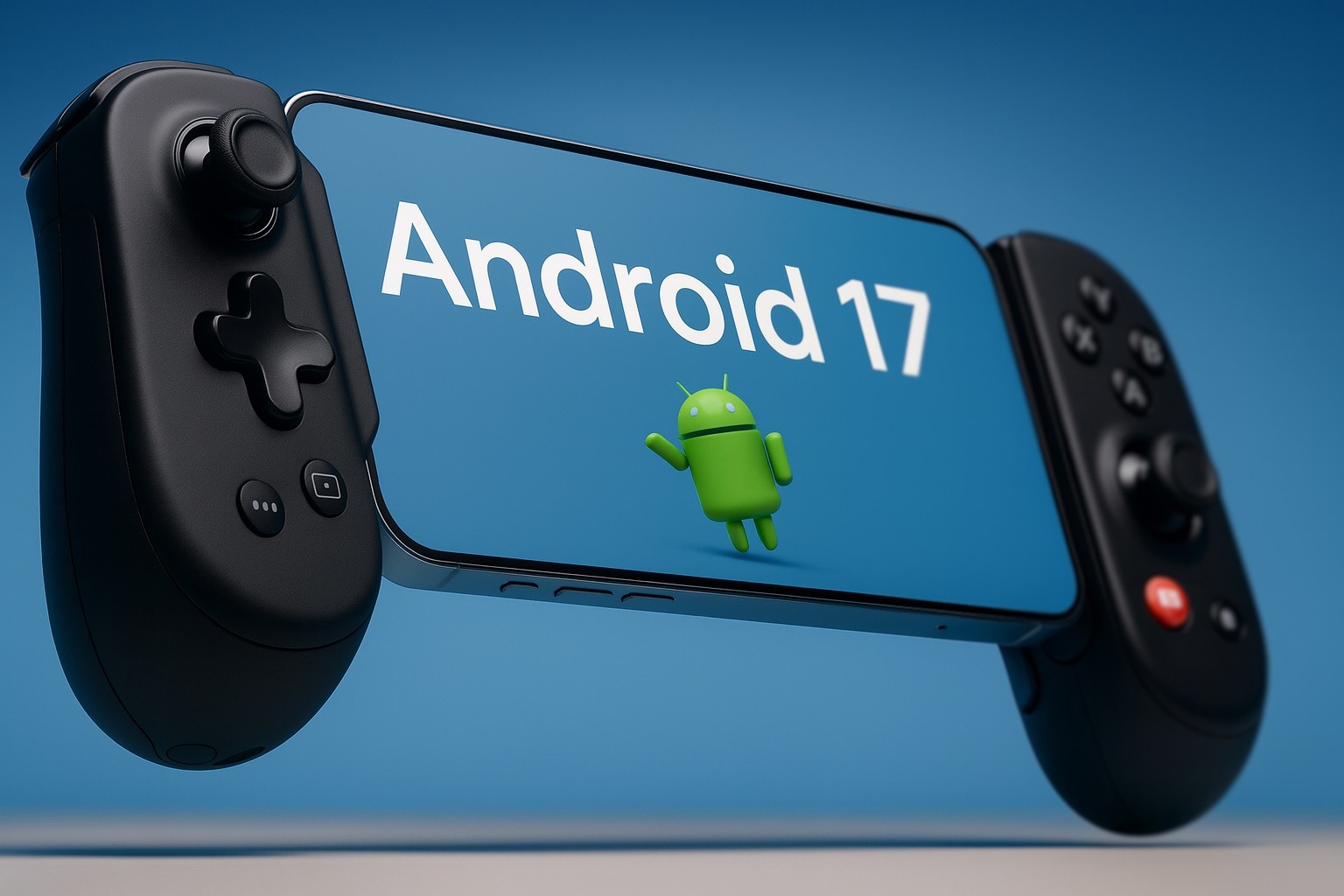
Android 17 for gamers: native controller remapping and Vulkan 1.4
If you play a lot of mobile games — particularly with a gamepad — Android 17 could be a massive upgrade.
Native controller remapping and Virtual Gamepad
SamMobile’s coverage of the first Android 17 gaming leak confirms that Google is working on native gamepad button remapping at the OS level: SamMobile
- A new permission,
android.permission.CONTROLLER_REMAPPING, appeared in code. - There are references to a dedicated controller remapping section in Settings.
- Android can expose a “Virtual Gamepad” layer that standardizes inputs from different controllers. Physical button presses are mapped to this virtual device, then remapped again to whatever layout you choose.
This means:
- Unsupported controllers (cheap Bluetooth pads, retro controllers, etc.) should become far easier to use, as long as Android recognizes them at all.
- You’ll be able to force remapping even in games that don’t provide their own remap menus, and potentially map virtual controls to touch‑only games.
Given that Samsung’s One UI 9 will likely sit on top of Android 17, Galaxy phones and tablets are expected to be among the first to showcase the new gaming stack. SamMobile
Vulkan 1.4 and mandatory ANGLE
Under the hood, Google is continuing its plan to make Vulkan the default graphics API for Android. Android Authority
- With Android 17, new devices will be required to use ANGLE — a Vulkan‑based abstraction layer — for most graphics workloads, switching from an allow‑list to a deny‑list model.
- This standardization should unlock better performance, ray tracing support and more consistent visuals across devices, since game engines and apps target one modern API stack instead of juggling multiple backends. Android Authority
Combined with controller remapping, Android 17 is clearly positioning itself as a more serious gaming platform, especially for phones that are already flirting with gaming‑laptop levels of power.
App stores and the Epic effect: Registered App Stores and lower Play Store fees
Another big storyline leading into Android 17 is how you’ll install apps in the future.
Following its courtroom loss to Epic Games, Google has submitted a proposal that overhauls both Play Store fees and third‑party app store support — changes that are explicitly tied to the “next major Android release,” meaning Android 17. 9to5Google
Key points:
- Google will introduce “Registered App Stores” that users can install via a single, neutral install screen from the web, starting with a version of Android 17.
- Once installed, those stores get permission to install apps silently (subject to Android’s usual security checks), dramatically reducing the friction that currently exists around sideloading.
- Play Store commission will move to a more complex but generally lower fee structure, with a 9% or 20% “service fee” for different kinds of purchases, and just 5% Play Billing fees on the first chunk of annual revenue. 9to5Google
GadgetHacks’ breakdown argues that this could reshape Android app distribution: easier one‑click installs for alternative stores, fewer scare screens, and more room for specialized or regional app marketplaces — at least until 2032, when parts of the settlement sunset. Gadget Hacks
For users, that should translate into more choice, more competition, and potentially better deals on apps and in‑app purchases.
Large screens, foldables and better app adaptability
Android 17 isn’t just about phones. Google is still pushing hard to make tablets, foldables and even Android‑powered PCs first‑class citizens.
A key policy change here is “better app adaptability”: Android Authority
- Android 16 already ignores app manifest flags that try to lock orientation or prevent resizing on large‑screen devices (tablets, foldables, etc.), unless the app is a game.
- However, developers can still opt out for now.
- With the Android 17 release in 2026, opting out will no longer be allowed — all new devices running Android 17 must support resizable windows and orientation changes for apps.
That should finally reduce the plague of phone‑sized, letterboxed apps on big screens, making multitasking and desktop mode far more practical.
Who will get Android 17? Supported devices and update expectations
Google hasn’t published an official compatibility list yet, but today’s coverage and Google’s own update policies give a good sense of what to expect. The Financial Express
Google Pixel
- Pixel 8 and newer (including the 8 Pro and 8a) are almost guaranteed Android 17, since Google now promises up to seven years of OS updates on its latest flagships.
- Upcoming Pixel 9 and Pixel 10 series will ship with at least Android 16 and are near‑certain to receive Android 17 as part of their support window.
Older models like the Pixel 6 and 7 series may or may not make the cut depending on how far Google decides to stretch previous update promises. Users will need to check individual support pages once Google formally announces the rollout plan.
Other Android brands
Financial Express and India Today both stress that Android 17 distribution will follow the usual pattern: The Financial Express
- Samsung, OnePlus, Xiaomi, vivo and others will prioritize their latest flagships from late 2025 and 2026.
- Mid‑range and older devices will see Android 17 more slowly, if at all, depending on each OEM’s update policy (often 3–4 years of major OS updates).
In practice, if you bought a premium Android phone in late 2024 or 2025, there’s a good chance it will get Android 17 — but you may have to wait months after Pixels see the update.
How to try Android 17 early
Because Google has replaced dedicated developer previews with Android Canary builds, the path to early Android 17 access looks like this: Android Authority
- Enroll a Pixel device into the Android Beta / Canary program once Android 17‑targeting builds become available (likely late 2025).
- Receive frequent, sometimes unstable updates that preview new APIs, design changes and features.
- Switch to more stable public betas in early 2026, closer to the platform release.
Early builds are aimed primarily at developers and enthusiasts, so they’re not recommended for your main phone — especially given the experimental changes to app stores, game controllers and security features.
Android 17: Key takeaways
As of December 4, 2025, the picture around Android 17 ‘Cinnamon Bun’ looks like this:
- Release window: Developer/Canary builds late 2025, public betas in early 2026, and a stable release around June 2026. Android Authority
- Design: A major Material 3 Expressive makeover with richer wallpaper theming, blur, smoother animations and cleaner system UI elements. Android Authority
- Productivity: A much more capable Desktop Mode, better large‑screen support, 90:10 split‑screen and improved mouse/touchpad behavior. Android Authority
- Privacy & security: Local Network Protection, Intrusion Logging, stronger lock and theft‑protection tools, plus more granular permissions. Android Authority
- AI:Gemini‑powered Magic Actions in notifications and deeper, smarter system intelligence. Android Authority
- Gaming: Native controller remapping, Vulkan 1.4 and mandatory ANGLE for more consistent performance on new devices. SamMobile
- App distribution: Registered App Stores, lower Play Store fees and one‑click installs from the web, thanks to the Epic settlement. 9to5Google
Put simply: Android 17 is less about one flashy gimmick and more about a sweeping, multi‑layered upgrade — UI, privacy, AI, gaming and even the way apps reach your device are all being rethought at once.
If you’re buying a new phone in late 2025, it’s worth checking how long your manufacturer promises OS updates. For many of those devices, Android 17 will be the version that makes them feel new again.