Published December 3, 2025
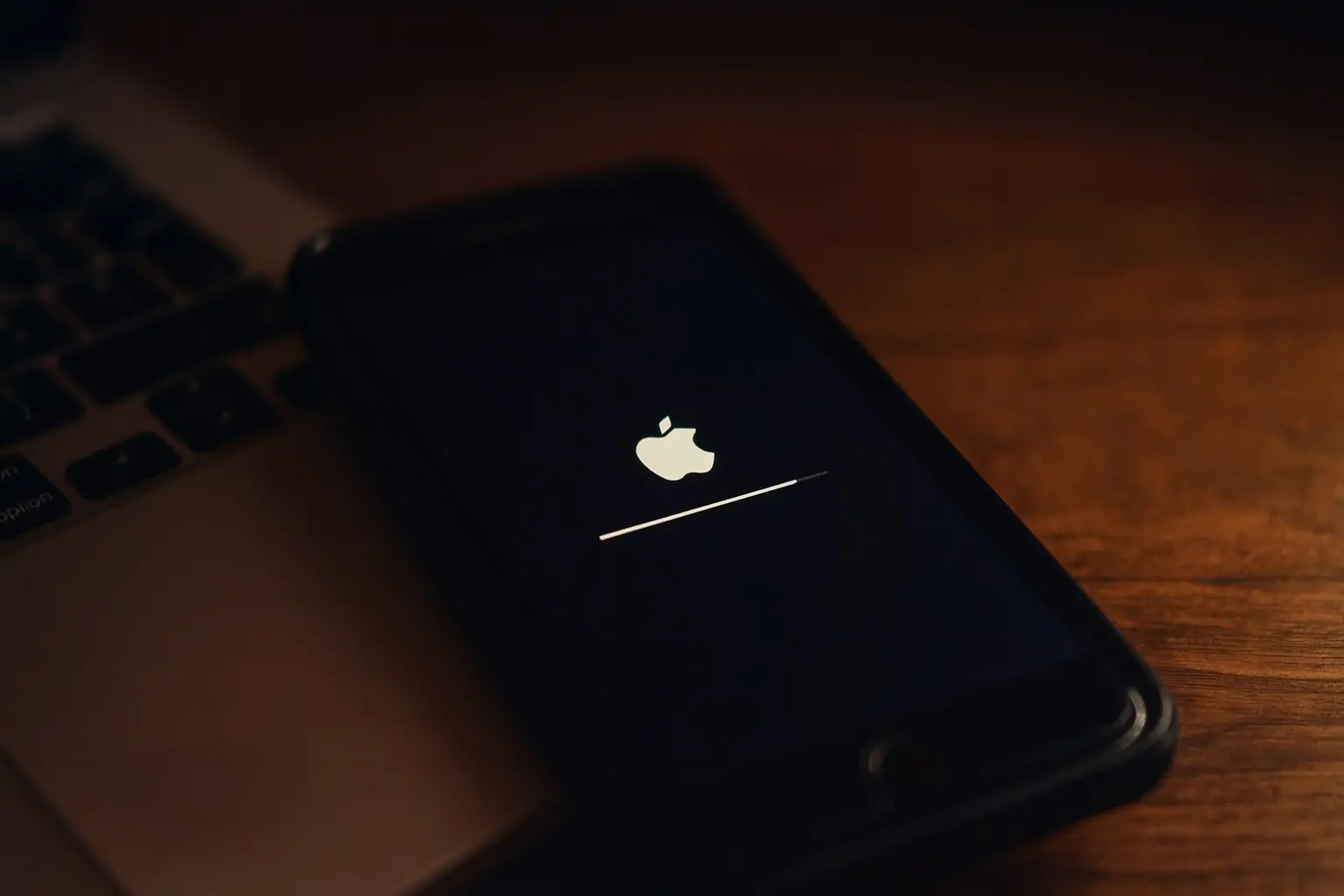
Apple has flipped a key software switch for iPhone owners. iOS 26.1 is no longer just an optional upgrade—it’s now the default recommended update for iPhones still running iOS 18, even as iOS 26.2 approaches with deeper customization options and quality‑of‑life upgrades. 1
At the same time, Apple is polishing the controversial new Liquid Glass design introduced in iOS 26 and preparing to ship iOS 26.2, which expands Lock Screen customization, adds a screen‑flash alert option, and introduces powerful “Urgent” alarms for Reminders. 2
iOS 26.1 Becomes the Default Path for iOS 18 Holdouts
Since iOS 26 launched in September, Apple has taken an unusually cautious approach. For months, iPhones on iOS 18 saw iOS 18.7 and later iOS 18.7.2 advertised most prominently in Settings → General → Software Update, while iOS 26 sat below as an optional banner. 1
That’s now changed.
According to reports from 9to5Mac and MacRumors, Apple has promoted iOS 26.1 to the top of the Software Update screen for devices still on iOS 18. The latest iOS 18 update (currently iOS 18.7.2) is still available, but it has been demoted to an “alternate version” section at the bottom of the page. 1
Apple’s own security documentation also lists iOS 26.1 as the current latest version of iOS and iPadOS, released on November 3, reinforcing that this is now the primary, fully supported track for modern iPhones. 3
Crucially, this is still a user‑initiated upgrade. Even if “Automatic Updates” are turned on, major iOS releases like iOS 26.1 will not silently install; users must explicitly tap “Download and Install.” 1
Why Apple Is Pushing iOS 26 Now
Apple has allowed users to stay on the previous major iOS version—with continued security patches—ever since the iOS 15 era. But that grace period doesn’t last forever. MacRumors notes that Apple is currently shipping security-only updates like iOS 18.7.2, but those are expected to stop for supported devices once Apple is satisfied with iOS 26 adoption. 4
Once that happens, iOS 26 (and its point releases) will eventually become the only way for compatible iPhones to remain fully patched, even though older iPhones that can’t run iOS 26 will continue to receive iOS 18 updates for some time. 4
There’s also a strategic angle:
- New design & Apple Intelligence: iOS 26 introduced a system‑wide Liquid Glass visual overhaul and deeper “Apple Intelligence” integration across apps like Messages, Phone, Music, Maps, and Wallet. 5
- Polishing the rough edges: Updates like iOS 26.1 and the upcoming 26.2 focus on refining that design with more control over transparency, Lock Screen behavior, and notifications after early criticism from some users. 6
Apple has not yet published iOS 26 adoption numbers—those usually arrive several months after release—but the company clearly wants more people off iOS 18 before it fully moves into 2026 hardware and software cycles. 4
What iOS 26.1 Already Delivers Today
For anyone just now encountering iOS 26.1 as the default upgrade choice, it’s more than a bug‑fix patch. Apple and third‑party reports highlight at least eight notable user‑facing improvements in this first major point release. 7
1. More Legible Liquid Glass
One of the biggest pain points for early iOS 26 adopters was the Liquid Glass look—highly translucent panels and menus that some users found hard to read.
iOS 26.1 adds a global Liquid Glass setting in Settings → Display & Brightness that lets you pick between a clearer, glassier appearance and a more opaque, “Tinted” version with stronger contrast. This setting affects system interfaces and Lock Screen elements, making the design easier to live with day‑to‑day. 7
2. Option to Disable the Lock Screen Camera Swipe
For years, swiping left on the Lock Screen has opened the Camera instantly. Convenient—until you find dozens of accidental pocket photos.
In iOS 26.1 you can now turn off the Lock Screen swipe‑to‑camera gesture from the Camera settings page, reducing accidental launches without removing the Camera app itself. 7
3. “Slide to Stop” Alarm
Alarms get a new behavior: instead of a simple “Stop” button, iOS 26.1 requires a slide gesture to stop an alarm from the Lock Screen, reducing the chance of silencing it when you meant to tap Snooze. There’s also an accessibility toggle to bring back the simpler tap‑to‑stop style if you prefer. 7
4. Smarter Privacy & Security Updates
Under Settings → Privacy & Security → Security Improvements, iOS 26.1 introduces Background Security Improvements, the evolution of Apple’s old Rapid Security Response system. With this enabled, iPhone can silently install critical security fixes in between full iOS updates, and Apple retains the ability to roll back a problematic patch if needed. 7
Other notable iOS 26.1 tweaks include:
- More control over Local Capture recordings, including audio‑only recording and custom save locations
- Fully custom workouts in the Fitness app
- Better Now Playing controls in Apple Music via swipe gestures on the mini‑player
- The return of the Slide Over gesture on iPadOS 26.1, revamped to coexist with the new windowed multitasking system 7
Taken together, iOS 26.1 feels less like a “quick patch” and more like Apple’s first serious pass at smoothing out iOS 26’s rough edges.
iOS 26.2: Three New Ways to Customize Your iPhone
While Apple nudges users onto iOS 26.1, attention is already shifting to iOS 26.2, now in late‑stage beta and confirmed for a December release. 6
9to5Mac’s latest deep dive highlights three customization features that will land with 26.2. 2
1. A More Flexible Liquid Glass Slider on the Lock Screen
iOS 26.2 refines Liquid Glass again, this time focusing on the Lock Screen clock. An expanded opacity slider in the Lock Screen customization menu lets you make the clock far more transparent or more solid than before, giving you finer control over how your wallpaper shines through. 2
The slider works with all clock fonts, and while the larger clock size is still limited to the default font, users who disliked the original extremes of the effect now get a much wider range of options. 2
2. New Screen Flash for Notifications
Today’s Flash for Alerts accessibility feature can blink the rear camera’s LED when notifications arrive—a useful cue for people who are hard of hearing, or anyone who wants a visual alert.
In iOS 26.2, a new “Screen” option in Settings → Accessibility → Audio & Visual → Flash for Alerts lets the entire display briefly flash when an alert comes in. You can use screen flash alone, just the LED, or both together for maximum visibility. 2
3. “Urgent” Alarms for Reminders
For time‑sensitive tasks, iOS 26.2 adds an Urgent toggle inside the Reminders app. When you mark a reminder as Urgent, it will trigger a full alarm on your Lock Screen at the chosen time, complete with on‑screen controls similar to a wake‑up alarm. 2
You can customize that behavior in Settings → Apps → Reminders, choosing between a Snooze flow or a Complete button that both silences the alarm and marks the reminder as done. 2
Bonus: Other iOS 26.2 Features on the Way
Beyond those three headline customization tools, MacRumors’ feature roundup outlines a broader collection of improvements slated for iOS 26.2: 6
- Offline lyrics in Apple Music, so you can follow along even without a data connection
- Reworked Sleep Score ranges in the Health and Sleep apps, making sleep quality classifications more forgiving and better aligned with typical sleep patterns
- Apple Podcasts enhancements, including automatic chapters, timed on‑screen links, and smarter recommendations for related shows
- A revamped Apple News app with a dedicated “Following” tab and quicker access to categories like sports, puzzles, politics, and business
- An expanded Flash for Alerts menu with options for LED, screen, or both, tied into the notification feature above
- AirPods Live Translation finally rolling out to users in the EU, bringing real‑time conversation translation to supported AirPods models when paired with an iPhone 15 Pro or newer
Apple has confirmed that iOS 26.2 will arrive sometime in December, and recent reporting suggests a release window around the middle of the month after one more beta or a release candidate build. 6
Should You Update from iOS 18 to iOS 26.1 Now?
With iOS 26.1 now front‑and‑center in Software Update, many iPhone owners still on iOS 18 face a familiar question: update now, or wait for iOS 26.2?
Here are the main factors:
Reasons to Update to iOS 26.1 Today
- Security and longevity: Apple’s own security page says iOS 26.1 is the latest version of iOS. Over time, compatible devices that remain on iOS 18 will stop receiving new security fixes, forcing a move to iOS 26 to stay fully protected. 3
- Stabilized experience: iOS 26.1 arrives nearly two months after iOS 26, with multiple design refinements and background improvements that address many early complaints. 7
- Ongoing micro‑patches: Background Security Improvements mean Apple can quietly push critical fixes without waiting for a full iOS 26.2 or 26.3 release. 7
Reasons You Might Wait for iOS 26.2
- You really dislike the current design: Some users still find Liquid Glass polarizing and want even more control over icon borders and transparency. Comments on MacRumors’ forums show a subset of users holding out specifically until there are more visual controls—precisely the kind of tweaks 26.2 continues to deliver. 4
- You prefer to avoid “.0” issues entirely: While 26.1 has been out since early November, cautious users sometimes wait for the next release (26.2 in this case) on the assumption that another round of bug‑fixing is baked in. 3
Whatever you choose, keep two points in mind:
- Upgrading from iOS 18 to iOS 26 is a one‑way move. Apple does not provide a supported path to downgrade back to a previous major iOS version. 4
- Devices that cannot run iOS 26 (older iPhones) will continue to get iOS 18 security updates, so this push primarily affects owners of newer hardware. 4
How to See Which Updates Your iPhone Is Offering
To check what Apple is now recommending for your device:
- Open Settings on your iPhone.
- Go to General → Software Update.
- If your iPhone supports iOS 26, you should see iOS 26.1 highlighted as the recommended update, with iOS 18.7.2 (or the latest 18.x build) listed below as an alternate version. 1
- Tap Download and Install under iOS 26.1 if you decide to proceed, and ensure you have a recent backup and enough battery or a charger connected.
As of December 3, 2025, the message from Cupertino is clear: iOS 26.1 is no longer just an experiment for enthusiasts—it’s the new normal Apple wants most iPhone owners to live in, with iOS 26.2 waiting in the wings to give them even more control over how that new iPhone experience looks and feels.