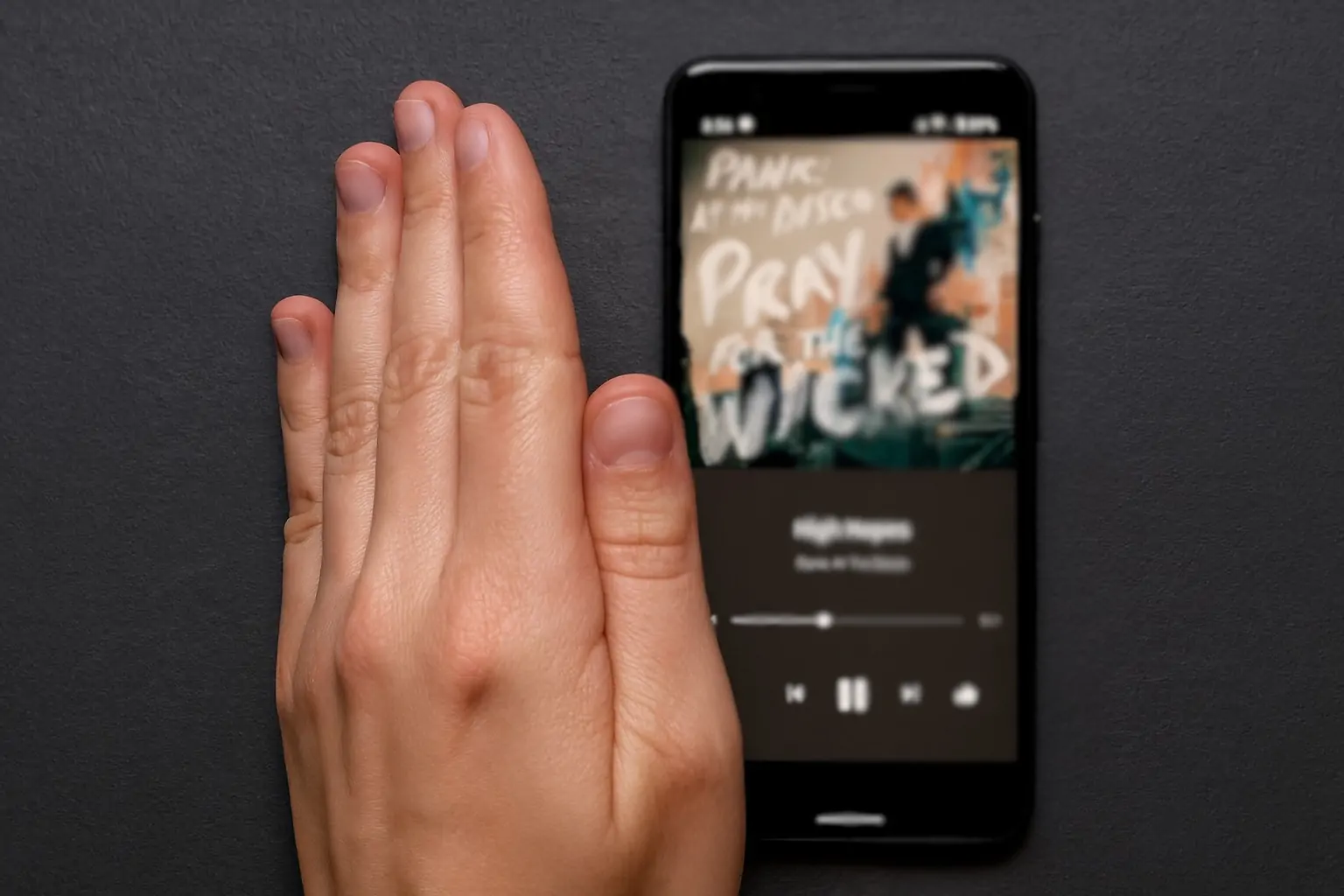
The December 2025 Pixel update with Android 16 QPR2 quietly fixes the Google Pixel’s Quick Tap back-tap gesture, making screenshots, flashlight toggles, and other shortcuts far more reliable. Here’s what’s new, which devices are affected, and how to set it up.
If you turned off the Google Pixel’s Quick Tap gesture because it only worked “sometimes,” it’s time to give it another shot. A wave of reports — and several independent write‑ups — now agree that the December 2025 Android 16 QPR2 update has quietly transformed the back‑tap shortcut from a finicky gimmick into a genuinely dependable tool. 1
Below is everything you need to know today about the Quick Tap fix, how it works, and how to get the most out of it on your Pixel.
A quiet fix in the December 2025 Pixel update
Google’s December 2025 Pixel update ships alongside Android 16 QPR2, a substantial quarterly platform release that adds new features and fixes dozens of bugs across display, battery, system UI, security, and more. 2
However, nowhere in Google’s official changelog does it mention a change to Quick Tap, the double‑tap gesture on the back of the phone used for actions like screenshots or toggling the flashlight. That improvement only surfaced as:
- A detailed report from Android Authority noting that Quick Tap “works more reliably after the December 2025 update,” supported by user feedback and internal testing. 1
- A technical breakdown from Android Headlines stating that Android 16 QPR2 “quietly fixed” long‑standing sensitivity issues with the back‑tap gesture. 3
- Further coverage from WebProNews and FindArticles, both describing near‑perfect responsiveness after the update and citing community reports of “10/10” successful triggers in a row — something users struggled to achieve previously. 4
In short: Google didn’t announce the Quick Tap fix, but as of December 6, 2025, multiple outlets and Pixel owners broadly agree that the gesture is much more reliable on updated devices.
What is Quick Tap, and why did it annoy so many Pixel owners?
Quick Tap is a gesture that lets you double‑tap the back of your Pixel to perform a shortcut instead of hunting for buttons or on‑screen controls. On supported models, you can map it to: 1
- Take a screenshot
- Play or pause media
- Show notifications
- Open Recents
- Toggle the flashlight
- Launch Google Assistant
- Open (almost) any app you choose
The feature is available on Pixel 4a (5G) and later, though devices older than the Pixel 6 no longer receive the latest Android 16 QPR2 update. 5
The problem before December 2025
On paper, Quick Tap sounded ideal. In practice, many people found it:
- Inconsistent — sometimes requiring several attempts
- Overly force‑sensitive — users felt they had to tap harder than expected
- Case‑dependent — thicker or magnetized cases often made detection worse
Articles, forums, and comment sections have described Quick Tap as “hit‑or‑miss” for years, leading many to simply turn it off. 1
Android Authority even ran a quick poll this week: nearly half of participants said Quick Tap now works better after the December update, while about a quarter reported no change and roughly the same share admitted they still don’t use the feature at all. 1
How Android 16 QPR2 makes Quick Tap better
Google hasn’t published a technical explanation, but the strongest clues come from independent analysis and community reports:
- Machine‑learning recalibration: Quick Tap relies on a small on‑device ML model that looks for the specific pattern of motion from the accelerometer and gyroscope when you perform a double‑tap on the back panel. Android Headlines and FindArticles both suggest the fix likely involved tweaking this classifier — adjusting confidence thresholds and filters so that intentional double taps are recognized more often without increasing accidental triggers. 3
- Better handling of “gates”: To avoid firing in your pocket or bag, the system only considers Quick Tap in certain states — for example, when the device orientation, movement, and screen status pass internal checks. Small changes to those “gates” can dramatically affect how often the gesture succeeds. Tech analysis points to QPR2 refining those conditions so legitimate taps are less likely to be ignored. 6
- Sensor and firmware tuning: Coverage from WebProNews notes that the December update appears to include firmware‑level optimizations and sensor calibration, which line up with user videos showing near‑perfect activation even with light taps that used to fail. 4
The end result is that Quick Tap feels like a normal, dependable shortcut instead of a party trick you can’t trust. Many early adopters are now treating it as a primary way to take screenshots or toggle the flashlight.
Which Pixel phones get the improved Quick Tap?
The Quick Tap reliability boost is tied to Android 16 QPR2 and the December 2025 Pixel update. According to Google’s update bulletin and coverage from 9to5Google, the December firmware (builds in the BP4A.251205.006 family) is rolling out to: 2
- Pixel 6, 6 Pro, 6a
- Pixel 7, 7 Pro
- Pixel 8, 8 Pro, 8a
- Pixel 9, 9 Pro, 9 Pro XL, 9 Pro Fold, 9a
- Pixel 10, 10 Pro, 10 Pro XL, 10 Pro Fold
- Pixel Fold and Pixel Tablet
Quick Tap itself is officially supported on Pixel 4a (5G) and newer, but only devices that still receive system updates — effectively Pixel 6 and later — benefit from the Android 16 QPR2 improvements described in this story. 5
If you’re unsure, head to Settings → System → System update and check that you’re on the December 2025 security patch with Android 16 QPR2.
How to (re)enable Quick Tap on your Pixel
If you previously disabled Quick Tap, now is the perfect moment to turn it back on and see how the refreshed gesture feels.
Step‑by‑step: Turn on Quick Tap
On a supported Pixel running the December 2025 update:
- Open Settings.
- Go to System.
- Tap Gestures.
- Choose Quick Tap / Quick Tap to start actions. 1
- Turn on Use Quick Tap.
- Pick what you want Quick Tap to do (for example, Take screenshot, Toggle flashlight, Show notifications, or Open app and select a specific app).
Great actions to map to Quick Tap
To really feel the benefit of the fix, try mapping Quick Tap to something you do dozens of times every day:
- Take a screenshot
– Much faster than juggling the power and volume buttons, especially one‑handed. - Toggle the flashlight
– Ideal when you’re in a dark room or walking outside at night. - Show notifications
– Especially handy now that some users are seeing glitches with the one‑handed notification swipe (more on that below). 7 - Open your favorite app
– Popular picks include Recorder, Camera, Google Wallet, or a to‑do app.
Because the gesture is now more reliable, these shortcuts suddenly feel worth the prime real estate.
Troubleshooting: What if Quick Tap still doesn’t work well?
Even with the improvements, a few factors can still make Quick Tap unreliable. Tech reports and Google community tips point to these practical adjustments if you’re still struggling: 1
- Check “Require stronger taps”
- In the Quick Tap settings, there’s a toggle to require firmer taps.
- Turn it off if lighter touches aren’t being detected, or on if you’re getting accidental triggers.
- Hold the phone in your hand when tapping
- Many users report the best results when they’re holding and looking at the phone, not when it’s lying on a desk or being grabbed mid‑air. That matches how the classifier expects “real” taps to look.
- Avoid very thick or magnetic cases
- Bulky, soft, or magnet‑laden cases can dampen the vibration signature the phone expects, making Quick Tap harder to detect. If you can, test the gesture briefly with the case removed.
- Tap the middle‑back area with two quick taps
- Aim for the central back area, not the very top or bottom.
- Use two distinct, rapid taps, not a mushy double‑knock.
- Toggle Quick Tap off and on again
- Some users find that disabling the feature, rebooting, and then re‑enabling it can clear up odd behavior after an update.
- Make sure the screen is awake
- By design, Quick Tap is tuned to avoid ghost activations in your pocket. If the display is completely off and the phone isn’t being held, the OS may ignore back taps for safety.
If it still feels inconsistent after trying the above, it may be worth filing feedback: Settings → About phone → Send feedback with a short screen recording, so Google can refine the gesture further in future patches. 6
Part of a bigger Android 16 QPR2 gesture and UX story
The Quick Tap fix isn’t happening in isolation. Android 16 QPR2 is a significant UX update that brings other interaction‑focused changes: 8
- A new 90:10 split‑screen ratio that lets you keep a small app pane pinned while another app takes most of the display.
- More customizable touchpad and mouse gestures for devices using Android’s desktop‑style mode on external monitors, including action corners and enhanced autoclick tools.
- Built‑in Parental Controls and expanded security measures like Secure Lock Device and an upgraded Identity Check, reflecting Google’s focus on safety when a phone leaves your trusted locations.
Taken together with the Quick Tap improvements, QPR2 looks like a deliberate push to make every interaction — taps, swipes, and gestures — feel more predictable and trustworthy.
The twist: Another gesture did break for some users
While Quick Tap is enjoying a redemption arc, not every gesture survived the December update unscathed.
Separate reports this week highlight that the one‑handed notification swipe appears broken for some Pixel owners when One‑Handed Mode is active: 9
- On affected devices, the familiar swipe that used to open the notification shade stops working once One‑Handed Mode shrinks the display.
- The issue spans multiple Pixel models but is not universal; others say their phones behave normally, suggesting a configuration‑specific bug.
- Google’s changelog does not list any changes to One‑Handed Mode, so the problem is likely a side‑effect of deeper System UI or gesture‑handling changes.
Interestingly, one of the most recommended workarounds in these articles is to map Quick Tap to “Open notifications”, letting the now‑reliable back‑tap gesture step in for the broken swipe until Google ships a fix. 7
In other words: Quick Tap just went from “meh” to “mission‑critical” for some users overnight.
Quick Tap after the December 2025 update: FAQ
1. How do I know if my Pixel has the Quick Tap fix?
Check that:
- You’re on Android 16 QPR2
- Your phone shows the December 2025 security patch in Settings → Security & privacy → Security update
If you’re using a Pixel 6 or newer and see that combo, you’re on the same update wave that users and outlets are reporting improved Quick Tap reliability on. 2
2. Which actions are best for Quick Tap now that it’s reliable?
Common favorites include:
- Screenshot — fastest way to capture what’s on screen
- Notifications — a strong workaround if your notification swipe behaves oddly
- Flashlight — instantly light your path without fumbling for Quick Settings
- Recorder or Camera — perfect for interviews, lectures, or quick photo moments
Pick something you do several times a day; the more often you use Quick Tap, the more valuable the fix becomes.
3. Does Quick Tap work through a rugged case?
Yes, but results may vary. Reports suggest that very thick or magnetized cases can interfere with the vibration pattern the ML model expects, leading to more misses. If Quick Tap feels unreliable, test it briefly without the case to confirm whether the case is the culprit. 6
4. Is the Quick Tap fix coming to non‑Pixel Android phones?
Not in this exact form. Quick Tap is a Pixel‑exclusive feature baked into Google’s own hardware and software stack. Other manufacturers have their own back‑tap gestures or third‑party apps that mimic the behavior, but the Android 16 QPR2 Quick Tap improvements described here are limited to supported Pixels. 4
5. Should I turn Quick Tap on if I never used it before?
If you’ve never tried Quick Tap, this is the best time to start:
- The gesture is significantly more reliable than earlier versions. 4
- It can replace several clumsier shortcuts (like button combos for screenshots).
- It doubles as a backup for other gestures that might be buggy on your specific setup.
Spend a few minutes experimenting, and you may find that two quick taps on the back become part of your daily muscle memory.
Google’s December 2025 Pixel update may not have shouted about Quick Tap in its release notes, but the day‑to‑day experience speaks for itself. For the first time since the feature launched, Quick Tap finally feels like a first‑class gesture — fast, predictable, and worth reclaiming that spot in your gesture toolbox.