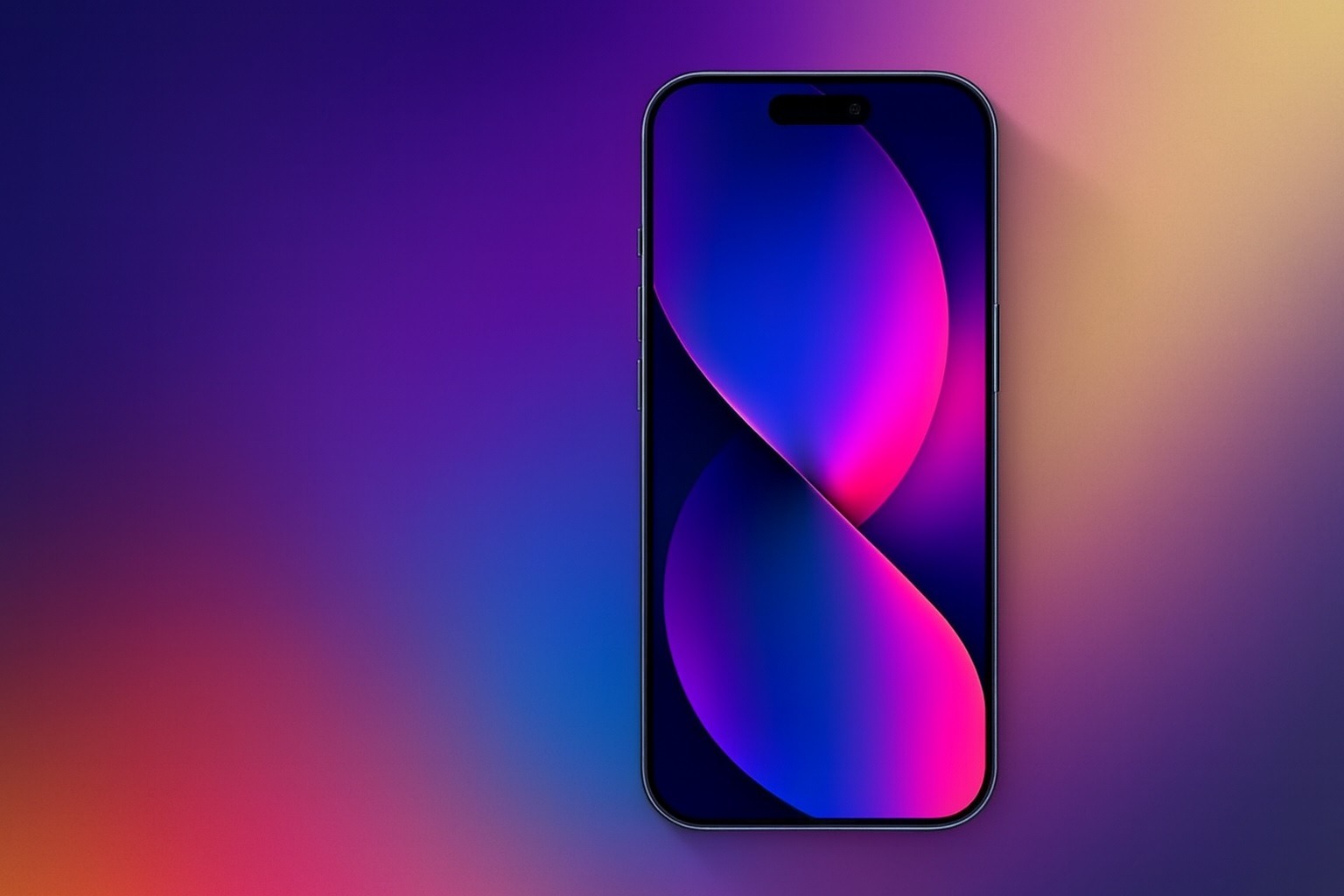
Apple’s latest iPhone software update, iOS 26.2, is now the center of today’s tech headlines (Dec. 13, 2025) for two big reasons: security and usability. On the security side, Apple’s official notes confirm fixes for WebKit bugs that may have been exploited in “extremely sophisticated” targeted attacks, alongside a long list of additional vulnerabilities. On the usability side, iOS 26.2 continues Apple’s pivot on the controversial Liquid Glass design by letting you dial back transparency on the Lock Screen clock, responding to ongoing readability complaints. 1
Below is a detailed, publication-ready roundup of everything that matters today: what’s fixed, what’s new, why the update is being framed as “install now,” and what iPhone owners in Australia should know about an emergency-calling related fix.
Why Apple’s iOS 26.2 “Update Now” Messaging Matters Today
Today’s urgency is largely driven by Apple’s own security language. In its security documentation, Apple says it is aware of reports that at least two WebKit issues may have been exploited in an “extremely sophisticated attack” against “specific targeted individuals” on versions of iOS before iOS 26—the kind of phrasing that typically signals high-end, targeted exploitation rather than a mass consumer malware wave. 1
The two headline WebKit vulnerabilities
Apple’s WebKit notes describe scenarios where maliciously crafted web content could lead to:
- arbitrary code execution, and
- memory corruption
…and explicitly link these to the “extremely sophisticated” attack reports. 1
Apple credits the Google Threat Analysis Group on at least one of the related CVEs, underscoring that these are not theoretical edge cases—security researchers are actively tracking real-world abuse. 1
It’s not just iOS 26.2
Apple’s security releases page shows a broad patch day across Apple platforms, including iOS/iPadOS 26.2, macOS Tahoe 26.2, watchOS 26.2, tvOS 26.2, visionOS 26.2, and Safari 26.2, all released December 12, 2025. 2
And importantly for people not on iOS 26: Apple also shipped iOS 18.7.3, whose security notes include the same “extremely sophisticated” WebKit exploitation language—meaning older supported iPhones aren’t being left behind, but they do need the newer patch. 2
How many issues does iOS 26.2 address?
Apple’s official pages list many CVEs, and independent roundups describe 20+ vulnerabilities being addressed, including the two WebKit issues flagged above. 3
A security-focused explainer updated today (Dec. 13) also emphasizes that the fixes span multiple components beyond WebKit—covering areas that could involve sensitive data exposure, crashes, and system-level risks—reinforcing why today’s coverage is pushing users to update promptly. 4
Liquid Glass: Apple Adds a New “Transparency Dial” for the Lock Screen Clock
Alongside security, the most talked-about user-facing change is Apple’s continued willingness to walk back parts of the Liquid Glass aesthetic.
TechCrunch reports that iOS 26.2 introduces another control to reduce Liquid Glass transparency, this time specifically for the Lock Screen clock, following an earlier update that added a slider for adjusting Liquid Glass opacity more broadly after complaints about legibility. 5
MacRumors’ iOS 26.2 feature guide details how this works in practice:
- A Liquid Glass slider lets you push the time display toward a clearer look or a more frosted/opaque look.
- A separate “Solid” toggle can turn off the Liquid Glass look for the clock entirely for maximum readability. 6
MacRumors also notes a related constraint: the “Tinted” Liquid Glass option may conflict with certain accessibility settings (Reduce Transparency / Increase Contrast), and iOS 26.2 surfaces clearer warnings and behavior around that combination. 6
Why this matters: The story here isn’t just a new slider—it’s Apple signaling that it’s willing to prioritize clarity over strict visual consistency when enough users push back. TechCrunch also frames the timing as notable given Apple’s recent design leadership changes around Liquid Glass. 5
AirDrop Codes: A New, Safer Way to Share With Non-Contacts
Another standout feature getting heavy coverage is AirDrop codes, which aim to make quick sharing with strangers (or semi-strangers) safer and less awkward than the existing “Contacts Only” vs. “Everyone for 10 Minutes” tradeoff.
MacRumors explains that iOS 26.2 adds an extra verification layer for AirDrop with unknown people: the receiver can generate a one-time code that the sender must enter to complete the transfer, and the pairing can persist for a limited period. 6
9to5Mac adds the key behavioral detail: after the code exchange, the two people can remain visible as AirDrop options for 30 days, and you can manage known AirDrop contacts inside Settings. 7
TechCrunch highlights the practical angle: it’s a faster middle ground for work, events, or quick sharing scenarios—without permanently adding someone to Contacts. 5
What Else Is New in iOS 26.2? The Features People Will Actually Notice
While security and Liquid Glass dominate headlines, iOS 26.2 includes a meaningful set of everyday improvements. Here are the most notable ones, based on feature roundups and reporting:
1) Reminders can finally act like an alarm
MacRumors says Reminders now has an “Urgent” option that can trigger an alarm at the due time, complete with snooze/stop-style controls and Lock Screen behavior. 6
The Verge also notes this “urgent” Reminders behavior as a headline change in the release. 8
2) Apple Music adds offline lyrics
If you’ve downloaded songs, iOS 26.2 adds support for offline lyrics, so lyrics can be available without Wi‑Fi or cellular. 6
3) Podcasts gets smarter navigation and discovery tools
MacRumors describes multiple Podcasts upgrades, including auto-generated chapters, podcast mentions surfaced from transcripts/player context, and links associated with an episode. 6
The Verge also reports Apple Podcasts auto-generating chapters in English when creators don’t supply them. 8
4) Apple News navigation changes (including Following)
MacRumors reports Apple News gets design/navigation updates, including a dedicated Following tab separated from Search. 6
TechCrunch also flags Apple News navigation changes as part of the broader iOS 26.2 feature mix. 5
5) Accessibility: Flash for Alerts can use the whole screen
MacRumors notes “Flash for Alerts” can now flash the screen (not just the LED), or both simultaneously, when notifications arrive. 6
6) Enhanced Safety Alerts (U.S. only)
MacRumors describes an Enhanced Safety Alerts section for managing earthquake/imminent threat alerts with richer context (maps/links), and notes the feature is limited to the United States. 6
The Verge also points to Enhanced Safety Alerts and describes Apple’s intent to provide richer emergency information. 8
7) Freeform gets tables
MacRumors: Freeform now supports tables that can hold mixed content and resize to fit, bringing more structure to boards. 6
8) CarPlay: an option to disable pinned Messages
MacRumors reports CarPlay adds a setting to disable pinned messages in Messages for drivers who want the classic view. 6
Australia-Specific Headline: iPhone 12 and Triple Zero Emergency Call Concerns
One of the most regionally significant stories driving Dec. 13 coverage is in Australia, where reporting ties iPhone software to scrutiny around emergency calling reliability during major network failures.
What Apple says
Apple’s support document on emergency calling in Australia says:
- iPhone XS, iPhone XR, iPhone 11, and iPhone 13 and newer are not affected by the described scenario.
- For iPhone 12 users, iOS 26.2 provides support for a rare emergency-calling scenario involving alternate networks. 9
What local reporting adds today (Dec. 13)
An Australian report published this morning says iOS 26.2 includes language indicating it “addresses a mobile network issue for iPhone 12 models when establishing a connection to emergency services in Australia,” and situates the update amid broader testing and policy scrutiny following major outage concerns. 10
Bottom line for Australian iPhone 12 owners: even if you’ve never had issues calling emergency services in normal conditions, today’s reporting and Apple’s own guidance point to the value of being on the latest iOS for resilience in rare, worst-case network scenarios. 9
How to Install iOS 26.2 Right Now
- Open Settings
- Tap General
- Tap Software Update
- Tap Download and Install (or Install Now) 9
Important note about downgrading
Apple’s security releases page reminds users that after installing updates for iOS/iPadOS (and other platforms), you can’t downgrade to a previous version. 2
Watch Out: iOS 26.2 May Turn On Automatic Updates for Some Users
One of the most-discussed “small but spicy” items in iOS 26.2 coverage: a MacRumors PSA says some users report that, during the post-update flow, iOS 26.2 can present an easy-to-miss screen that results in automatic software updates being enabled if you simply tap through. 11
If you want to verify (or undo) that setting:
- Go to Settings → General → Software Update → Automatic Updates
- Adjust download/install toggles to match your preference 11
Which Update Should You Install If You Don’t Have iOS 26?
Not every supported iPhone is on iOS 26. Apple’s own security pages show:
- iOS 26.2 is listed for newer iPhones starting at the iPhone 11 generation in Apple’s security documentation. 2
- iOS 18.7.3 was also released on the same day and includes critical WebKit fixes (including the “extremely sophisticated” exploitation language), making it the must-install option for devices staying on iOS 18. 2
The Takeaway for December 13, 2025
Today’s iOS 26.2 news cycle is a rare “triple hit”:
- High-priority security patches for WebKit issues Apple says may have been exploited in sophisticated targeted attacks. 1
- A visible design concession: more control over Liquid Glass transparency—especially on the Lock Screen clock—after ongoing usability complaints. 5
- Practical new tools like AirDrop codes and Reminders alarms that many iPhone owners will actually use day-to-day. 6
If you publish this as a Google News / Discover piece, the reader promise is straightforward: Update now for security, stay for the quality-of-life improvements—and check your settings afterward. 3