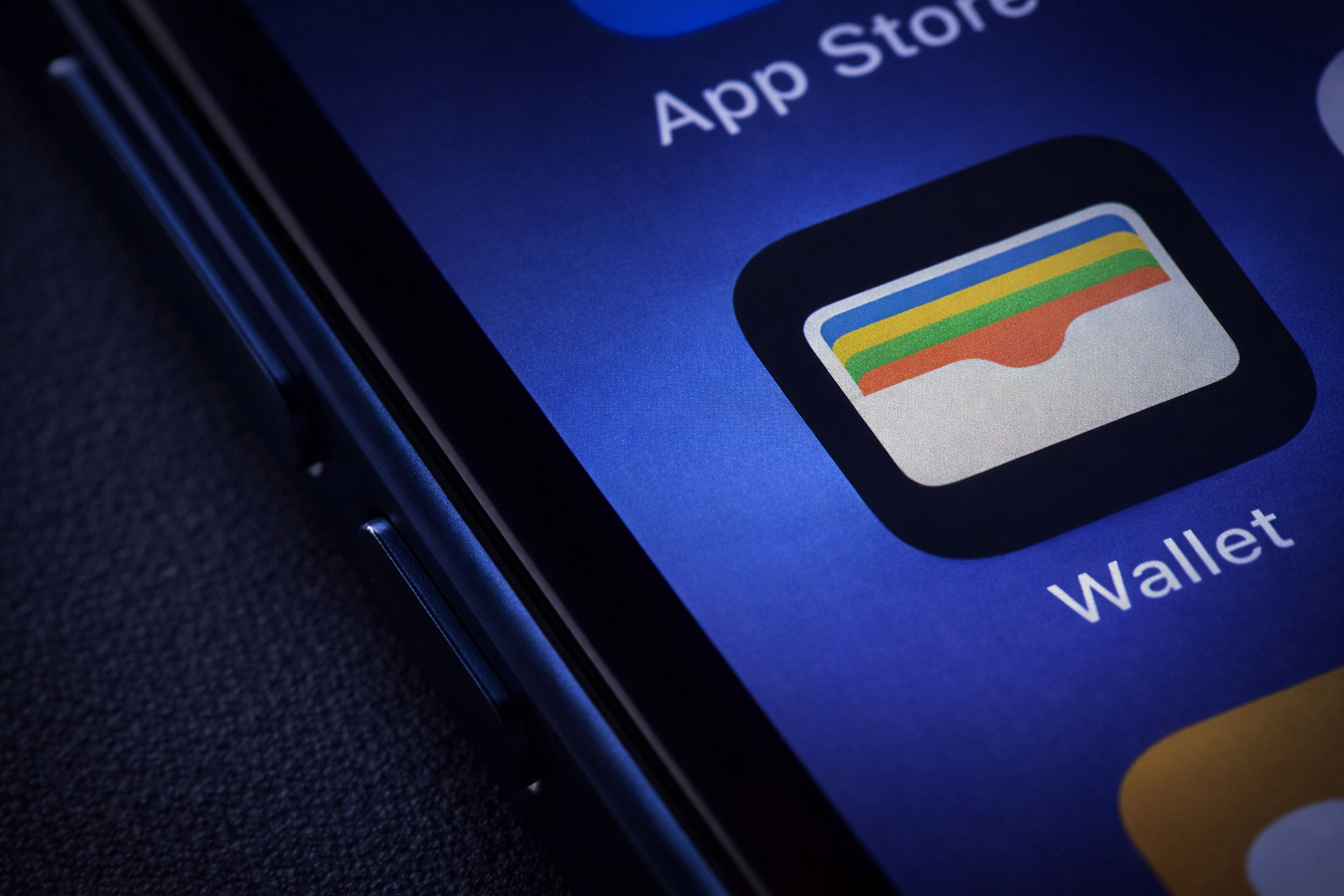
Apple Wallet is having a very “quietly huge” moment this holiday week. With iOS 26, the app is no longer just where you stash a card or a QR code—it’s increasingly where your travel day and shopping life come together, thanks to three changes now rolling out in the real world: enhanced boarding passes, a new passport-based Digital ID, and Apple Intelligence-powered order tracking that finally makes Wallet’s long-promised “everything in one place” pitch feel real. [1]
Below is what’s new, what’s live right now, and how to use it—without getting caught out at the airport or missing a delivery update.
1) Wallet’s refreshed boarding passes turn your iPhone into a travel hub
For years, saving a boarding pass to Apple Wallet meant convenience—but not much intelligence. In iOS 26, Apple has redesigned boarding passes so they can act more like a lightweight “trip dashboard,” surfacing the details people actually scramble for at the gate.
The big upgrades: Live Activities, airport navigation, and luggage tracking
Apple’s refreshed boarding pass experience is built around three features:
- Live Activities for real-time flight updates (and the ability to share those updates with friends/family)
- Airport maps / Apple Maps access for navigating terminals
- Find My integration to help track important items and handle lost baggage workflows more quickly [2]
Apple has also described a broader “travel day” intent: boarding passes can link you out to the most relevant actions (like airline services such as upgrades and standby lists) and keep key trip tools close at hand from the pass itself. [3]
You can now share your flight status straight from the boarding pass
One of the most practical additions is sharing. Apple’s own support documentation shows a built-in option called “Share Flight Tracker”, letting you send a Live Activity via Messages so someone else can follow your flight progress. [4]
This is the kind of feature that sounds small—until you’re juggling family pickups, coordinating a connection, or trying to avoid the “did you land?” text storm.
2) Southwest joins United and Delta in supporting the upgraded iOS 26 boarding passes
The refreshed boarding pass experience isn’t purely an iPhone-side switch—airlines need to implement support. But the rollout is gaining momentum during the busiest travel season of the year.
What’s now supported (and what Apple says is coming)
Recent reports indicate that Southwest Airlines has joined United and Delta in supporting the upgraded iOS 26 boarding pass format. [5]
Separately, Apple has stated that refreshed boarding passes will be available starting with a list that includes Air Canada, American Airlines, Delta Air Lines, JetBlue, Jetstar, Lufthansa Group, Qantas, Southwest Airlines, United Airlines, and Virgin Australia. [6]
Translation: even if you’re on iOS 26, your experience may vary flight-to-flight depending on carrier rollout and route.
3) Digital ID in Apple Wallet is now real—and it’s built from your U.S. passport
The other major Wallet story this week isn’t about boarding—it’s about identity.
After years of slow, state-by-state expansion for Wallet-based driver’s licenses, Apple has introduced Digital ID, which users can create in Apple Wallet using a U.S. passport. It’s designed for domestic identity verification use cases—especially at TSA checkpoints—and it doesn’t require waiting for your state to adopt Apple’s driver’s license program. [7]
What Digital ID is (and what it is not)
According to Apple’s support documentation:
- Digital ID is derived from your passport and encrypted on-device.
- It can be presented at TSA checkpoints for identity verification before boarding domestic flights, and also used for identity/age verification in apps and online where supported.
- It is not a replacement for a physical passport, and cannot be used for international travel or border crossing. [8]
That last point is crucial: Digital ID is meant to reduce friction in certain situations, not eliminate the need for physical documents altogether.
Digital ID requirements and setup basics
Apple says you need:
- iPhone 11 or later (or Apple Watch Series 6 or later) with the latest iOS/watchOS
- Face ID or Touch ID + Bluetooth
- An Apple Account with two-factor authentication
- An unexpired U.S. passport
- Your device region set to the United States [9]
Setup includes scanning the passport photo page, reading the passport chip, and completing an identity verification capture, per Apple’s step-by-step instructions. [10]
TSA acceptance: “More than 250 U.S. airports,” per reporting and Apple statements
Multiple reports cite Apple’s claim that Digital ID acceptance is rolling out to TSA checkpoints at more than 250 U.S. airports, though availability can still depend on lane/signage at the airport. [11]
4) Wallet order tracking finally works the way people expected—thanks to Apple Intelligence
Apple also fixed something less flashy but massively useful: order tracking.
Wallet originally introduced order tracking years ago, but the feature never became universal because it relied on merchants opting in. In iOS 26, Apple’s solution is to stop waiting for merchants and instead use Apple Intelligence to identify relevant shipment details from emails—so Wallet can display order status, progress notifications, and more in one place. [12]
How Apple describes it
Apple says Wallet can automatically identify, summarize, and display order tracking details from emails sent by merchants or delivery carriers, across a user’s orders. [13]
Apple’s support documentation also clarifies that Mail-based tracking is available on Apple Intelligence-supported devices running iOS 26 or later. [14]
How to find your tracked orders in Wallet
Per Apple Support:
- Open Wallet
- Tap the More button, then choose Orders
- Tap an order to see status, payment details, related emails, and merchant contact options [15]
And if you want Mail-based tracking, Apple says to enable it in Settings → Wallet & Apple Pay → Order Tracking, ensuring Mail is toggled on, then use the Track prompt inside order-related emails. [16]
5) The bigger picture: Apple Wallet is becoming your “everyday hub,” not just a payment app
Taken together, this is the clearest signal yet of Apple’s direction for Wallet:
- Travel days: boarding pass + live flight updates + maps + Find My
- Identity checks: passport-derived Digital ID for domestic verification in supported contexts
- Shopping: AI-powered order tracking that doesn’t require merchant cooperation [17]
And for users in states that support Wallet driver’s licenses and IDs, the footprint is still expanding. As of Dec. 24 reporting, Apple Wallet driver’s licenses/state IDs are available in 13 states and Puerto Rico, with at least seven more states expected in the future (timelines vary). [18]
What to do before you head to the airport this week
If you’re traveling today or over the next few days, here’s the most practical checklist:
- Update to the latest iOS 26 build available to you (boarding pass features and Digital ID availability can depend on version).
- Add your boarding pass from your airline’s app/email if supported, then look for Live Activity / Share Flight Tracker options. [19]
- If you’re eligible and in the U.S., consider setting up Digital ID, but still bring your physical passport/ID—Apple explicitly notes Digital ID isn’t a passport replacement and can’t be used for international travel. [20]
- For last-minute shopping, enable Mail-based Order Tracking (if available on your device) so Wallet can pull delivery updates into one screen. [21]
FAQ: Quick answers to common Apple Wallet iOS 26 questions
Does Digital ID replace my passport?
No. Apple states it’s derived from your passport, but it’s not a government-issued passport and can’t be used for international travel or border crossing. [22]
Can I share my flight tracking with someone else?
Yes. Apple documents a “Share Flight Tracker” option for eligible boarding passes, sharing via Messages so the recipient can follow flight status updates. [23]
Which airlines support the new iOS 26 boarding passes?
Reports say United, Delta, and Southwest are already supporting the refreshed pass experience, and Apple has listed additional airlines it says will support the feature. [24]
How do I see my tracked purchases in Wallet?
Open Wallet → More → Orders. Apple’s support page outlines what you can see and how to enable Mail-based tracking. [25]

References
1. 9to5mac.com, 2. 9to5mac.com, 3. www.apple.com, 4. support.apple.com, 5. 9to5mac.com, 6. www.apple.com, 7. 9to5mac.com, 8. support.apple.com, 9. support.apple.com, 10. support.apple.com, 11. 9to5mac.com, 12. 9to5mac.com, 13. www.apple.com, 14. support.apple.com, 15. support.apple.com, 16. support.apple.com, 17. www.apple.com, 18. www.macrumors.com, 19. support.apple.com, 20. support.apple.com, 21. support.apple.com, 22. support.apple.com, 23. support.apple.com, 24. 9to5mac.com, 25. support.apple.com