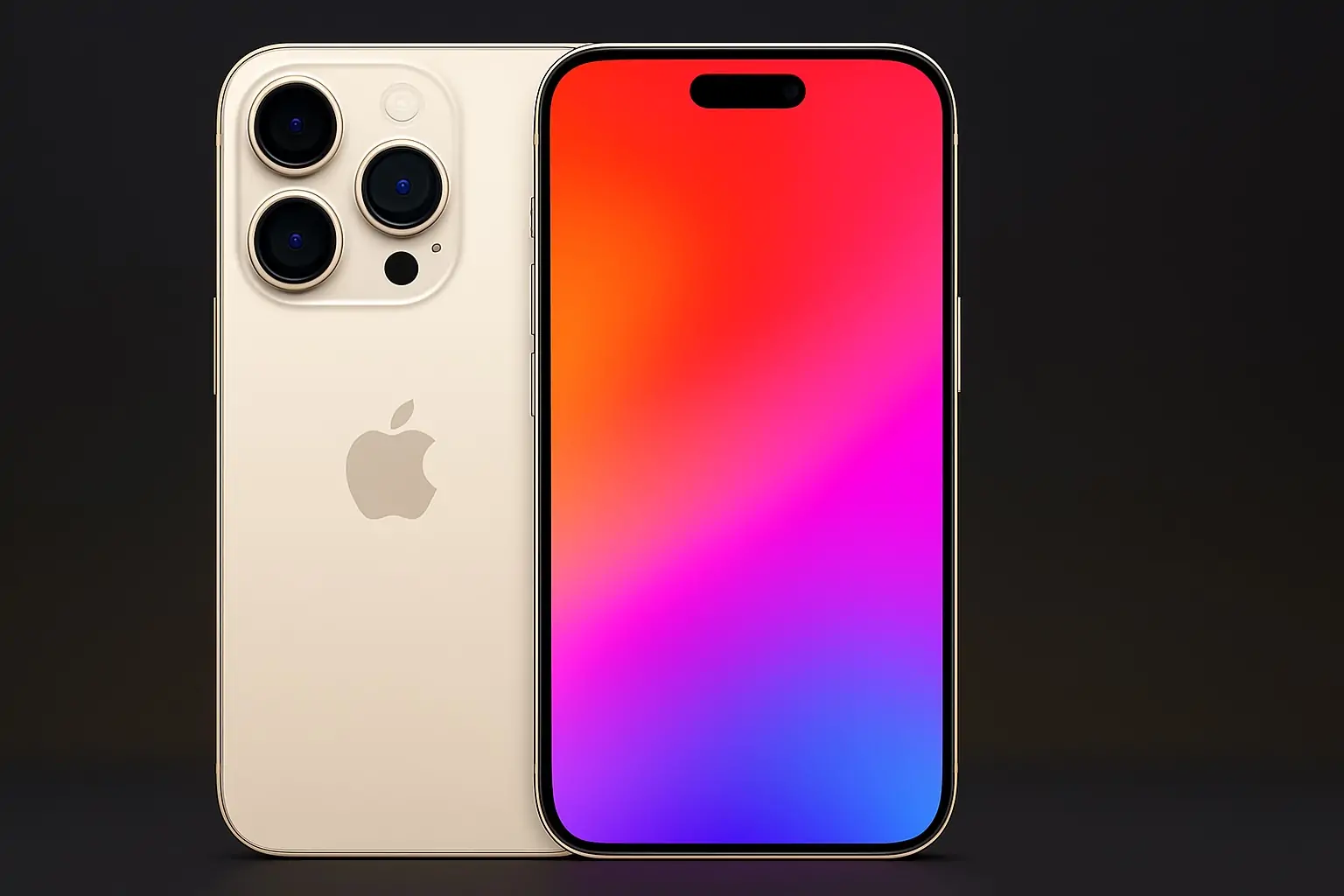
If you’re seeing new prompts to “Upgrade to iOS 26” and wondering whether your iPhone is actually supported – or whether you should make the jump – you’re not alone. Apple’s latest update is one of the most radical iOS redesigns in years, and as of early December 2025 it’s back in the headlines thanks to the iOS 26.2 release candidate, fresh Live Activities upgrades, battery‑life complaints, and Apple pushing holdouts on iOS 18 to finally update. 1
Here’s a concise, up‑to‑date explainer for December 5, 2025: which iPhones support iOS 26, what’s new in the OS, what changed this week, and some practical advice on whether to upgrade now or wait.
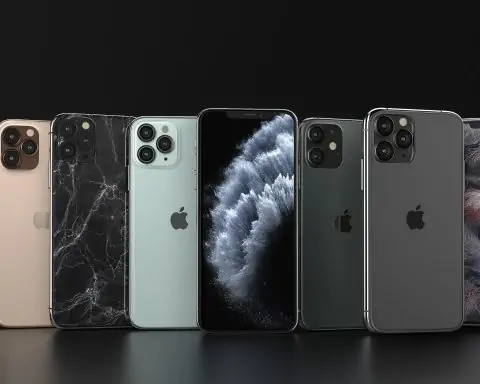
Which iPhones are compatible with iOS 26 in December 2025?
Apple has now confirmed the full compatibility list for iOS 26 on its official site. 2
Full iOS 26 device list
If you own any of these models, you can install iOS 26:
- iPhone 17 family
- iPhone 17
- iPhone 17 Pro
- iPhone 17 Pro Max
- Newer mid‑range models
- iPhone Air
- iPhone 16e
- iPhone 16 series
- iPhone 16
- iPhone 16 Plus
- iPhone 16 Pro
- iPhone 16 Pro Max
- iPhone 15 series
- iPhone 15
- iPhone 15 Plus
- iPhone 15 Pro
- iPhone 15 Pro Max
- iPhone 14 series
- iPhone 14
- iPhone 14 Plus
- iPhone 14 Pro
- iPhone 14 Pro Max
- iPhone 13 series
- iPhone 13
- iPhone 13 mini
- iPhone 13 Pro
- iPhone 13 Pro Max
- iPhone 12 series
- iPhone 12
- iPhone 12 mini
- iPhone 12 Pro
- iPhone 12 Pro Max
- iPhone 11 series
- iPhone 11
- iPhone 11 Pro
- iPhone 11 Pro Max
- iPhone SE
- iPhone SE (2nd generation)
- iPhone SE (3rd generation) 2
This aligns with Apple’s support documentation for iOS 26.1 and later. 3
Which iPhones are left behind?
Three popular older models cannot upgrade to iOS 26:
- iPhone XS
- iPhone XS Max
- iPhone XR 4
These A12‑based phones can stay on iOS 18 and, for now, still receive security updates – but they won’t get the new design or features of iOS 26. 5
Internally, iOS 26 effectively sets the bar at A13 Bionic and newer, which explains why the iPhone 11 and second‑generation SE made the cut, while the XR and XS line did not. 4
What’s new in iOS 26 compared to iOS 18?
Apple describes iOS 26 as a “stunning new design” plus a raft of AI‑powered tools under the Apple Intelligence banner. Apple At a high level, here’s what’s changed:
- Liquid Glass design
A new, glossy, translucent look for the Lock Screen, widgets, and many system UI elements. Text and icons float over soft, blurred color panels instead of flat blocks. 2 - Apple Intelligence (on newer devices)
On supported iPhones, Apple Intelligence powers on‑device writing tools, visual search on what’s on your screen, more context‑aware Siri, and generative features like Genmoji and Image Playground. 1 - Upgraded Phone and Messages apps
- New unified Phone app view combining Favorites, Recents and Voicemail
- Call Screening that takes a message before you pick up
- Smarter Messages with polls, custom backgrounds, and better safety tools for kids and teens 1
- New Apple Games app
A dedicated hub that tracks everything happening across your games, including Apple Arcade, events and achievements. 1 - Big updates to Maps, Wallet and Music
- “Visited Places” in Maps remembers where you’ve been and can surface routes you take often
- Wallet gets more powerful boarding passes with Live Activities and integrated airport maps
- Apple Music adds AutoMix DJ‑style transitions and lyrics translation/pronunciation for multilingual sing‑along sessions 1
For many users, though, the most visible changes day‑to‑day are the Liquid Glass UI, new Live Activities behavior, and small but meaningful tools like smarter Reminders and new alarm options. 2
Today’s iOS 26 headlines (December 5, 2025)
Several iOS 26 stories are trending right now. Here’s what’s actually new as of this week.
iOS 26.2 release candidate: what’s coming next
On December 3, Apple released the iOS 26.2 Release Candidate (RC) to developers and public beta testers. 9to5Mac Unless major bugs appear, this is the build that should roll out to everyone later this month.
Key changes in iOS 26.2 include: 6
- Sleep Score recalibration
The old “Excellent” rating is now labeled “Very High,” and the score ranges have been tightened so the numbers reflect how people actually say they feel after a night’s sleep. - Reminder alarms
You can now have an actual alarm go off when a reminder is due, complete with snooze and stop buttons — perfect for time‑sensitive tasks that must break through Focus modes. - New Liquid Glass Lock Screen slider
A dedicated slider lets you fine‑tune how translucent the clock appears across different fonts, giving you more control over legibility vs. style. - Smarter AirDrop with one‑time codes
iOS 26.2 adds the option to generate one‑time AirDrop codes for file sharing with people who aren’t in your contacts, valid for up to 30 days. - AirPods Live Translation expansion
Apple is expanding Live Translation for AirPods to more EU countries, continuing the global rollout of its on‑device translation features. - Regional changes in Japan
iPhone users in Japan will be able to download apps from alternative app stores and even use a different default voice assistant instead of Siri, in response to regulatory requirements.
Taken together, iOS 26.2 looks like a refinement update rather than a radical overhaul, but it addresses several pain points (Sleep Score, reminders, sharing) and inches Apple closer to regulatory compliance in key markets. 7
Live Activities get a major upgrade across devices
New this week: a detailed look at how Live Activities have evolved in iOS 26 and across Apple’s platforms. 8
Highlights from Apple’s and 9to5Mac’s coverage:
- Fitness app Live Activities
Starting a workout in the Fitness app now automatically triggers a Live Activity that appears on your Lock Screen and in the Dynamic Island, even if you don’t use an Apple Watch. 8 - Scheduling Live Activities for later
A new API lets third‑party apps schedule Live Activities in advance (a feature Apple Sports used first). Think: a delivery tracker that springs to life exactly when an order is out for delivery, or a ride‑share that starts tracking at pickup time. 8 - Wallet boarding passes as Live Activities
Partner airlines can now issue boarding passes that appear as shareable Live Activities, showing real‑time gate changes, delays and baggage updates right on the Lock Screen — and even on someone else’s phone if you share the Live Activity with them. 1 - CarPlay integration
Live Activities now show up in CarPlay, so ongoing timers, flights, food deliveries, or scores follow you into the car without needing to touch your iPhone. 1 - Mac and iPad support
macOS Tahoe 26 and iPadOS 26 bring Live Activities to the Mac menu bar and to iPad’s new Background Tasks feature, respectively, often mirroring what’s running on your iPhone. 8
For anyone who relies on real‑time info — flights, sports, deliveries, long renders — Live Activities are quietly becoming one of the most powerful reasons to be on iOS 26.
Apple is nudging iOS 18 users to finally upgrade
On December 2, MacRumors reported that Apple has changed how updates are presented to people still running iOS 18. 5
- Previously: iOS 26 appeared as a small optional upgrade at the bottom of the Software Update screen, with iOS 18 updates shown as the default choice.
- Now: iOS 26.1 is labeled as the recommended update, with iOS 18 maintenance releases moved into a secondary section below.
Apple isn’t forcing the upgrade yet — you can still stick with iOS 18 on supported devices — but this is a clear shift toward making iOS 26 the standard. The article also notes: 5
- iOS 18 security updates for compatible devices are expected to stop “in the coming months.”
- Once that happens, staying secure will effectively require updating to iOS 26 on supported phones.
- Upgrading to iOS 26 is a one‑way trip; Apple doesn’t officially let users roll back to iOS 18.
TechRadar’s analysis echoes this, framing Apple’s new prompts as the company “turning up the volume” on its upgrade push while users weigh concerns about design, performance and storage space. 9
Battery life complaints — and what’s actually helping
Battery life has become one of the main reasons people hesitate to install iOS 26. TechRadar recently highlighted ongoing reports of higher drain and offered practical fixes, while a ZDNet piece (syndicated via StartupNews) focused on how poor signal areas can annihilate your battery on the new OS. 10
Based on those reports and Apple’s own guidance, some of the most effective tweaks are:
- Turn on Adaptive Power Mode (iPhone 15 Pro and newer) to let iOS dynamically rein in background activity and brightness. 10
- Disable Always‑On Display if you don’t truly need it.
- Switch to Wi‑Fi instead of cellular whenever possible, especially in low‑signal areas, where iOS 26 will constantly hunt for a tower. 11
- Consider turning off “Hey Siri” / “Siri Listen for ‘Hey Siri’” so your phone isn’t always listening for the wake phrase. 10
- Keep Optimized Battery Charging enabled to protect long‑term battery health. 10
TechRadar also points out that some early drain is normal while iOS 26 re‑indexes photos, apps and Spotlight after the upgrade; that background processing can take several hours or days, depending on storage size. 10
Camera controversy: Night Mode Portrait removed on iPhone 17 Pro
One of the more surprising iOS 26‑era stories: Apple has quietly removed Night Mode Portrait from the iPhone 17 Pro and 17 Pro Max. Users noticed that the Night Mode icon no longer appears in Portrait mode under low light, even though the feature still exists on older Pro models. 12
According to reporting from The Times of India:
- Night Mode Portrait still works on iPhone 12 Pro through 16 Pro Max.
- iPhone 17 Pro users can only take standard Night Mode photos (no depth‑aware portrait blur) in the dark. 12
Apple hasn’t publicly explained the change. Analysts speculate that Apple may be favoring cleaner, less noisy photos from its new 24‑megapixel pipeline over the brighter but sometimes messy Night Mode Portrait look. 12
Apple Intelligence: which iPhones get the “full” experience?
Even if your iPhone can install iOS 26, you might not get all the Apple Intelligence features.
Current reporting and Apple’s own documentation indicate that most advanced AI features require at least an A17‑class chip – practically speaking, an iPhone 15 Pro or newer. 1
That means:
- All supported devices get:
- Liquid Glass design
- New Phone and Messages layouts
- Basic Live Activities enhancements
- Updated Maps, Wallet, Music, Games app, etc. 2
- Newer flagships (e.g., 15 Pro, 16, 17 line) additionally get:
- On‑device writing tools (rewrite, summarize, change tone)
- Visual Intelligence that understands what’s on your screen
- Apple Intelligence‑powered improvements in Mail, Notes, Reminders, and more
- More advanced Live Translation and image features 1
So if you’re on an iPhone 11 or SE you still gain a lot from iOS 26 — but the most futuristic AI tricks won’t show up on your device.
Should you upgrade to iOS 26 right now?
CNET, TechRadar, MacRumors and others are all circling the same core question: is iOS 26 worth it today, especially on older hardware? 9
Reasons to upgrade now
- Security and future‑proofing
New OS versions generally get the fastest security patches, and Apple is already signaling that iOS 18 security updates for supported devices are time‑limited. 5 - Quality‑of‑life features
Live Activities improvements, boarding pass upgrades, Reminder alarms, and better Sleep Score logic are tangible day‑to‑day wins. 7 - App ecosystem expectations
As more apps lean on Apple Intelligence APIs and newer frameworks, iOS 26 will increasingly be the baseline version developers target. 1 - New devices are designed around it
If you’re using an iPhone 16 or 17, the hardware and cameras were tuned with iOS 26 in mind.
Reasons to wait (or at least be cautious)
Recent coverage and user feedback highlight several reasons some people are still holding back: 9
- Battery life concerns, especially right after upgrading
- Dislike of the Liquid Glass aesthetic, including legibility complaints
- Bugs and performance issues reported by some iPhone 13 and 11 users, from UI glitches to animation stutters
If you’re nervous:
- Wait for iOS 26.2’s public release – it should land mid‑December if RC testing goes smoothly, and it specifically targets several bugs and UX issues. 7
- Back up first – via iCloud or Finder on Mac, especially if you rely on your phone for work.
- Test on a secondary device if you have one, before upgrading your main phone.
For most people on a supported device from iPhone 13 and up, the balance of security, features and ongoing support is tilting toward upgrading — ideally once 26.2 is out to everyone.
How to check if your iPhone can run iOS 26
- Find your iPhone model
- Go to Settings → General → About
- Look at Model Name and compare it to the compatibility list above.
- Check for the update
- Go to Settings → General → Software Update
- If your phone is supported, you should see iOS 26.1 (or later) as the recommended update, with iOS 18 updates, if any, pushed lower down the page. 5
- Free up space if needed
- iOS 26 can require a large install footprint (reports suggest up to ~15GB free in some cases once you factor in temporary files and indexing). 9
- Offload unused apps, clear large video files, or use a Mac/PC to update via Finder/iTunes if space is tight.
Quick FAQ: iOS 26 compatibility in 2025
Will my iPhone XR / XS get iOS 26?
No. Those models top out at iOS 18, though Apple is still providing security updates for them for now. 4
Does iPhone SE (2nd or 3rd gen) support iOS 26?
Yes. Both SE (2020) and SE (2022) are on the official compatibility list. 2
Will iOS 26 slow down my older iPhone 11?
Experiences are mixed: some users report sluggish animations and visual glitches, others say performance is acceptable after the initial post‑upgrade indexing finishes. iOS 26.2 is expected to address at least some of the rough edges. 7
Can I downgrade from iOS 26 back to iOS 18?
Not in any officially supported way. Once Apple stops signing iOS 18 for your device, downgrading is effectively off the table. 5
Is iOS 26 required to use Apple Intelligence?
Yes — Apple Intelligence is an iOS 26 feature, and many of its most advanced tools additionally require a recent flagship (such as iPhone 15 Pro or newer). 1
If you’re on the fence, the safest strategy is simple: back up, wait for iOS 26.2’s public release, then upgrade once early adopters confirm it’s stable on your specific model. In the meantime, you can use the compatibility list above to decide whether your next phone — if your current one is stuck on iOS 18 — should finally bring you into the iOS 26 era.