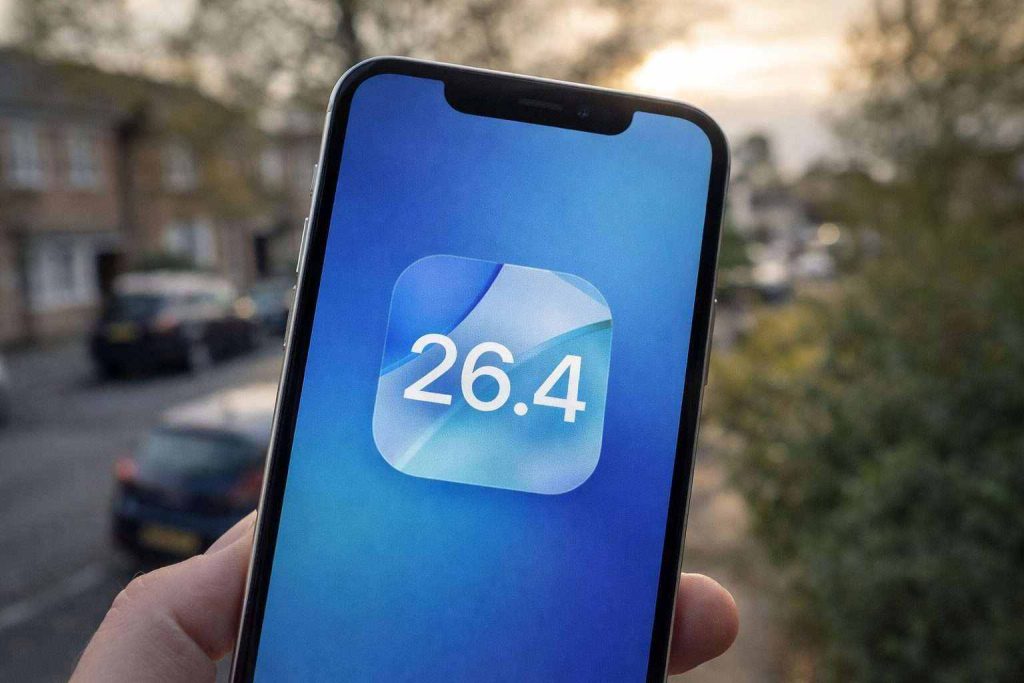
Data lansării iOS 26.4 Beta dezvăluită, în timp ce actualizarea iOS 26.3 pentru iPhone se apropie
Apple plans to release the iOS 26.4 developer beta the week of February 23, with a wider launch expected by late March. iOS 26.3 could arrive as soon as Monday, February 9, according to Forbes. iOS 26.4 will include new Siri and Apple Intelligence features, while iOS 26.3 brings location privacy controls and improved iPhone-to-Android transfers.