
Mountain View — April 20, 2026, 11:34 PDT
- Google is shifting its Gemini Live voice-chat interface directly onto the Gemini app’s home screen.
- Google app beta users are seeing the change, though the Android overlay still looks inconsistent.
- An unrelated Gemini app glitch has wiped out certain newly added Android features—NotebookLM uploads among them.
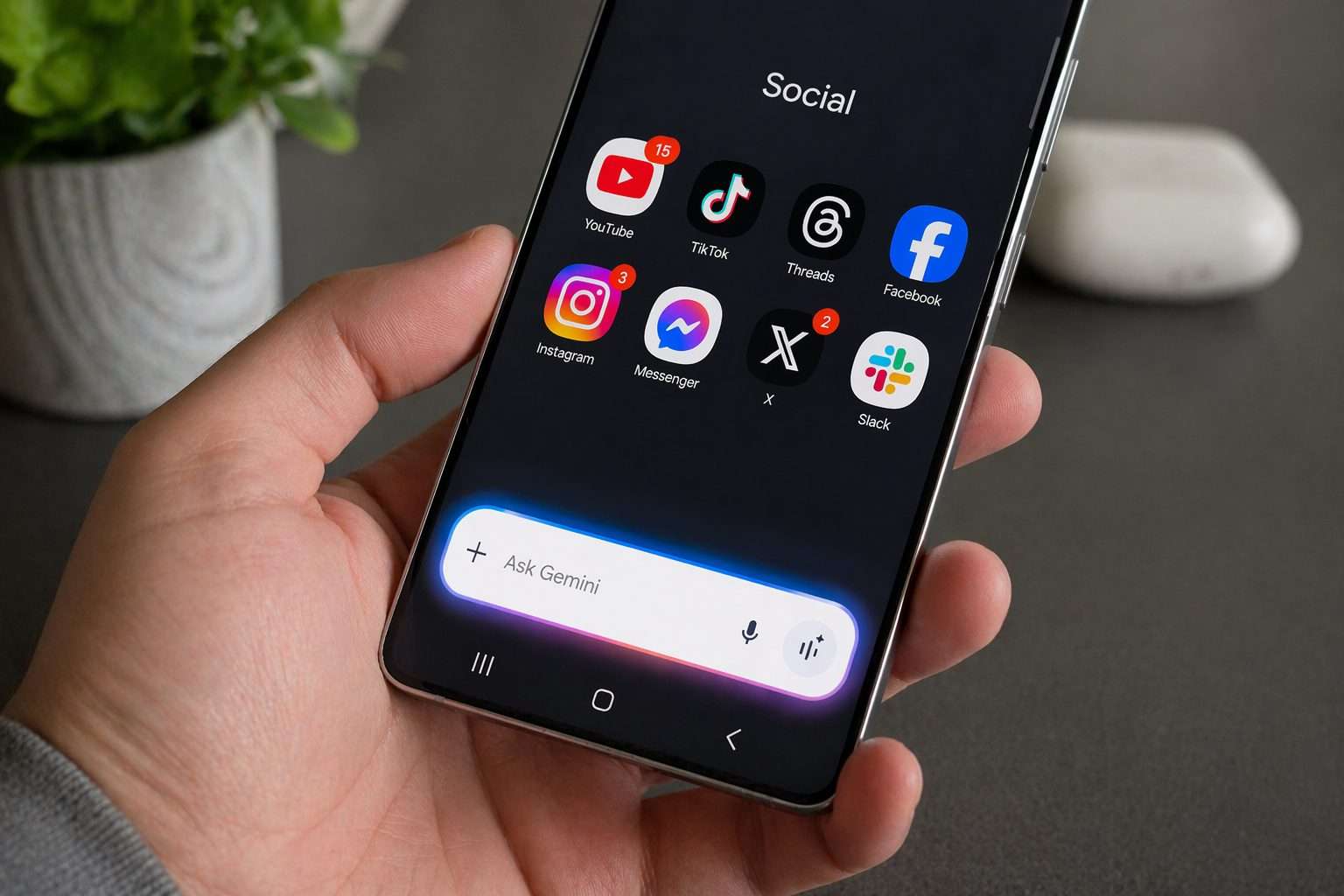
Google is rolling out a new look for Gemini Live on Android, shifting away from the previous full-screen layout and instead anchoring the voice assistant within the main Gemini app interface. Users running Google app beta 17.14 have spotted the update, which signals a marked change in the company’s approach to its AI assistant’s in-app presence.
The launch timing is notable: Gemini Live stands out as one of Google’s key pushes to shift phone AI from static chatbot to something more like a real-time helper. Shrinking the interface inside apps trims the friction for launching a live voice chat, and puts camera, screen-share, and mic toggles within easy reach as the conversation unfolds.
Google’s overhaul scraps the former full-screen Gemini Live page, opting instead for a home-screen-dominating interface. Up top, the bar now says “Live with Gemini,” and a transcript button joins the mix. Gone is the old prompt box—users now see a pill-shaped bar sporting a blue waveform, with camera and screen-share controls to the left, plus mute and keyboard features to the right. NewsBytes
With Gemini Live, users get real-time voice chats with Google’s AI assistant, tapping the phone’s camera or screen to pull in what’s right in front of them. Google characterizes Live on its Gemini page as a tool for brainstorming, sorting out ideas, or piping in camera and screen views for spoken feedback.
This update isn’t a sweeping release. On April 20, SammyGuru noted the fresh Gemini Live interface is starting to reach beta users on the Google app. Those sticking with the stable build are still out of luck for now.
The Gemini panel that floats over Android apps remains in flux. Some users on the stable channel began noticing a wider overlay redesign—with slimmer icons and a fresh sheet for features like music and image creation—Android Authority reported April 17. Still, the update didn’t seem to be hitting most devices.
But there’s a catch. According to 9to5Google on April 18, a separate bug inside the Gemini app for Android stripped out or concealed several new features. Missing from the “plus” menu: NotebookLM notebook uploads. Gone too are the “Temporary chat” button and the “Import memory to Gemini” option from the profile menu. Worth noting, none of these issues showed up on the web at gemini.google.com. 9to5Google
According to NewsBytes, the bug swapped black backgrounds for gray and removed outlines from suggested action pills, while the Android overlay rolled back to a previous version missing full Tools access. The outlet noted a server-side fix was on the way—a change coming directly from Google, not via an app update.
Bottom line for users: what appears on screen could shift based on their account, app version, the channel they’re on, or server-side settings. Google frequently rolls out UI experiments in waves. Add in an active bug, and it’s more likely some people will catch a jumble—new Gemini features tangled up with the old, not a fully unified interface.
The rivalry is intense. OpenAI’s ChatGPT voice mode lets subscribers share not just their screen, but also images and camera feeds on both iOS and Android. Microsoft, for its part, touts Copilot Vision’s ability to interpret what’s on a screen or seen through a mobile camera, then respond using Copilot Voice. Google leans on its Android footprint, but faces the tricky task of keeping Gemini’s experience stable even as the interface keeps evolving.
In recent months, Google has rolled out additional features to its Gemini app. The March update, for example, introduced faster Gemini Live conversations on version 3.1, with double the context retention. The latest redesign of Live steers away from flash, functioning more as a practical control layer within the app. Not as eye-catching, perhaps, but it’s now easier to leave open while multitasking.