
SAN FRANCISCO, Feb 6, 2026, 01:39 PST
- iFixit discovered that Apple’s AirTag 2 retains a similar design but can still be modified to silence its audible chime
- Early reviews highlight range as the key advantage: Precision Finding activates at greater distances, but you’ll need a newer iPhone to experience its full potential
- One tip floating around online points to Apple Watch wrist tracking, though setting it up isn’t always smooth
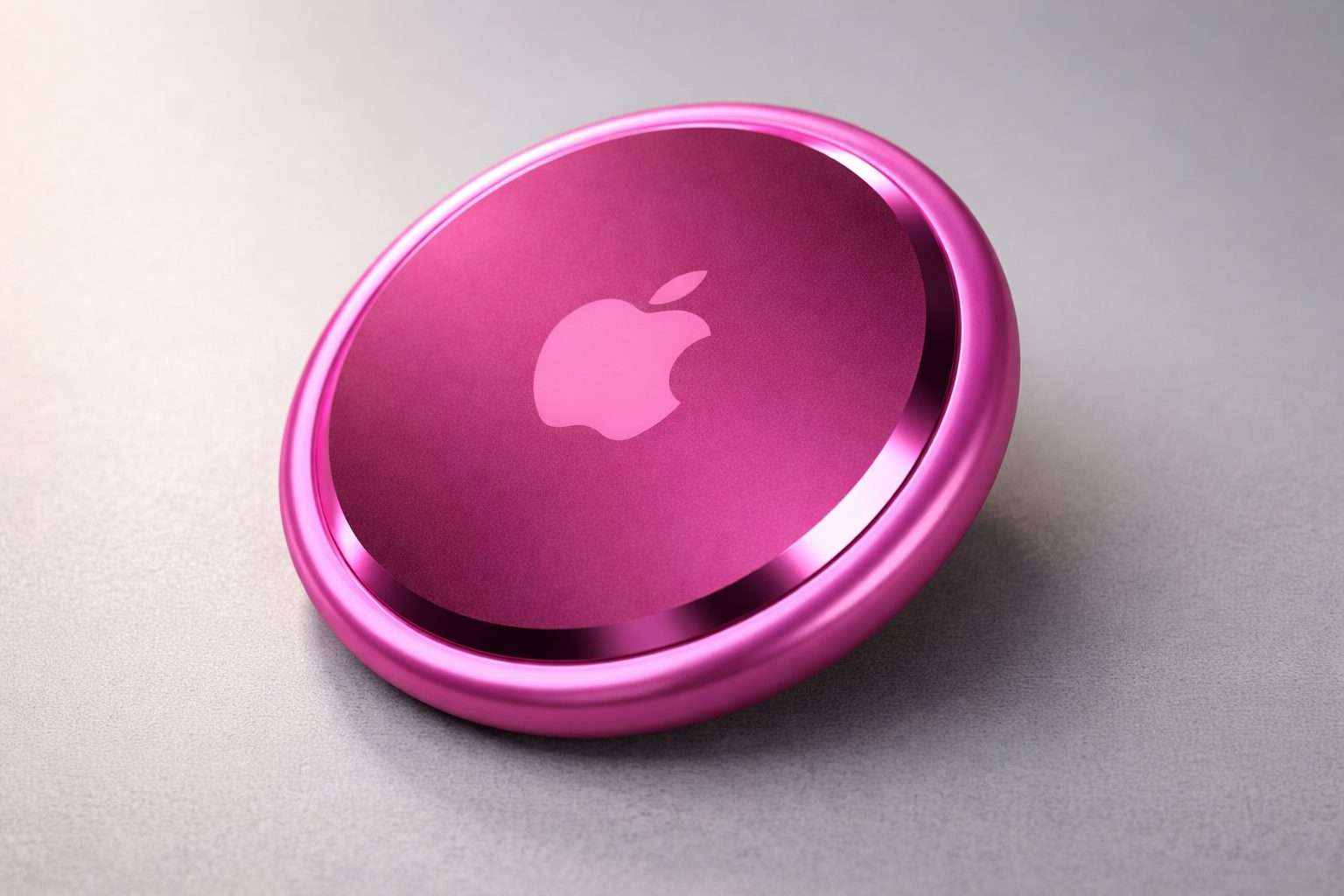
A teardown of Apple’s second-generation AirTag has sparked new doubts about just how difficult it is to disable the tracker’s audible alert, despite Apple marketing the updated model with a louder speaker and improved tracking range.
Details matter now since AirTag 2 just launched last month. Early teardowns and reviews are already shaping buyer opinions on whether this upgrade actually delivers practical benefits or is mostly just a spec boost.
The category is in a sensitive place. Item trackers target keys, bags, and luggage, yet concerns over misuse have mounted. As a result, manufacturers now include warnings and alerts to notify users about unknown trackers in their vicinity.
Repair site iFixit cracked open the AirTag 2 and spotted a revamped speaker plus a new Ultra Wideband chip. Despite that, iFixit still managed to silence the speaker’s chime, MacRumors reported. This came after earlier teardowns hinted the speaker was tougher to remove compared to the original AirTag.
Ultra Wideband, or UWB, is a short-range radio tech that delivers much sharper direction and distance tracking. On Apple devices, it drives “Precision Finding,” letting users zero in on lost items with a pointer and exact distance, not just an approximate spot.
Engadget’s Mat Smith highlighted the range improvements as the biggest upgrade. He called the 50 percent jump in Precision Finding range “a conservative estimate,” noting the “getting closer” prompt kicked in around 80 feet during his tests, compared to about 30 to 40 feet with an older AirTag. But that boost only works with an iPhone 15 or newer. On the flipside, Smith wasn’t wowed by Apple’s accessory prices: “A $35 keyring for a $29 tracker is a very tough sell, Apple.” Aivanet
Supercar Blondie also shared a handy tip from U.S. tech YouTuber HotshotTek about wrist-based tracking: if you have an Apple Watch Series 9 or later, you can add a “Find Items” shortcut directly to the watch’s Control Center to launch Precision Finding—no iPhone needed. That said, HotshotTek warned the setup might be buggy and could crash while configuring. Supercarblondie
Apple’s pitch for AirTag 2 is simple: it functions just like before, only with longer range and a chime designed to pierce through background noise. This directly targets the biggest gripe with the original AirTag — not its ability to locate items, but how fast it could guide you through those final moments of the search.
AirTag competes in a packed tracker market alongside Tile and Samsung’s SmartTag lineup. What sets Apple apart is its Find My network — a crowdsourced system leveraging nearby Apple devices to pinpoint the tag’s location without revealing the owner’s identity.
Apple faces a risk: if people prove the chime can be disabled—even with extra effort—the safety debate won’t go away. A louder speaker lets users locate their keys quicker, but that very hardware also makes it easier for others to detect a tracker that’s not theirs.
For buyers, the choice often hinges on the hardware they already have. Newer iPhones and recent Apple Watches unlock the best upgrades, while older models still support basic tracking but might miss out on the full boost in Precision Finding performance.