MOUNTAIN VIEW, Calif., March 28, 2026, 08:45 PDT
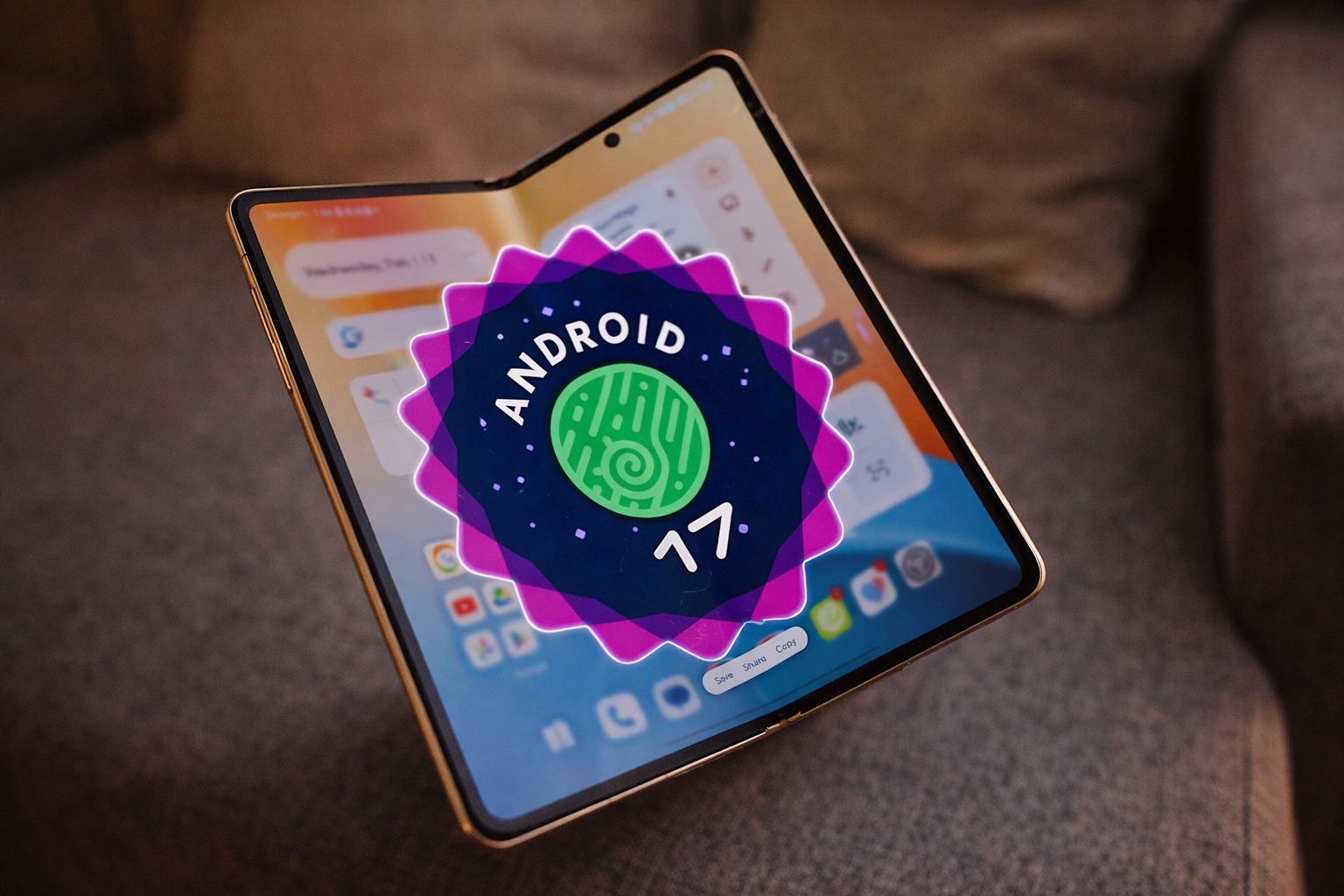
Android 17 Beta 3 is now live for certain Pixel users, with Google hitting platform stability and returning the one-tap Wi‑Fi toggle. Bubble-style multitasking also gets broader support in this round. The update, dated March 26, is up for grabs by both users and developers enrolled in the beta. 1
Why is that significant? Platform stability marks the stage in Android’s beta process when changes to app-facing behavior freeze, locking things down for developers to focus on compatibility. “Beta 3 has officially reached platform stability,” Matthew McCullough, vice president of product management for Android Developer, confirmed, adding that “the API surface is locked.” 2
Quick Settings shows the most noticeable change for consumers: Google has separated Wi‑Fi and mobile data into individual tiles again, bringing back single-tap Wi‑Fi controls. That move rolls back the extra tap introduced with Android 12’s combined Internet tile. 3
Multitasking is getting another boost. With Android 17 Beta 3, users can now float any app in a bubble. Google’s release notes also mention interactive picture-in-picture — that’s the mini video or call window you can keep using while working in other apps — will stay pinned in desktop mode when you’re on an external display. 4
The move brings core Android more in line with what competitors already offer. Samsung touts DeX as delivering a PC-style environment, with multiple windows up at once. OnePlus, on its end, is pushing Open Canvas for multitasking across apps on a bigger display. 5
Beta 3 brings a fresh round of minor tweaks, pushing the build closer to completion compared to earlier versions. Google notes, and recent reports confirm, updates like the overhauled screen-recording toolbar, the ability to remove home-screen app labels, and per-app dark theme exceptions. There’s a standalone assistant volume slider now, plus newly added blur effects in certain widget panes. 4
Digging into the details, Google is rolling out privacy tweaks, camera updates, and fresh accessibility features. The official release notes mention a system location button for quick, temporary precise location access, plus different password-visibility settings depending on whether you’re using a touchscreen or a physical keyboard. There’s also RAW14 image support—good news for advanced camera apps—and finer audio routing controls for Bluetooth LE hearing aids. 4
It’s more than a feature drop. 9to5Google flagged that Beta 3 also addresses random app restarts—an Android 16 regression—plus device freezes, reboots, a 5x telephoto camera glitch, and charging getting stuck once the battery hits 80%. 6
There’s still one potential feature in limbo. Android Authority’s beta code deep-dive turned up references to a “Priority Charging” option—designed to suspend background activity, maintain call and text capability, suggest using a charger rated at 30W or higher, and handle thermal management, all to speed up those quick charging bursts. 7
The feature isn’t visible in settings, and according to Android Authority, there’s a chance the unfinished code won’t see daylight in any public version. For now, Beta 3 delivers a straightforward signal: Google is locking down the Android 17 core for developers and easing up on some of the headaches that cropped up after the Android 12 internet tile changes on Pixel. 7