DNS is the internet’s “address book”—and it’s suddenly in the spotlight. Here’s what today’s DNS headlines mean, why changing DNS on your Android or iPhone can improve speed and privacy, and how to do it safely.
DNS (Domain Name System) is one of those internet essentials most people never touch—until it breaks, slows down, or becomes part of a bigger security story. On January 15, 2026, DNS is showing up in the news for exactly those reasons: performance, privacy, and how critical “name lookups” have become to national security and everyday cyber safety.
And that matters for you, even if you’re not an IT pro—because your phone uses DNS constantly. Changing your DNS settings can be one of the simplest “under-the-hood” tweaks to make browsing feel snappier, reduce tracking on public Wi‑Fi, and add an extra layer of protection against known malicious sites.
Today’s DNS headlines: why this boring setting is suddenly big news
1) Australia: Swoop starts hosting Quad9 DNS hubs to restore “local” security and speed
Australian telecom operator Swoop is now hosting Quad9’s DNS security infrastructure across five metropolitan hubs, aiming to restore onshore routing for Australians after changes by major ISPs sent DNS queries offshore (including routing to Hong Kong, Singapore, and Los Angeles, according to reporting and statements in today’s coverage). The companies say this improves performance and reliability by shortening the distance DNS requests need to travel—and it keeps a critical security service local.
Quad9 is a public DNS resolver with threat blocking, and today’s coverage highlights a key point: switching your device’s DNS can instantly give you protective filtering without installing new software—just by changing the resolver your phone asks for directions.
2) Japan: Cloudflare completes ISMAP registration for public-sector cybersecurity procurement
Cloudflare announced it has been officially registered under ISMAP (Japan’s Information System Security Management and Assessment Program), positioning the company to provide services to government agencies and highly regulated industries. Cloudflare describes ISMAP as the standard for Japan’s government security procurement, and the ISMAP portal describes the program as evaluating and registering cloud services that meet government security requirements in advance.
This isn’t a “phone DNS” story on its face—but it’s part of the same trend: DNS, routing, and security layers are being treated as national infrastructure, not just consumer convenience.
3) Phishing is scaling fast—and DNS filtering is becoming a consumer-friendly defense layer
In another security story published today, Barracuda reported that phishing-as-a-service kits surged in 2025, saying the number of known kits doubled and that 90% of phishing campaigns it tracked used phishing-as-a-service tooling. That kind of scale is why more people are looking for low-effort protections—like DNS threat blocking, which can stop your device from even reaching known bad domains.
What DNS actually does on your phone (in plain English)
When you type a website like example.com, your phone doesn’t magically know where that site lives. It asks a DNS resolver:
- “What IP address goes with this name?”
- “Where do I connect?”
By default, your phone usually uses the DNS provided by:
- your home internet provider (via your router),
- the café/hotel Wi‑Fi you joined,
- or your mobile carrier.
Changing DNS means choosing a different resolver—often one that’s faster, more private, or more security-focused than the default.
Why change DNS on your phone in 2026?
Here are the benefits that matter most right now:
1) Better privacy on public Wi‑Fi
Traditional DNS can be sent “in the clear,” which makes it easier for networks (or anyone snooping on them) to see what domains you’re requesting. That’s why modern phones and providers increasingly push encrypted DNS.
Android’s “Private DNS,” for example, uses DNS-over-TLS to add privacy and security to DNS queries. 1
2) Faster lookups (which can feel like faster browsing)
DNS is not your whole internet speed—but it affects the “time to first connection” for many sites and apps. If your default DNS is slow or unreliable (especially on crowded Wi‑Fi), switching can make the internet feel more responsive.
3) Extra protection from phishing and malware domains
Some public DNS providers maintain threat intelligence lists and block known malicious domains. That’s not a replacement for browser protections or good judgment—but it can be a valuable first line of defense, especially given the scale of modern phishing operations.
4) More control (family filters, malware-only blocking, etc.)
Some services offer “clean” DNS, others offer “malware blocking,” and some add “adult content filters.” On Android, that can be as simple as entering the right secure DNS hostname. 2
Encrypted DNS: DoT vs DoH (and what your phone supports)
Two major standards matter for phones:
- DNS-over-TLS (DoT): DNS queries are encrypted inside a TLS tunnel. 3
- DNS-over-HTTPS (DoH): DNS queries are sent over HTTPS, blending in with normal web traffic and often making interception harder. 4
Android’s built-in Private DNS feature is specifically tied to DoT in many setups (especially Android 9+). 1
How to change DNS on Android (Private DNS)
If your phone is Android 9 (Pie) or newer, you likely have Private DNS:
- Settings → Network & internet → Advanced → Private DNS
- Choose Private DNS provider hostname
- Enter the provider hostname you want
- Save
Google’s own Public DNS guide explicitly describes this flow and shows dns.google as the hostname for Google Public DNS. 1
Popular Private DNS hostnames you can try
Google Public DNS
dns.google1
Cloudflare (standard + family options)
- Standard:
one.one.one.one - Malware blocking:
security.cloudflare-dns.com - Malware + adult content blocking:
family.cloudflare-dns.com2
Quad9 (security-focused DNS)
- Quad9’s Android encrypted setup guide uses
dns.quad9.netfor Private DNS.
Important Android caveat: VPNs and “DNS changer” apps can override your setting
Google notes that on Android 9, Private DNS settings may have no effect when you’re using certain VPNs or DNS changer apps (and explains that this was addressed in Android 10). 1
How to change DNS on iPhone
Option A: Change DNS for a specific Wi‑Fi network (simple, built-in)
On iOS, DNS changes are typically per Wi‑Fi network, meaning you may need to repeat it for home Wi‑Fi, work Wi‑Fi, etc.
Google’s Public DNS documentation notes that this kind of change applies to a specific Wi‑Fi network and not cellular—and suggests router-level changes for consistent behavior across all Wi‑Fi networks. 1
Typical steps on iPhone look like:
- Settings → Wi‑Fi
- Tap the ⓘ next to your network
- Find Configure DNS
- Switch to Manual
- Add your preferred DNS server IPs (and remove old ones)
- Save
Option B: Change DNS for all networks (including cellular) using a profile or VPN
If you want DNS changes to apply beyond a single Wi‑Fi network, you generally need a VPN app or an encrypted DNS configuration profile. Google explicitly notes that changing DNS for all networks including cellular “requires a VPN app” and is typically recommended for advanced users due to the many options and setup complexity. 1
Quad9’s iOS guidance discusses using an encrypted DNS profile and includes two practical caveats:
- If iCloud Private Relay is enabled, Apple uses its own DNS and “it cannot be overridden.”
- Some profiles listed in the guide have an expiration date (Jan 20, 2026), meaning users may need an updated profile after that point. 5
Which DNS should you choose? A quick, practical decision guide
If you want “set it and forget it” speed + modern encryption
Cloudflare and Google both provide hostnames that work cleanly with Android Private DNS:
If you want DNS-level threat blocking without installing security apps
Quad9 is built around blocking known malicious domains, and today’s reporting emphasizes how easy it is for consumers to benefit—just change DNS to the service.
And if you’re in Australia, today’s Swoop/Quad9 partnership is explicitly about restoring onshore hosting and performance—so local users may see a practical improvement compared to when queries were being routed offshore.
If you want malware blocking or family filters via a single setting
Cloudflare publishes specific hostnames for malware-only or malware+adult filtering on Android Private DNS. 2
What changing DNS won’t do (so you don’t overestimate it)
- It won’t encrypt everything by itself. DNS is just the lookup step; HTTPS/VPNs cover content.
- It won’t make you anonymous. Your DNS provider may still see the domains you request (even when encrypted, they can see at the resolver).
- It won’t fix every slowdown. If the bottleneck is cellular signal or a congested Wi‑Fi link, DNS won’t magically cure that.
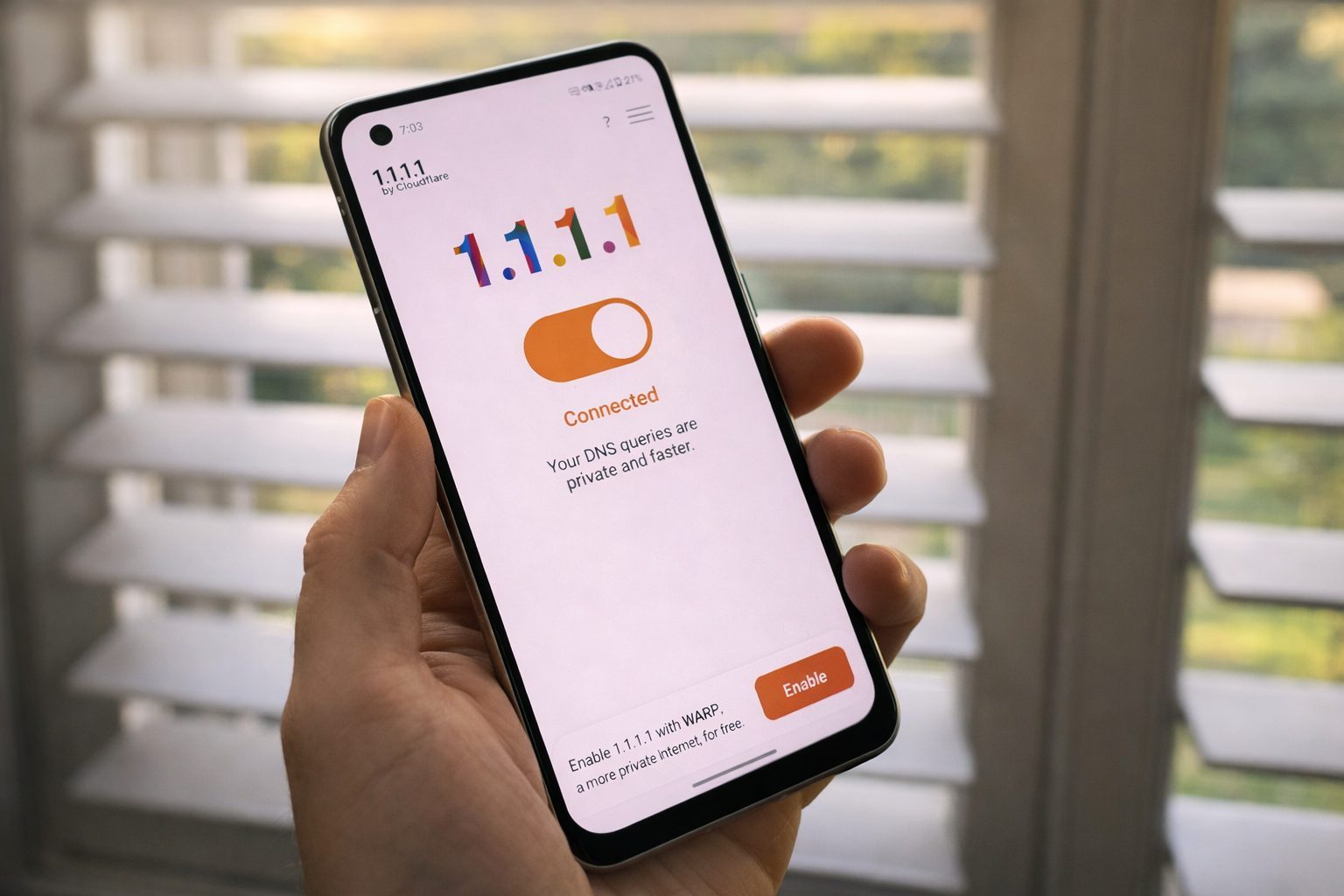
Also worth noting: DNS is critical infrastructure, and changes can have unexpected effects. Just this week, Cloudflare described how a routine update to its 1.1.1.1 resolver changed DNS record ordering and triggered DNS resolution failures for some clients—an example of how even standards-adjacent details can have real-world impact. 6
Quick FAQ
Is it safe to change DNS on my phone?
Yes—generally safe and reversible. The main “risk” is choosing a provider that’s unreliable in your region, or applying settings that conflict with captive portals, VPNs, or network policies.
Will changing DNS make my phone faster?
It can improve responsiveness (especially “first connection” times) if your current DNS is slow, overloaded, or poorly routed. But it won’t increase your raw bandwidth.
What’s the easiest secure DNS move for most Android users?
Use Private DNS provider hostname with a reputable provider (for example dns.google or one.one.one.one). 1
Why is DNS in the news today?
Because it sits at the intersection of security, performance, and regulation—highlighted today by Australia’s onshore Quad9 hosting move and Japan’s ISMAP compliance announcement from Cloudflare.
Bottom line
DNS is no longer just a geek setting—it’s part of how governments procure secure cloud services, how telcos improve national internet resiliency, and how everyday users can add a surprisingly effective layer of protection against phishing and malicious domains.
If you want a quick upgrade you can do in minutes, changing your phone’s DNS (and enabling encrypted DNS where possible) is one of the most practical “small changes” you can make in 2026. 1
Further context on DNS policy battles (optional reading)
Public DNS services are increasingly caught in disputes over blocking and internet governance—an issue highlighted in recent reporting about rights holders pressuring infrastructure providers, including Cloudflare.