iPhone-style “Dynamic Island” notifications are trending on Android again—thanks to apps like dynamicSpot and camera “capsule” launchers. Here’s how it works, what to watch for, and the biggest phone-news developments hitting January 11, 2026.
Updated: January 11, 2026
For years, “iPhone vs Android” has looked less like a rivalry and more like an ongoing exchange program. iOS borrows Android’s customization DNA, Android picks up Apple-style polish, and third-party developers fill in the gaps—often faster than either platform can.
Today’s newest example is one of the most visible: Dynamic Island-style notifications on Android. A fresh wave of interest has formed around dynamicSpot, an Android app that recreates the core idea behind Apple’s Dynamic Island—turning the top camera cutout area into a living hub for alerts, timers, music controls, and quick actions. A recent MakeUseOf piece says it’s not just a novelty anymore; it’s genuinely useful day-to-day.
That “floating notification island” trend is landing at a moment when phone notifications are becoming more privacy-sensitive, more regulated, and more central to the user experience—from rumored Android 17 App Lock behavior to India’s proposed smartphone security standards.
Why Dynamic Island-style UI suddenly feels practical on Android
Apple’s Dynamic Island works because it takes something every phone already has—status info and notifications—and makes it more glanceable and more interactive without forcing you to pull down the notification shade.
On Android, the default notification system is powerful, but it’s also “spread out” (status bar icons, heads-up alerts, the shade, lock screen, widgets). The appeal of a Dynamic Island-like overlay is that it consolidates the moments that matter—especially when you’re doing something else (watching video, reading, navigating, listening to music).
The Android twist: these apps typically let you customize behavior heavily (which notifications appear, where the “island” sits, its size, animations, gestures). That turns a design idea into something closer to a productivity feature—if you set it up thoughtfully.
The app driving the trend: dynamicSpot (and what it actually does)
dynamicSpot – Dynamic Island (by Jawomo) is the app most commonly associated with bringing the Dynamic Island concept to Android. On Google Play, it positions itself as a “Dynamic Notification Island” that replaces standard notification popups with a compact island you can tap to expand, interact with, and sometimes reply directly.
Key features highlighted in its Play listing include:
- Floating “island” notification popups that expand with animations
- Reply to notifications from the popup (where supported)
- A built-in “Live Activities” concept (quick app shortcuts/actions from the island)
- Timer countdown visibility
- Music controls (play/pause, next/previous, even a seekbar)
- Battery charging / low battery alerts
- Customization: appearance, dynamic colors, a music visualizer, and per-app rules
The listing also notes broad compatibility because it hooks into Android’s notification system, which generally means it works across many apps—not just a curated list.
A few scale signals worth knowing if you’re evaluating it as a “real” tool, not a gimmick: Google Play shows 10M+ downloads and tens of thousands of reviews, and the page includes an explicit disclosure that it uses AccessibilityService to display its overlay.
Quick setup guide: how to add Dynamic Island to Android (the safe way)
If you’re trying Dynamic Island on Android for the first time, the biggest difference from typical Android customization is permissions: these apps need access to notifications and the ability to draw overlays. The “right” setup is the one that’s functional and keeps your device secure.
1) Install from a reputable source
Use the official listing where possible (Google Play), especially for apps that require elevated permissions.
2) Enable notification access and overlay permissions
Dynamic Island-style apps rely on:
- Notification access (to know what to show)
- Draw over other apps (to display the floating island)
- Often AccessibilityService (to support interactions/multitasking overlays)
dynamicSpot explicitly discloses it uses AccessibilityService to display the dynamic island popup for multitasking.
3) Make it useful, not noisy
The best experience usually comes from:
- Choosing only the apps you want surfaced (messages, calls, music, timers—skip low-value alerts)
- Turning off “show for everything”
- Tweaking size/position so it doesn’t obstruct content
dynamicSpot’s own feature list calls out selecting notification apps and choosing when to show/hide the popup.
4) Turn on the “island” features you’ll actually use
Most users get the most value from:
- Music controls
- Timer visibility
- Quick shortcuts (the “Live Activities” style behavior)
Those are specifically highlighted in the app’s Play description and feature list.
5) Watch battery + performance for 24 hours
Overlays and frequent UI animations can cost battery, depending on your phone model and settings. If you love the concept but battery takes a hit, scale down:
- animations
- always-on behaviors
- which events trigger the island
A newer alternative: camera “capsules” designed for Android’s look
If you want the Dynamic Island idea but prefer something that looks more “native Android,” another rising option is Material Capsule: Dyn. Island.
Its Play listing frames it as a Material 3 Expressive-inspired capsule around the front camera cutout, with features like:
- Media controls
- Download indicators from different apps
- Flashlight brightness control
- System notifications
- Layout/gesture customization
- Material You colors adapting to your wallpaper
Notably, it was updated January 3, 2026, suggesting active development right now.
The permissions reality check: why “Dynamic Island on Android” is also a security story
Dynamic Island-style apps can be safe and useful—but you should treat them like you’d treat a password manager or an accessibility tool: high trust, high scrutiny.
Two reasons:
1) Accessibility and overlay permissions are powerful
Both dynamicSpot and Material Capsule explicitly reference using AccessibilityService in their disclosures. That’s normal for this kind of UI behavior—but it’s also why you should avoid random clones with vague developer identities.
dynamicSpot’s listing states it uses AccessibilityService for the dynamic popup and includes a disclosure saying it doesn’t collect or share data using AccessibilityService. (That statement is part of the developer’s disclosure on the listing.)
Material Capsule also explains its AccessibilityService usage as visual/gesture functionality and says the permission isn’t used for other purposes (per its Play listing).
2) Notifications themselves are becoming more privacy-protected in 2026
Even as the industry pushes more information onto the screen, platforms are adding more ways to mask or limit what can appear publicly.
A good example is Android 17’s rumored “App Lock” behavior: Android Authority reports that strings found in Android Canary suggest locked apps may still show notifications, but only with generic placeholders like “New message” or “New notification,” rather than revealing actual content.
This is exactly the tension of 2026 smartphone UX: people want fast, glanceable notifications—but not at the cost of privacy.
Apple’s Dynamic Island isn’t going away—and that’s shaping the Android copycat wave
One reason Dynamic Island clones keep resurfacing is simple: Apple still treats the concept as a core interface element, and rumors suggest it’s spreading across more iPhone models.
iPhone 17e: Dynamic Island may move into Apple’s more affordable lineup
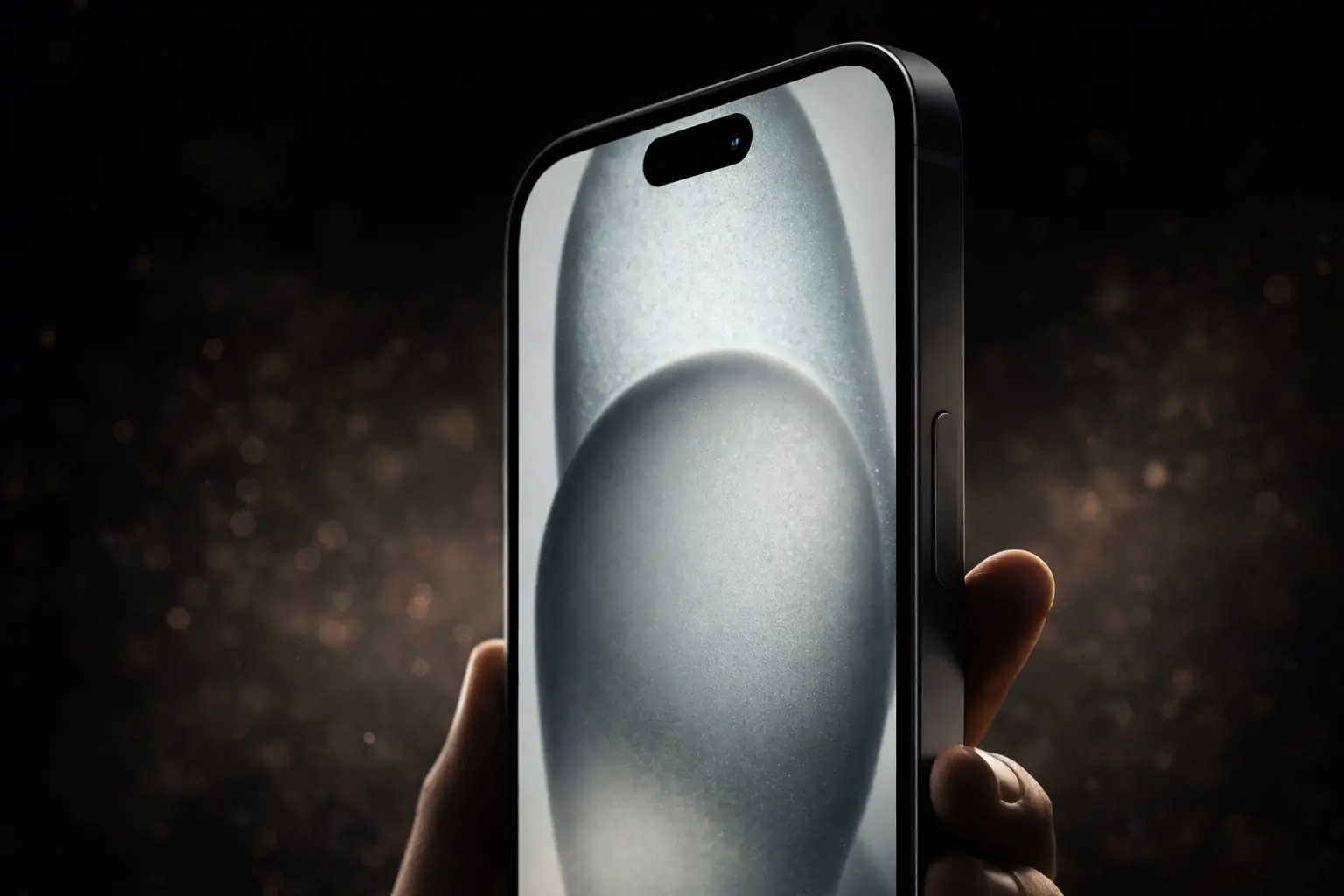
MacRumors reports that a Chinese leaker claims the iPhone 17e will feature a pill-shaped Dynamic Island cutout and a downclocked A19 chip, with mass production said to begin this month (after CES).
9to5Mac similarly summarizes the leaker’s claim and lists rumored features like a 6.1-inch display with Dynamic Island, A19 chip, and no ProMotion.
iPhone 18 Pro: smaller Dynamic Island, but mixed reporting
MacRumors’ iPhone 18 Pro roundup highlights disagreement among sources: some reporting suggests a design without Dynamic Island, while others point to a slimmed-down Dynamic Island and ongoing work on camera miniaturization and under-display Face ID.
The takeaway: even Apple’s future direction is still being debated—but the “notification island” concept remains central enough that Android users and developers keep experimenting with it.
Today’s phone news roundup: January 11, 2026
Dynamic Island on Android might be the “fun” story, but today’s broader smartphone news shows why notifications, OS updates, and cross-platform features are under the microscope right now.
India proposes major smartphone security standards—including source code review
Reuters reports that India has proposed security requirements that could force smartphone makers to share source code for review, require changes around software updates, and introduce measures such as restricting background camera/mic access and making certain pre-installed apps removable.
Android Canary 2601 highlights cross-platform ambitions
Android Authority reports Google has released Android Canary 2601 (build ZP11.251212.007) and says the build shows evidence that Android could bring Quick Share/AirDrop integration to the Pixel 9 series, alongside some visual UI changes.
Foldables remain a 2026 megatrend
The Indian Express’ Jan 11 feature looks at foldable smartphones expected to generate buzz in 2026—an indicator that hardware form factors (and where front cameras live) may keep shifting, which also affects how “camera cutout UI” concepts evolve.
Android security updates continue on schedule
Google’s official Android Security Bulletin for January 2026 notes that patch levels 2026-01-05 or later address the listed issues—an important reminder if you’re experimenting with beta builds or overlay-heavy customization apps.
Cross-device continuity is expanding beyond Apple
Windows Latest reports that Windows 11’s “Resume” feature—positioned as continuity between desktop apps and other devices—could support more Android apps and become more useful.
Bottom line: should you try Dynamic Island on Android in 2026?
If you want a more “iPhone-like” experience on Android but still value Android’s customization, Dynamic Island-style apps have matured into something that can genuinely improve daily use—especially for music, timers, and high-priority notifications.
Just treat it like a power-user tool:
- install from trusted sources
- be selective with notifications
- understand the permissions
- and keep your phone updated
Because in 2026, the notification layer isn’t just where convenience lives—it’s increasingly where privacy, platform strategy, and regulation collide.
FAQ
Does Dynamic Island on Android work on every phone?
Most solutions rely on the Android notification system and overlays, so they can function on many devices—but the visual “illusion” looks best on phones where the camera cutout placement matches the design you’re going for. (Centered punch-hole designs tend to look more natural.)
Is dynamicSpot “safe”?
It’s widely used and provides an AccessibilityService disclosure and a statement about how that API is used. Still, you should personally review permissions, keep the app updated, and install only from official channels.
Will Android itself get something like Dynamic Island?
Android already evolves its notification experience frequently, and current reporting around Android Canary and Android 17 App Lock shows Google continuing to refine how notifications appear and what they reveal.