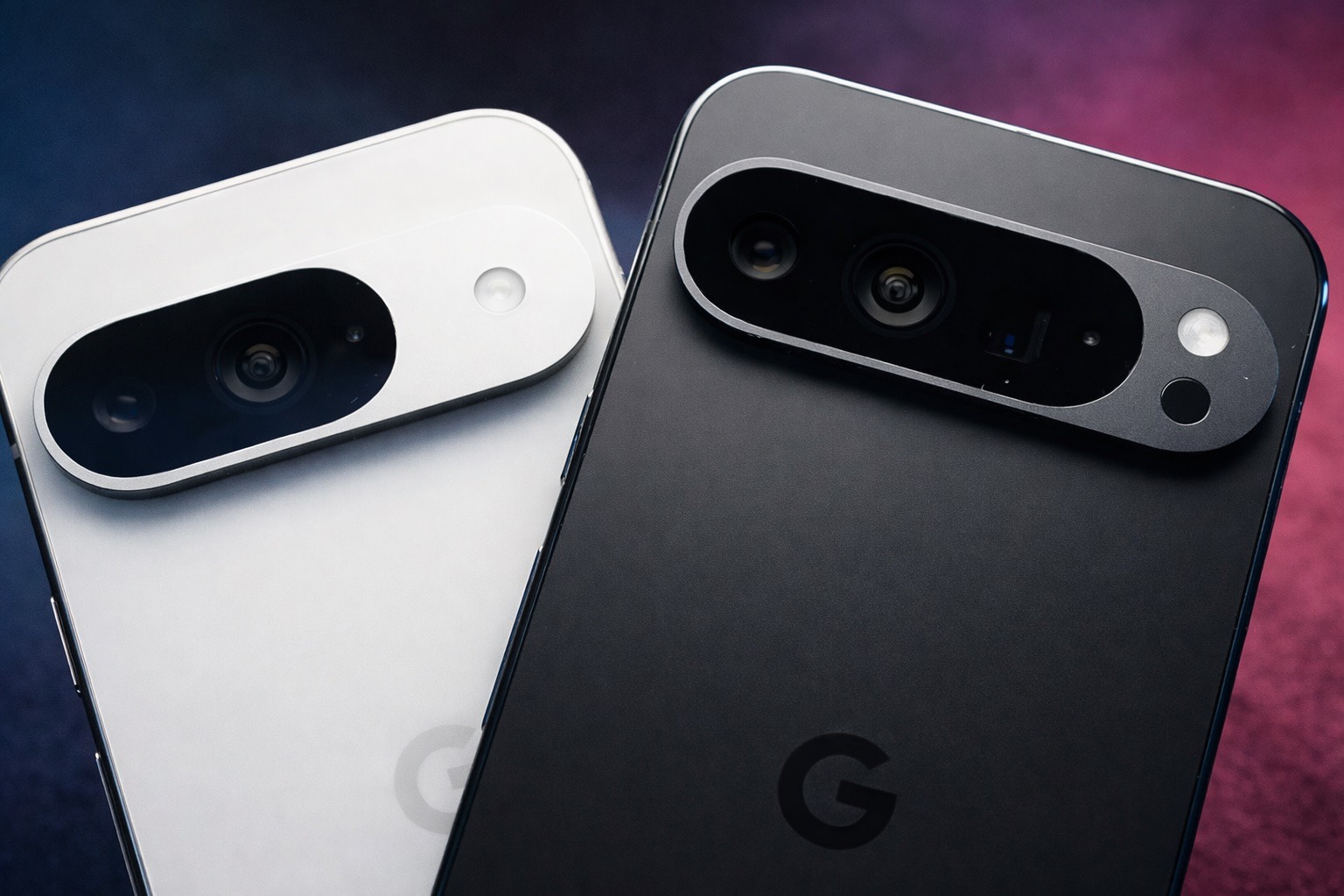
Google’s January 2026 Pixel update (Android 16 QPR2) is rolling out now with GPU performance improvements for the Pixel 10 series, battery drain fixes for Pixel 8+, and the 2026-01-05 security patch.
Published: January 14, 2026
Google’s first Pixel software update of 2026 is now rolling out—and while it’s not a flashy “Feature Drop,” it’s an important one. The January 2026 Pixel update brings Android 16’s latest security patch level (2026-01-05) and a focused set of bug fixes, with the Pixel 10 lineup getting the most attention thanks to long-running GPU performance complaints. 1
This rollout, which began earlier in the week, targets devices from the Pixel 7a through the Pixel 10 family (plus Pixel Fold and Pixel Tablet), and includes region-specific builds depending on where you live and which carrier you use. 1
The headline fix: Pixel 10 GPU performance improvements finally land
The biggest story in the January patch is the Pixel 10 series finally receiving “general improvements for GPU performance in certain conditions.” Multiple outlets describe this as a meaningful attempt by Google to address GPU-related problems that Pixel 10 owners have been dealing with for months—especially complaints about lag and freezing during gaming. 2
Android Central notes that Pixel 10 users were reporting gaming performance issues as far back as October, and that Google has been pushing incremental GPU-related updates since the fall—making this January patch feel like a long-awaited continuation of that effort. 2
What’s fixed in the January 2026 Pixel update
Google’s January changelog is short, but it targets a handful of irritating (and sometimes serious) problems across Pixel devices—especially Pixel 10.
Fixes for Pixel 7a and newer (broad rollout)
- Webex calling: Fix for noisy ringback tones under certain conditions. 1
- Wallpaper app stability: Fix for an issue where deleting a Live Universe wallpaper could occasionally cause the Wallpaper & style app to become unusable until reboot. 1
Battery fix for Pixel 8 and newer
- Battery drain: Fix for battery draining in certain conditions (applies to Pixel 8, 8 Pro, 8a, Fold, Tablet, Pixel 9 family, Pixel 10 family). 1
Display, touch, and graphics fixes for Pixel 10 series
- Always-on display (AOD): Fix for AOD flickering under certain conditions. 1
- Adobe Lightroom HDR glitch: Fix for “noisy lines” flashing while editing HDR photos in Adobe Lightroom under certain conditions. 1
- GPU performance improvements: General improvements for GPU performance in certain conditions. 1
- Touchscreen reliability: Fix for an issue where the touchscreen could randomly stop working in certain conditions. 1
Droid Life characterizes the January patch as a “minor” post–QPR2 update that focuses on a small set of bugs (seven fixes noted). 3
Eligible devices: Which Pixels are getting the January 2026 update?
As of this rollout, Google’s January 2026 update is being pushed to:
- Pixel 7a
- Pixel 8, Pixel 8 Pro, Pixel 8a
- Pixel 9, Pixel 9 Pro, Pixel 9 Pro XL, Pixel 9 Pro Fold, Pixel 9a
- Pixel 10, Pixel 10 Pro, Pixel 10 Pro XL, Pixel 10 Pro Fold
- Pixel Fold
- Pixel Tablet 1
The awkward omission: Pixel 6 series and Pixel 7 / 7 Pro (for now)
One of the most talked-about aspects of this month’s rollout is what’s missing. Droid Life reports that all Pixel 6 devices, plus Pixel 7 and Pixel 7 Pro, do not have the January update “yet,” despite still being within their support window. 3
Droid Life adds that the recent pattern of missed monthly updates makes it look like those models may have effectively been shifted to a more “quarterly” cadence—though Google hasn’t publicly confirmed any such change. 3
Build numbers: How to confirm you’re on the January 2026 patch
Google’s January update uses the base build BP4A.260105.004, with region/carrier variants such as:
- Global: BP4A.260105.004.E1 (most supported devices) 3
- EMEA: BP4A.260105.004.A2 (notably for Pixel 9 and Pixel 10 series in those markets) 3
- Japan: BP4A.260105.004.C2 (Pixel 9a and Pixel 10 series) 3
- Verizon: BP4A.260105.004.B2 (Pixel 9a) 3
If you want a quick sanity check after installing: go to Settings → About phone → Build number and compare it to the build listed above for your region/carrier.
Security: Why this update matters even if you “don’t care about bug fixes”
The January Pixel update isn’t just about smoothing out glitches—it also moves devices to security patch level 2026-01-05, which Google uses to bundle fixes for Android platform vulnerabilities and Pixel-specific issues. 4
Here’s what the official bulletins show:
- The Android Security Bulletin (January 2026) lists a critical vulnerability (CVE-2025-54957) associated with a Dolby component (DD+ codec) addressed at patch level 2026-01-05. 5
- The Pixel Update Bulletin (January 2026) adds a Pixel-specific critical elevation-of-privilege vulnerability (CVE-2025-48647) in the CPM component, also addressed at patch level 2026-01-05. 4
Bottom line: even if none of the listed bugs have hit you personally, this is still a smart update to install.
How to get the January 2026 Pixel update right now
The normal way (recommended)
- Open Settings
- Tap System
- Tap Software updates
- Tap System update and check for updates 3
Google notes that Pixel updates roll out gradually and availability can depend on the device and carrier—meaning you might not see it immediately, even if the update is “live.” 6
The manual way (advanced users)
If you don’t want to wait for the staged OTA rollout, Droid Life points users to Google’s official Factory Images and OTA Files pages, along with flashing instructions. (Manual flashing can carry risk, and factory images can wipe data depending on method.) 3
What to watch next
This January release is essentially a “maintenance” drop after December’s Android 16 QPR2 update, and attention is likely to shift quickly to upcoming quarterly releases and betas. Droid Life notes that users who want to test new features early can look at the Android 16 QPR3 beta program—though beta software is best avoided on a primary device. 3
Key takeaway for January 14, 2026: If you own a Pixel 10, this is one of the most important monthly patches in a while thanks to the GPU-focused fixes. And for everyone else in the eligible list, the combination of battery tweaks, stability fixes, and the 2026-01-05 security patch makes the update worth grabbing as soon as it hits your device. 2