Published: January 7, 2026
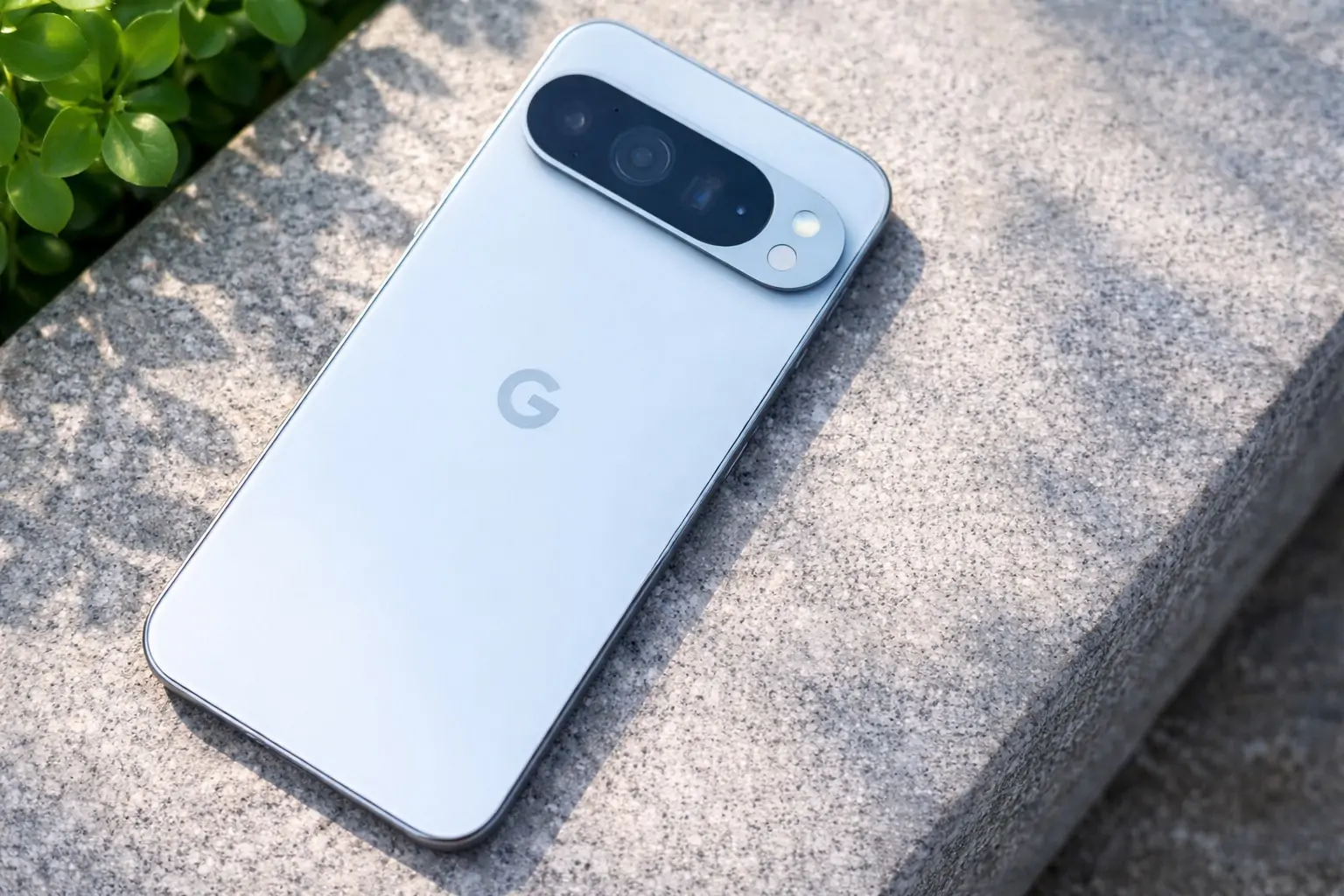
A new Google Play system update (a small download that installs after a restart) is rolling out to Pixel phones — but for some owners, the installation experience has been unusually buggy. Reports describe everything from a black screen after reboot to the Pixel Launcher failing to load (leaving only the wallpaper visible), plus slightly longer boot times on some models. 1
Here’s what we know so far, which Pixel models appear most affected, and what you can do if your phone gets stuck after the update.
What’s happening with the January 2026 Google Play system update?
According to 9to5Google, Pixel owners are receiving a “Google Play system update” described as the “Latest security update from Google,” with a generic prompt to update for safety and stability — but the update’s install flow has been inconsistent on multiple Pixel devices, especially around reboot. 1
Key details being reported:
- The update is showing up as roughly 15 MB for many people. 1
- After installing and restarting, many Pixels still display “November 1, 2025” as the Google Play system update level (and 9to5Google notes there was no December Play system update visible for most users). 1
- The biggest concerns aren’t the size — it’s the reboot behavior: black screens, missing UI, and launcher issues immediately after restart. 1
As of today (Jan 7), the issue is also being echoed in community discussion and roundup coverage, suggesting it’s not isolated to a single device or one-off report. 2
Which Pixel phones seem affected (and what the bug looks like)
Based on hands-on observations described by 9to5Google and follow-on reporting, the most commonly cited scenarios include:
- Pixel 10 Pro: reboot completes, but the screen stays black even though the phone still responds (for example, via haptics). Plugging into power has helped in at least one case. 1
- Pixel 10: after reboot, the phone unlocks, but the Pixel Launcher doesn’t fully load, leaving only the wallpaper and missing system UI (like the status bar). A reboot resolved it afterward. 1
- Pixel 10 Pro Fold and Pixel 9 series: slightly longer reboot times, but generally fewer “hard” failures reported in those examples. 1
Separately, some Pixel users posting in Reddit threads around the rollout mention issues like broken/delayed notifications after the update, though these reports are anecdotal and it’s not yet clear if they’re directly caused by the Play system update or something else happening around the same time. 3
Why a Google Play system update can matter (and why it’s different from a normal Android update)
Despite the “Play” name, this is not just a Play Store app update.
Google Play system updates are tied to Project Mainline, which modularizes parts of Android so they can be updated more quickly outside the full OS update cycle. Android’s official documentation explains that Mainline allows certain system components to be updated “outside of the normal Android release cycle,” delivered via the Google Play system update mechanism (or partner OTAs). 4
That means a “small” update can still touch components that affect core system behavior — and it also means Google can potentially roll out fixes relatively quickly if something goes wrong.
How to check your Google Play system update level
Google’s Android Help documentation notes you can see your Android version, Android security update, and Google Play system update status inside Settings. 5
Typical path on Pixel:
Settings → Security & privacy → System & updates → Google Play system update 5
(Exact wording can vary slightly by Android version/skin.)
What to do if your Pixel gets stuck after installing the update
If your phone is “alive” (vibrations/haptics, you can long-press buttons, etc.) but the display/UI is broken, the simplest workaround reported so far is a forced restart:
- 9to5Google’s guidance: hold the power button for about 30 seconds to restart if the phone appears frozen. 1
Other practical steps, based on reported behavior:
- Give it a minute after reboot (especially if the boot is “longer than usual”). Some users report the first boot post-update is slower. 1
- If you get a black screen but the phone responds, try plugging it into a charger/power source, then wait briefly and attempt the force restart again. (This helped in at least one Pixel 10 Pro case.) 1
- After the phone stabilizes, return to Google Play system update and check whether additional packages are offered later (some updates arrive in waves).
If you’re only seeing “November 1, 2025” afterward, that may be part of the current confusion — and not necessarily proof the update didn’t install — but it’s understandably alarming for users expecting the date to change.
Why many phones still show “November 1, 2025” after updating
This part is still murky, but two important context points:
- The Android Security Bulletin for January 2026 notes that on some devices running Android 10+, the Google Play system update will have a date string matching the “2026-01-01” security patch level. 6
- Yet, 9to5Google reports that many Pixel devices remain on “November 1, 2025” even after installing the new Play system update prompt. 1
Possible explanations (not confirmed): staggered rollout logic, multiple module packages delivered over time, or a UI/reporting mismatch. What’s clear right now is that users are seeing both odd installation behavior and unclear version reporting, which makes it harder to know whether they’re fully updated.
What’s next to watch on January 7
There’s no detailed public changelog attached to this specific Play system update prompt (the update text is generic), and there’s no clear, centralized Google statement about the reboot glitches as of this writing. 1
The most useful thing Pixel owners can do today:
- Don’t panic if your phone boots into a black screen or missing UI — multiple reports indicate a restart fixes it. 1
- Check Settings → Google Play system update periodically over the next few days, because Play system updates are often staged. 5
If Google pushes a revised Play system package (or if the visible date changes to January 2026 broadly), that should clarify whether this was a one-time rollout hiccup or a more serious ongoing issue.