
SAN FRANCISCO, Feb 3, 2026, 01:17 PST
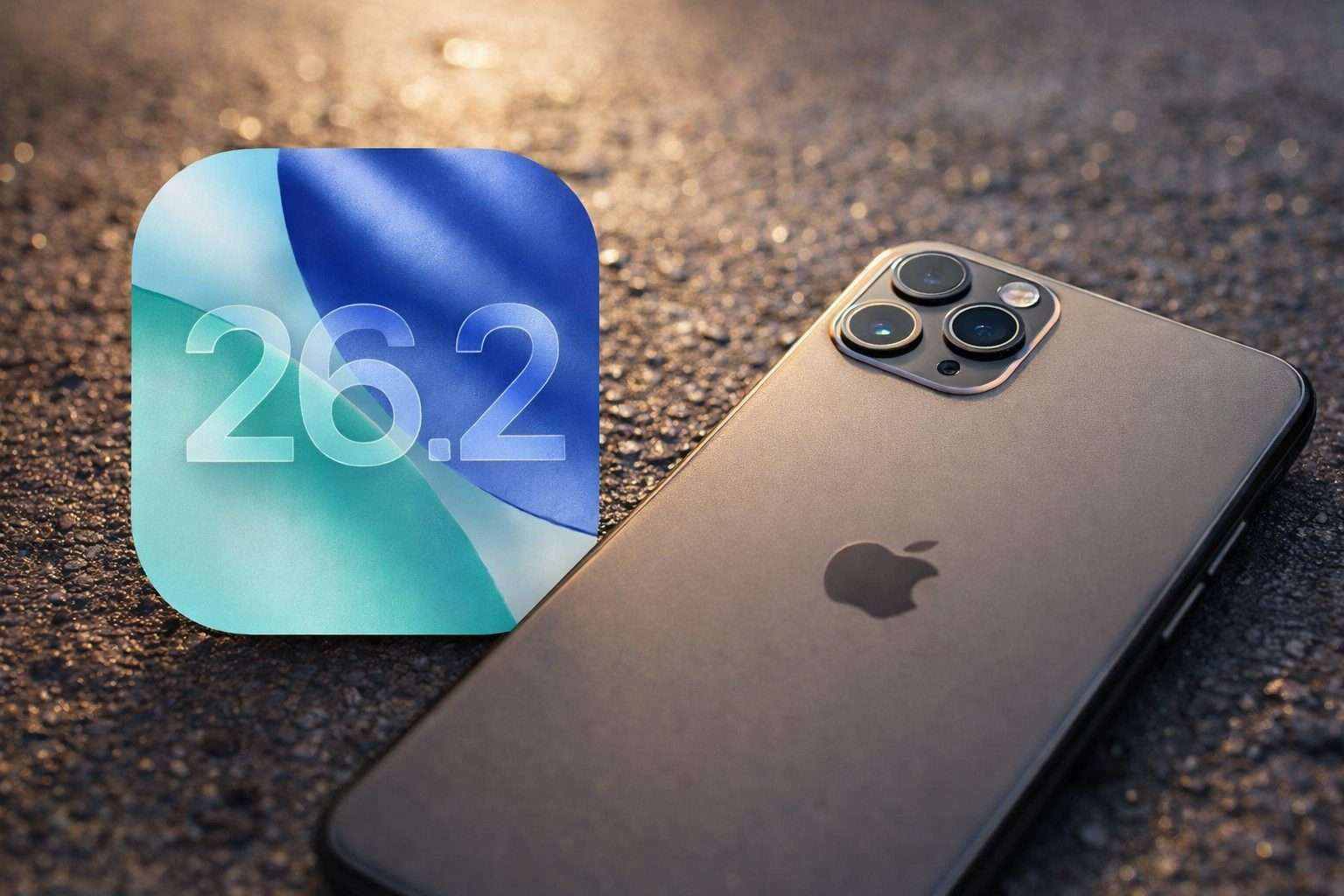
- Apple has ceased signing iOS 26.2, preventing any downgrades from iOS 26.2.1.
- This update arrives roughly a week after iOS 26.2.1 rolled out, bringing support for the AirTag (2nd generation).
- Apple has stopped signing several older iOS versions on devices that are no longer supported.
Apple has officially stopped signing iOS 26.2, cutting off the option for iPhone users who upgraded to iOS 26.2.1 to roll back to the previous version, MacRumors reported Monday. For an iOS build to install, Apple requires a “signing” check, and once a release is unsigned, downgrading via macOS Finder or the Apple Devices app on Windows is blocked. MacRumors
This matters now because iOS 26.2.1 just dropped, and rollbacks remain one of the rare ways users can dodge bugs, battery drain, or app crashes right after upgrading. Apple’s release notes for iOS 26.2.1 highlight “support for AirTag (2nd generation) along with bug fixes,” whereas iOS 26.2 brought a wider range of app and system tweaks plus security patches. Wsparcie Apple
9to5Mac pointed out that iOS 26.2.1’s release notes didn’t mention any specific security fixes or CVEs—the usual public identifiers for tracking known vulnerabilities. The site also revealed that Apple has stopped signing iOS 12.5.7, iOS 15.8.5, iOS 16.7.12, and iOS 18.7.3, following the rollout of newer point releases for those versions.
Apple makes it clear: there’s no easy “undo” option. Their support notes explain that restoring a Mac wipes everything and installs the newest software version available, which doesn’t help users wanting to roll back to an earlier build after signing windows close. Wsparcie Apple
The company rarely explains why it closes a signing window, and this time it didn’t release any statement with the update. For most iPhone users, the change goes unnoticed — devices running iOS 26.2.1 continue without issue — but anyone hoping to downgrade now finds the option gone quickly.
In reality, this traps users on Apple’s chosen update path, no matter if they want the latest build. It also cuts down choices for the “wait and see” folks after installing a point update, even when a future app update or carrier fix might have sufficed.
However, if the latest update causes issues for some users, there’s a catch. After the signing window shuts, fixing problems often means wiping the device and restoring it. That process only puts the device back on Apple’s current authorized software, not the specific version the user might prefer.
Apple’s strategy isn’t exactly fresh. For years, it’s relied on signing to push iPhones toward the latest software, cutting off older versions that might harbor unresolved bugs or security holes.
iClarified, known for monitoring firmware updates, called this a routine shutdown following a point release. The change mainly impacts users wanting to roll back after upgrading.