
SAN FRANCISCO, Feb 4, 2026, 02:03 PST
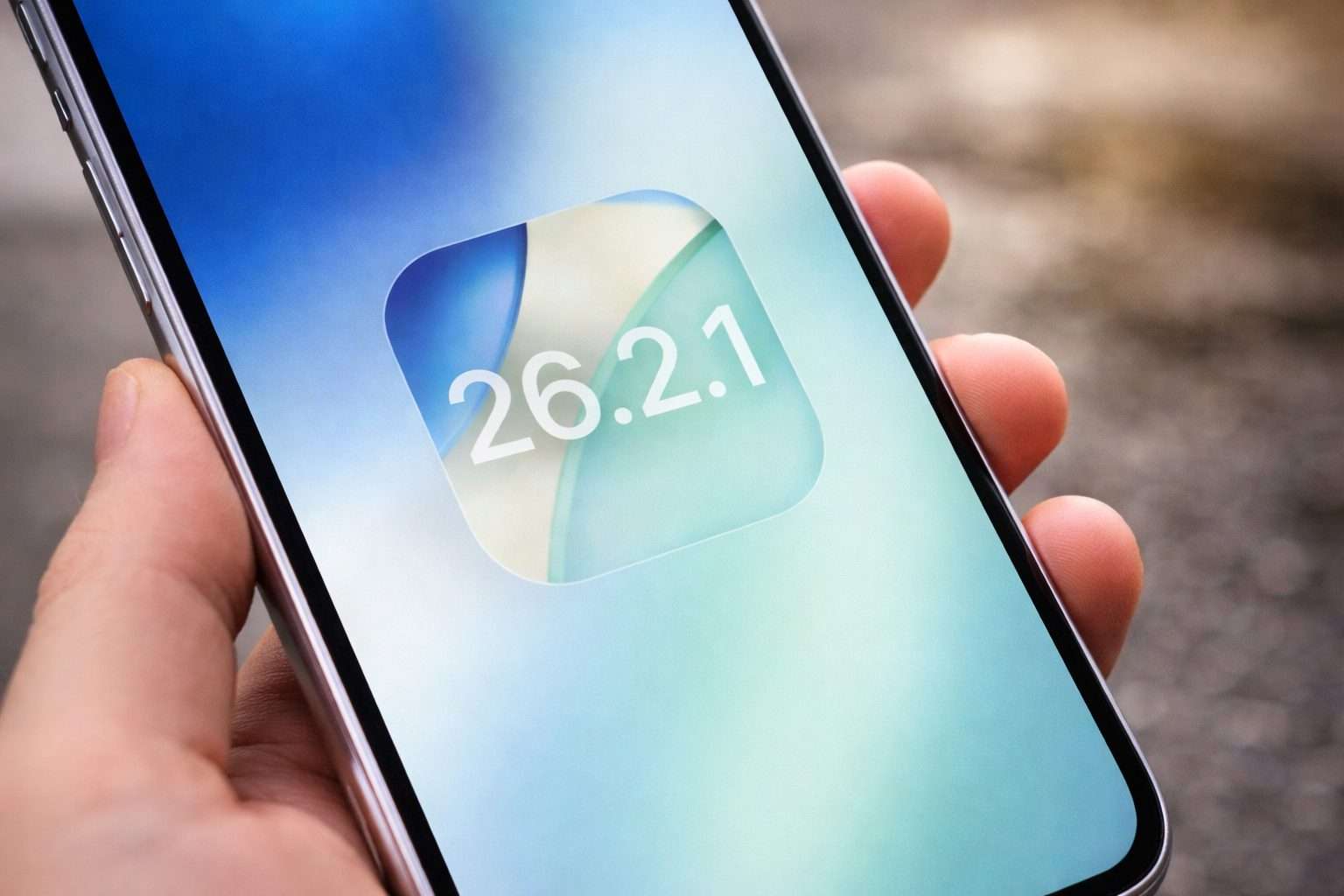
- After updating to Apple’s iOS 26.2.1, users have started encountering glitches, notably with Maps and Face ID.
- Apple’s release notes mention adding support for the AirTag (2nd generation) and include “bug fixes,” but offer no further details
- Apple has ceased signing iOS 26.2, preventing most users from downgrading from iOS 26.2.1
Since updating to Apple’s iOS 26.2.1, iPhone users have reported fresh glitches affecting Apple Maps, Face ID logins, and smart-home controls. The issues surfaced in user posts and a report from .
The timing is crucial since Apple has closed a key loophole. On Feb. 2, it stopped “signing” iOS 26.2 — a server verification required before an iPhone can install a specific software version — which means most users can’t downgrade if 26.2.1 causes issues. MacRumors
For users who depend on navigation, biometrics, or Home controls—and usually update fast to keep up—that could mean higher risks.
Apple’s release notes for iOS 26.2.1 are brief, mentioning only that the update “provides support for AirTag (2nd generation) along with bug fixes,” but they don’t specify which issues were addressed. Wsparcie Apple
On Apple’s support forums, an iPhone 16 user reported the camera displaying a black screen in apps like Messenger and Notes after updating to iOS 26.2.1. The native Camera app appeared foggy too, but a restart fixed it.
On Feb. 2, an iPhone 12 mini user reported that Face ID suddenly stopped working. They couldn’t adjust related settings either, since Stolen Device Protection — a security feature that demands extra verification before some changes — also depends on Face ID functioning.
MacObserver’s roundup of user reports highlighted complaints about saved places vanishing in Apple Maps, unresponsive Home and Control Centre elements, strange fluctuations in available storage, and, less commonly, repeated crashes and reboots.
Apple rolled out iOS 26.2.1 on January 26 but didn’t include any CVE listings — those public IDs tracking security flaws — in its update notes. The security log also makes it clear you can’t downgrade once the update’s on your device.
The extent of the issues remains uncertain. Forum posts mainly come from users facing problems, and some slowdowns might disappear after an update once the phone finishes background tasks like rebuilding search and system indexes.
Apple’s iPhone platform goes head-to-head with Alphabet’s Android not just on features but also on reliability. When a glitch shows up, users often hold off on updating, opting to wait for the next point release instead.
Reports so far show mixed results: some users find iOS 26.2.1 running fine, but others report problems with basic functions like unlocking their phones or using the camera across different apps.